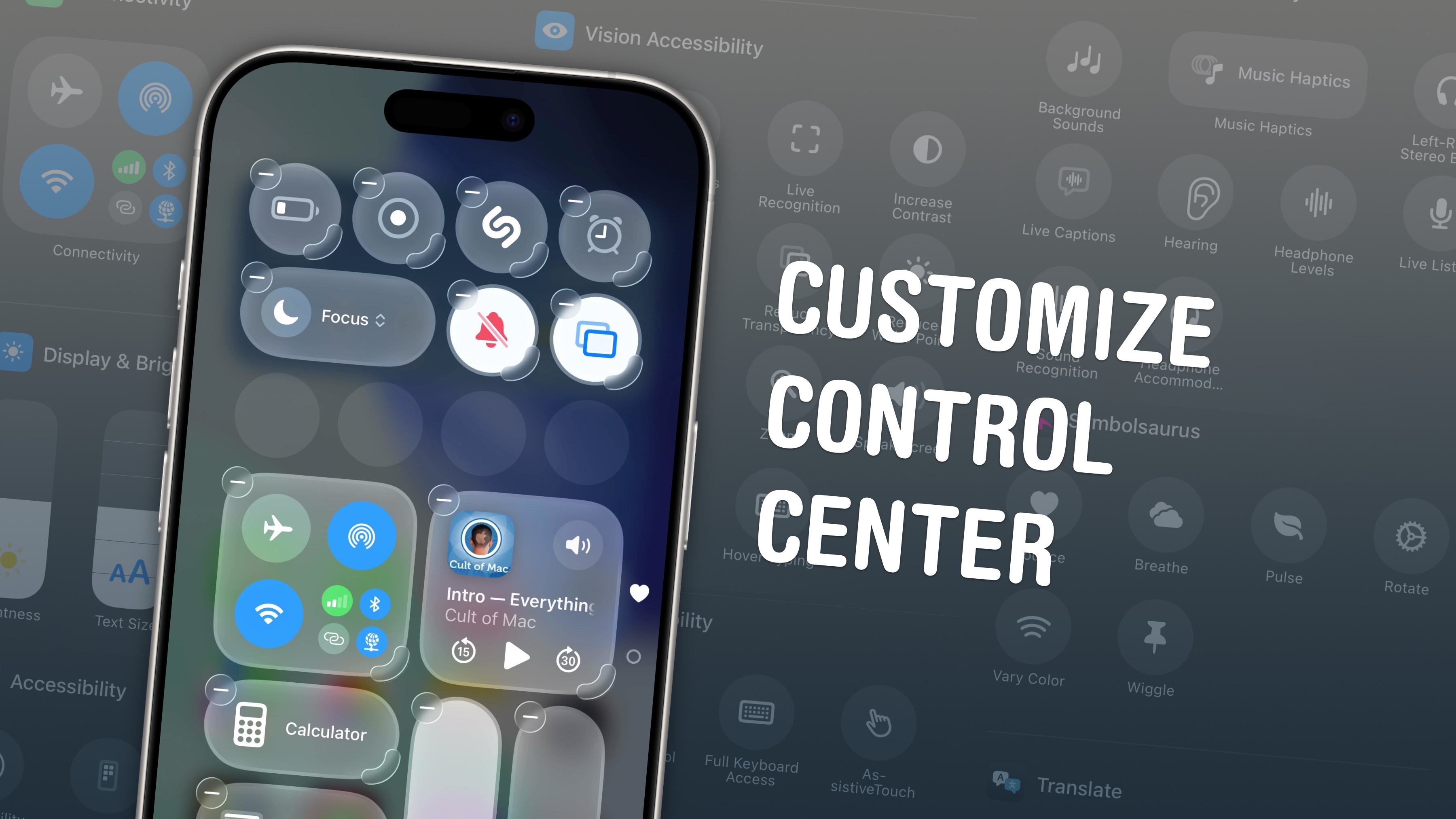
The iPhone’s Control Center has been around for more than a decade, but if you haven’t paid much attention to it lately, you’re missing out.
These days, Apple gives iPhone users lots of options for adding and resizing controls and widgets in the Control Center. Follow our updated guide to achieve maximum usability by tweaking the Control Center to your liking.
Also in this edition of The Weekender:
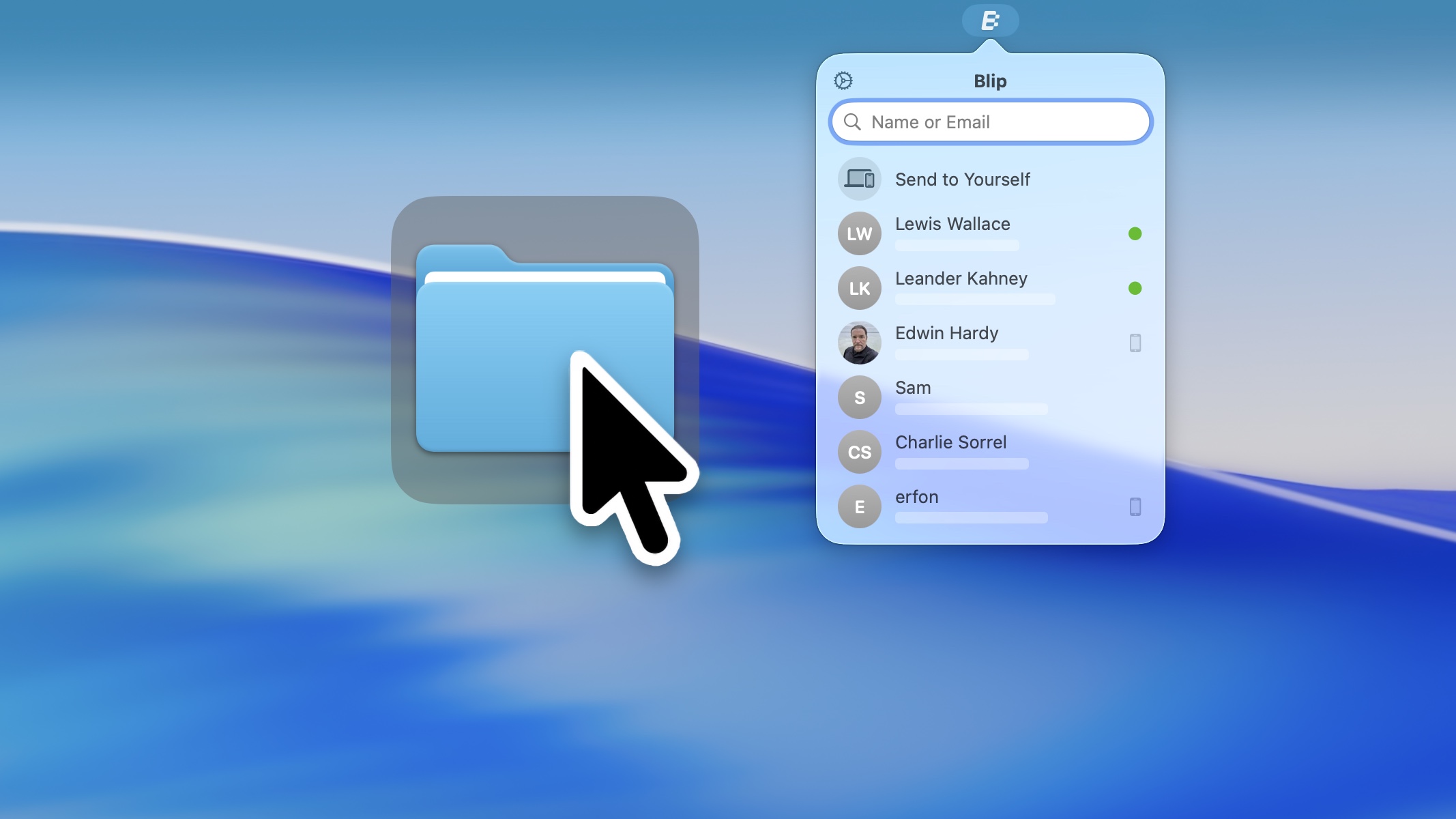
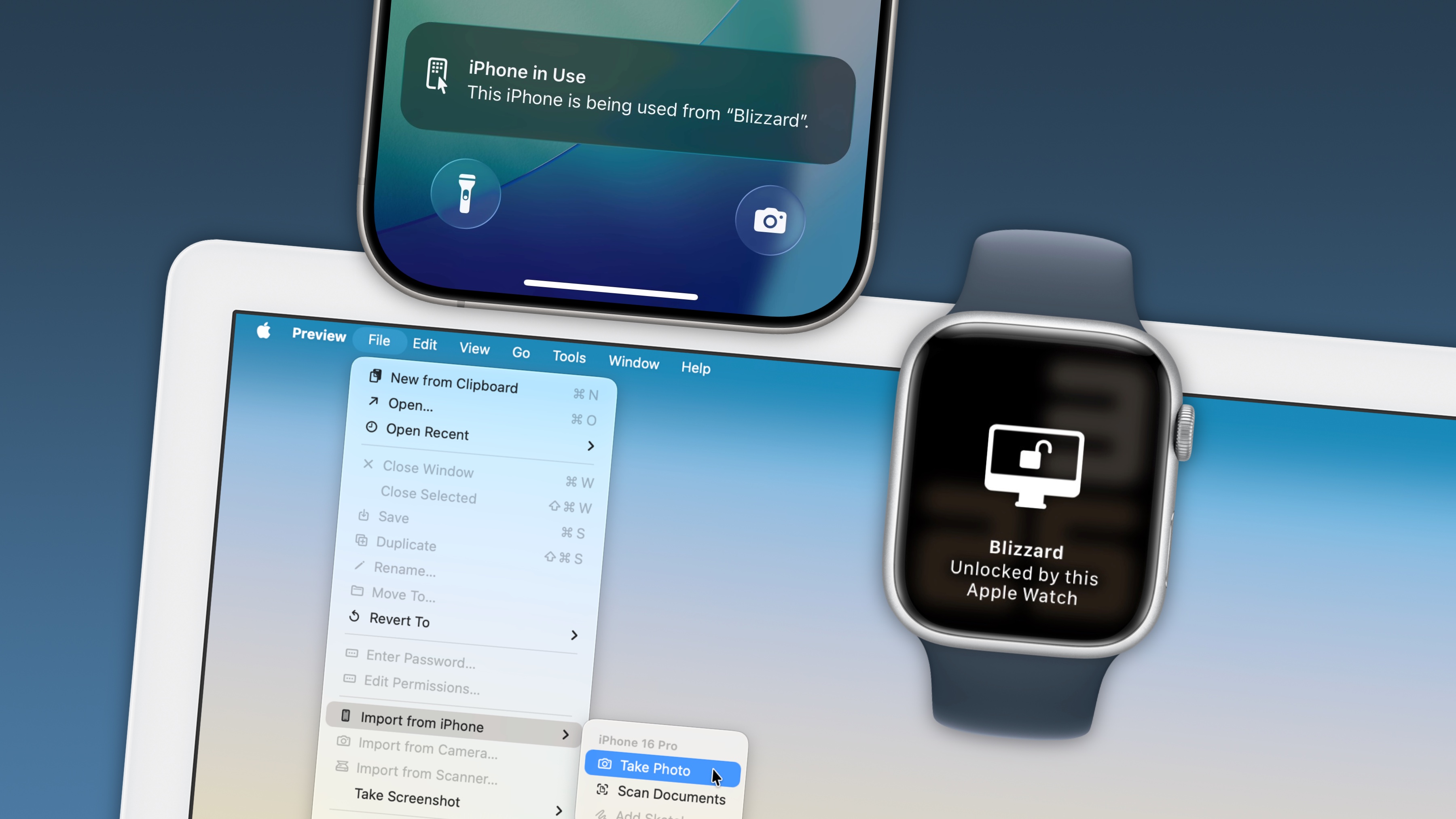
Just like the Control Center, Apple’s Continuity features have been around for a while — and their expanding capabilities often fly under the radar. Master these top Continuity tricks to make the most of the Apple ecosystem.
It was a big week for Apple rumors and leaks: Siri might become a chatbot, Apple is reportedly working on an AI pin, and Tim Cook’s likely successor assumed an important new role.
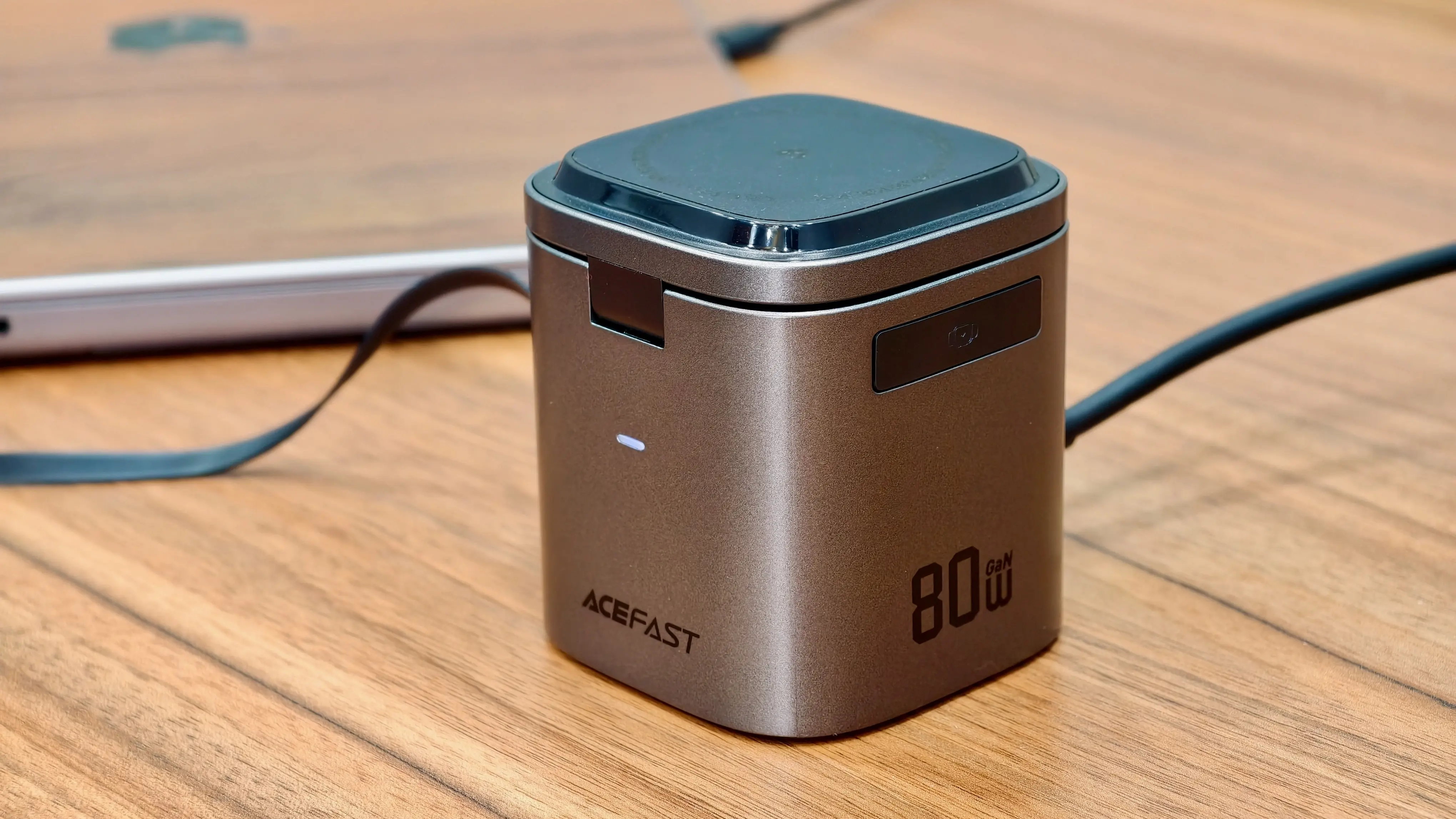
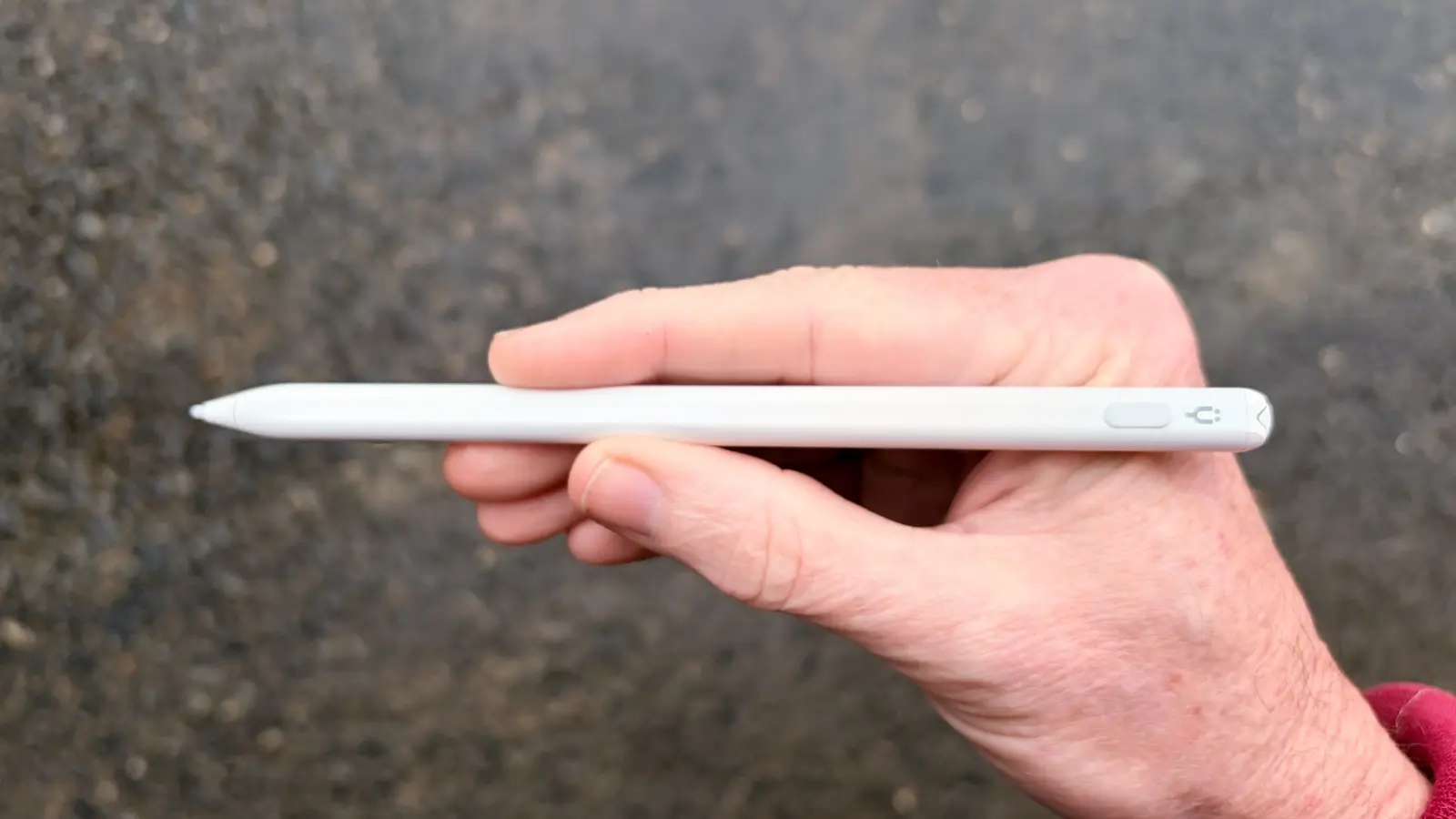
We published several reviews this week, and we can highly recommend an affordable stylus for iPad and/or iPhone and a six-in-one charging station that will declutter your desk.
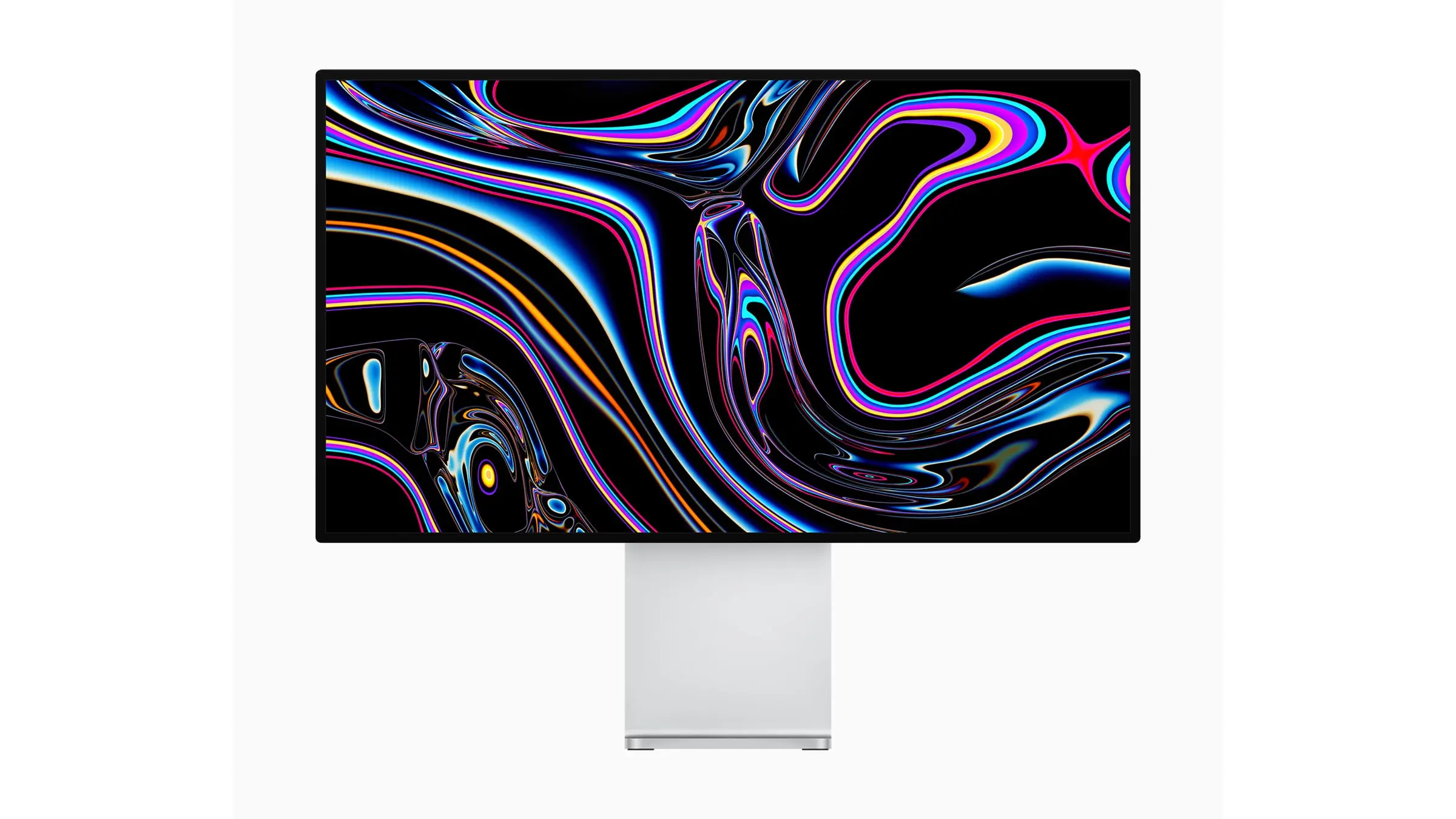
Don’t miss Woot’s big sale on Apple gear. The site slashed prices on all kinds of items, from big (Pro Display XDR) to small (charging cables).
Enjoy your weekend!
— Lewis Wallace, managing editor
A message from Zero Duplicates

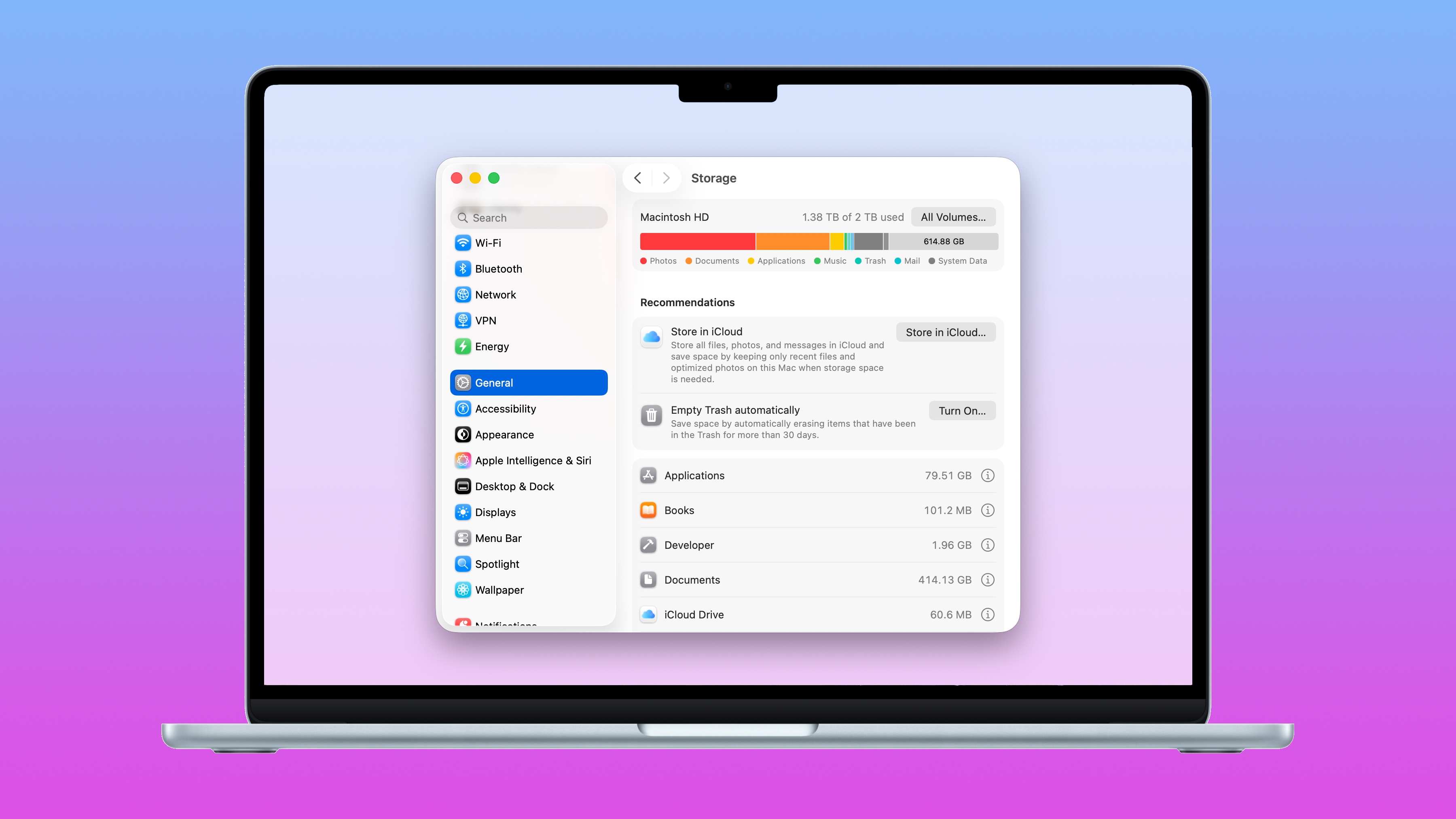
Use your storage efficiently.
Stop wasting space on duplicate files. Zero Duplicates for Mac helps you find files with identical content and reclaim valuable storage in seconds. It’s lightweight, fast and safe to use.
Free download with unlimited scans. Also available for iPhone and iPad.
Feature story
How-tos

A message from beehiiv
We’re running a super short survey to see if our newsletter ads are being noticed. It takes about 20 seconds and there's just a few easy questions.
Your feedback helps us make smarter, better ads.
News

Plus, more Apple rumors:


Deals
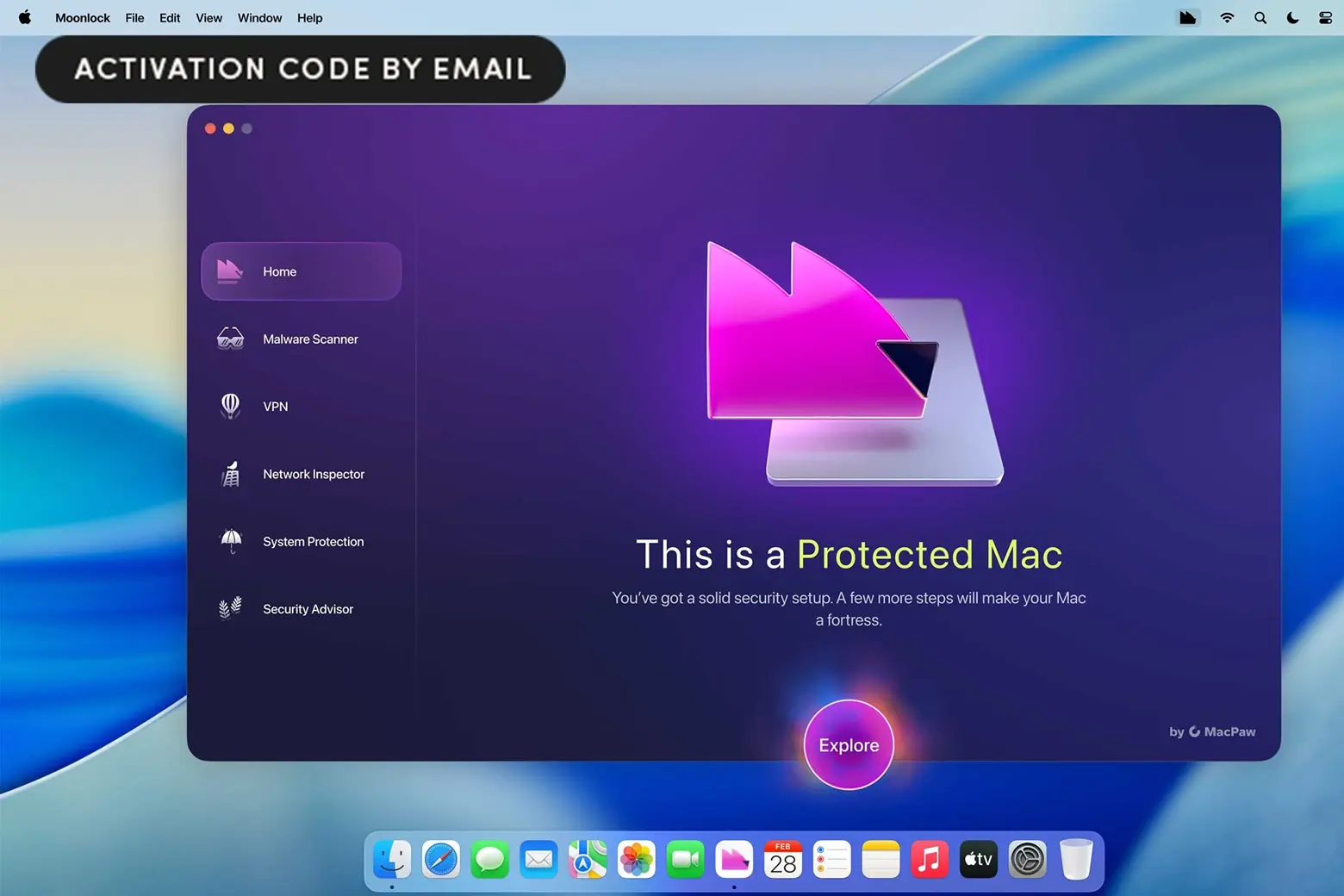
Plus, more software from Cult of Mac Deals:
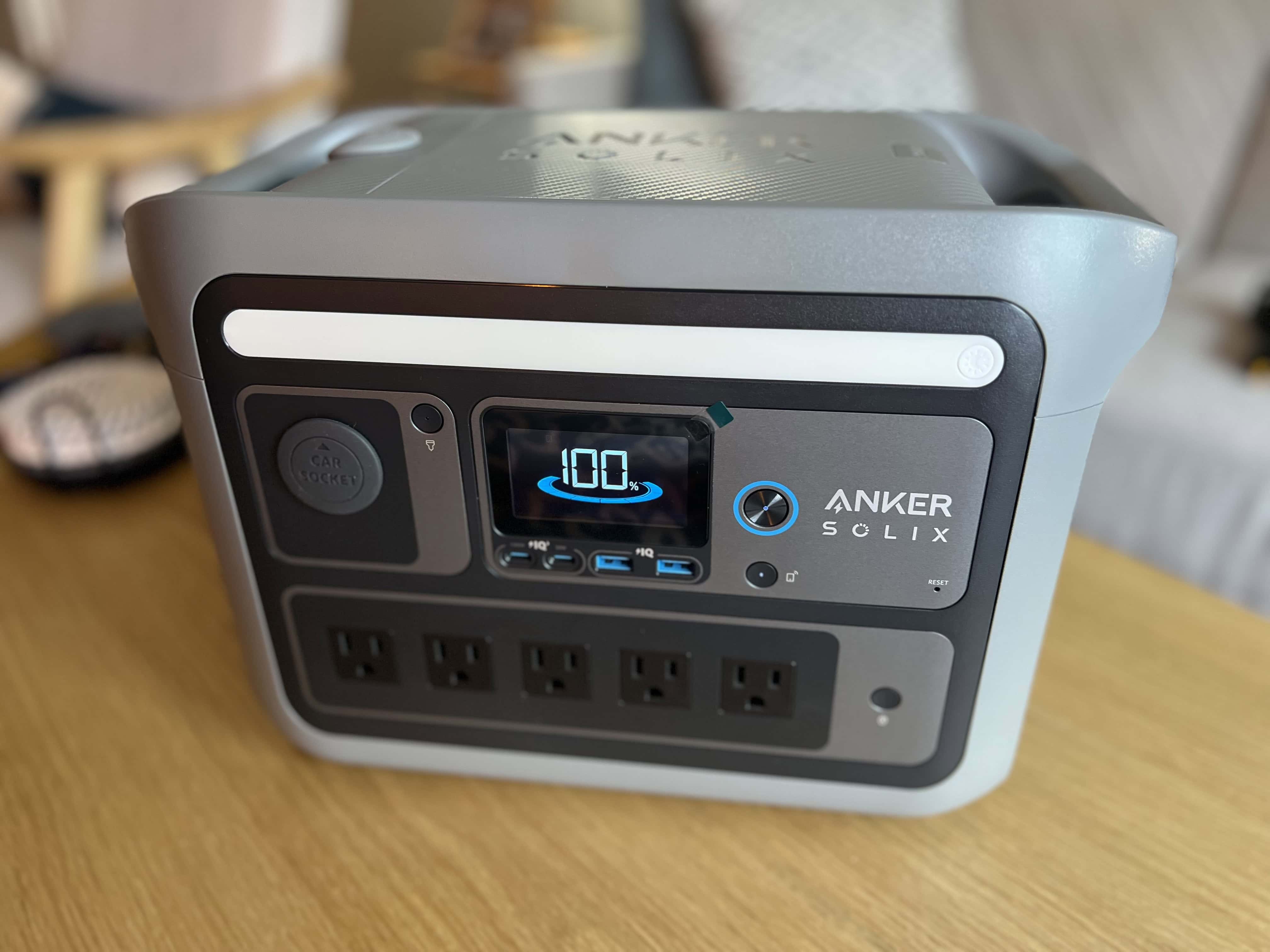

Plus, more ways to feed your brain from Cult of Mac Deals: