In partnership with

Not all USB-C cables are created equal. Some charge devices more quickly than others. And some transfer data at higher speeds.
Unfortunately, they all look alike.
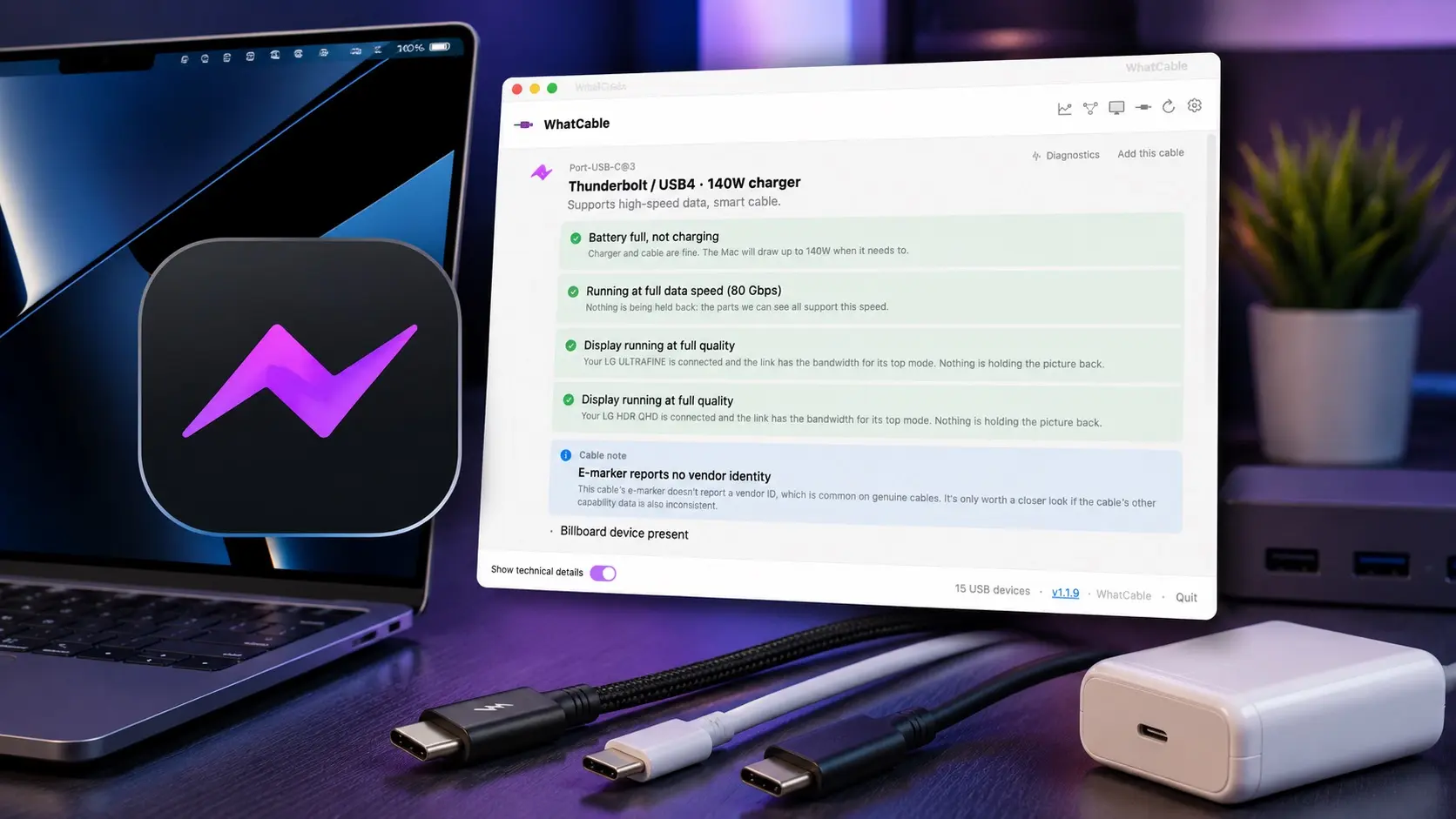
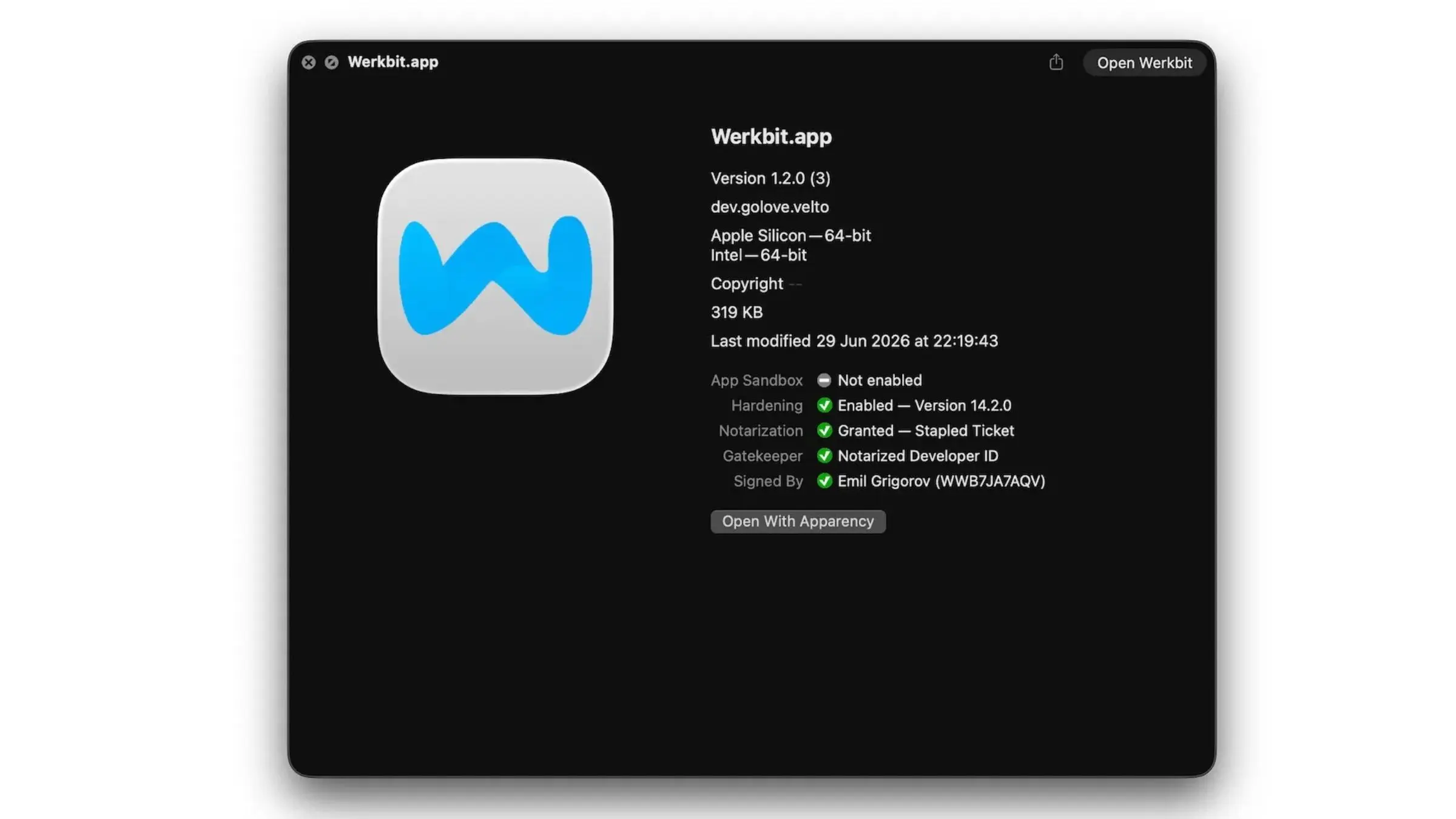
If you’ve got multiple USB-C cables scattered around your house, and you don’t know which ones can do what, there’s a free Mac app called WhatCable that you might want to download. With it running, you simply plug a USB-C cable into your Mac to get the lowdown on the cable’s capabilities.
Cult of Mac writer Rajesh Pandey took WhatCable for a spin and found it quite useful. (And the affordable pro version gives you even more details about your USB-C cables, making it perfect for power users.)
Also in this edition of The Weekender:
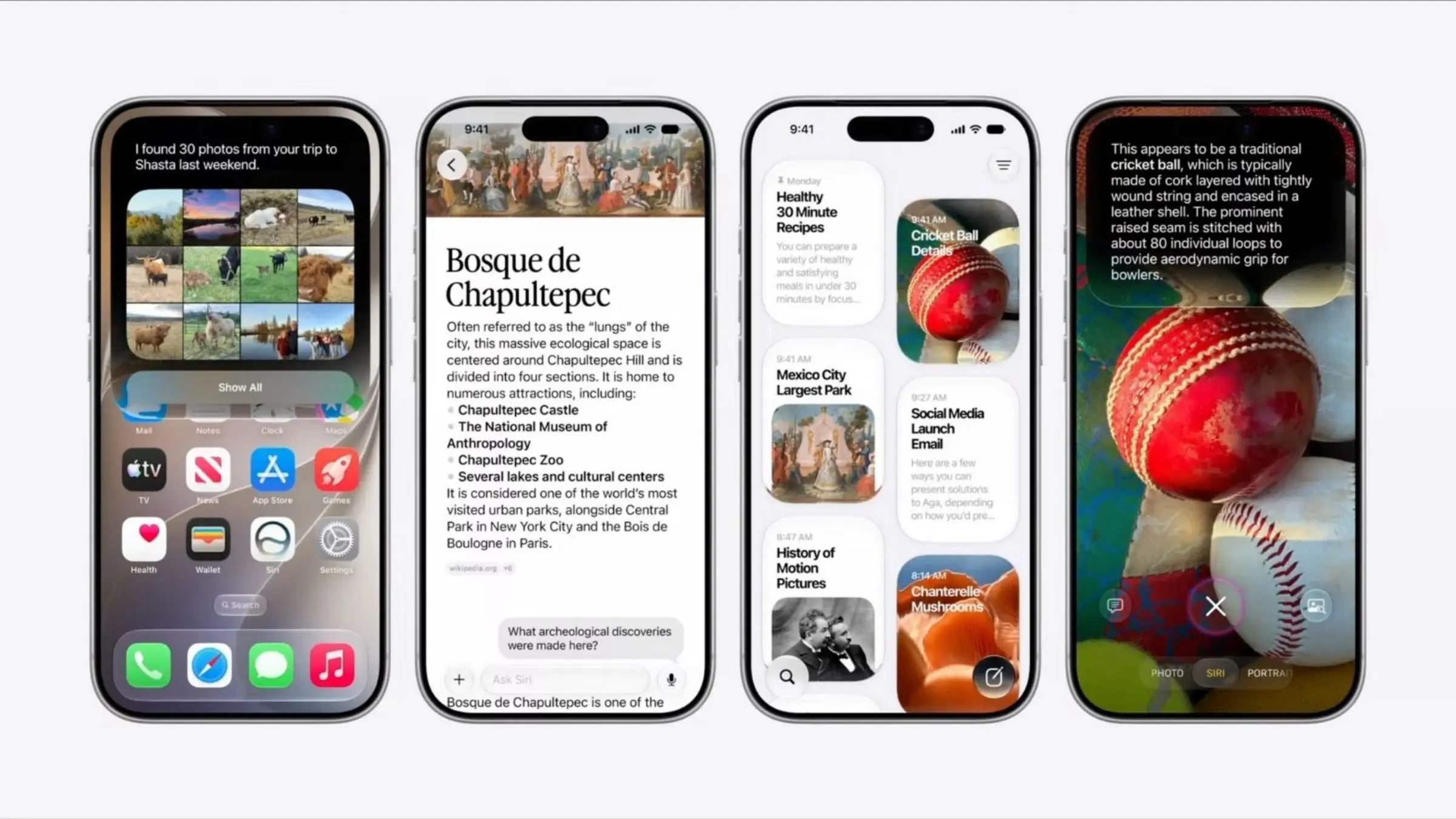
The iOS 27 public beta is here, and it’s surprisingly stable! If you’re thinking about trying it, here’s what you need to know before installing it.
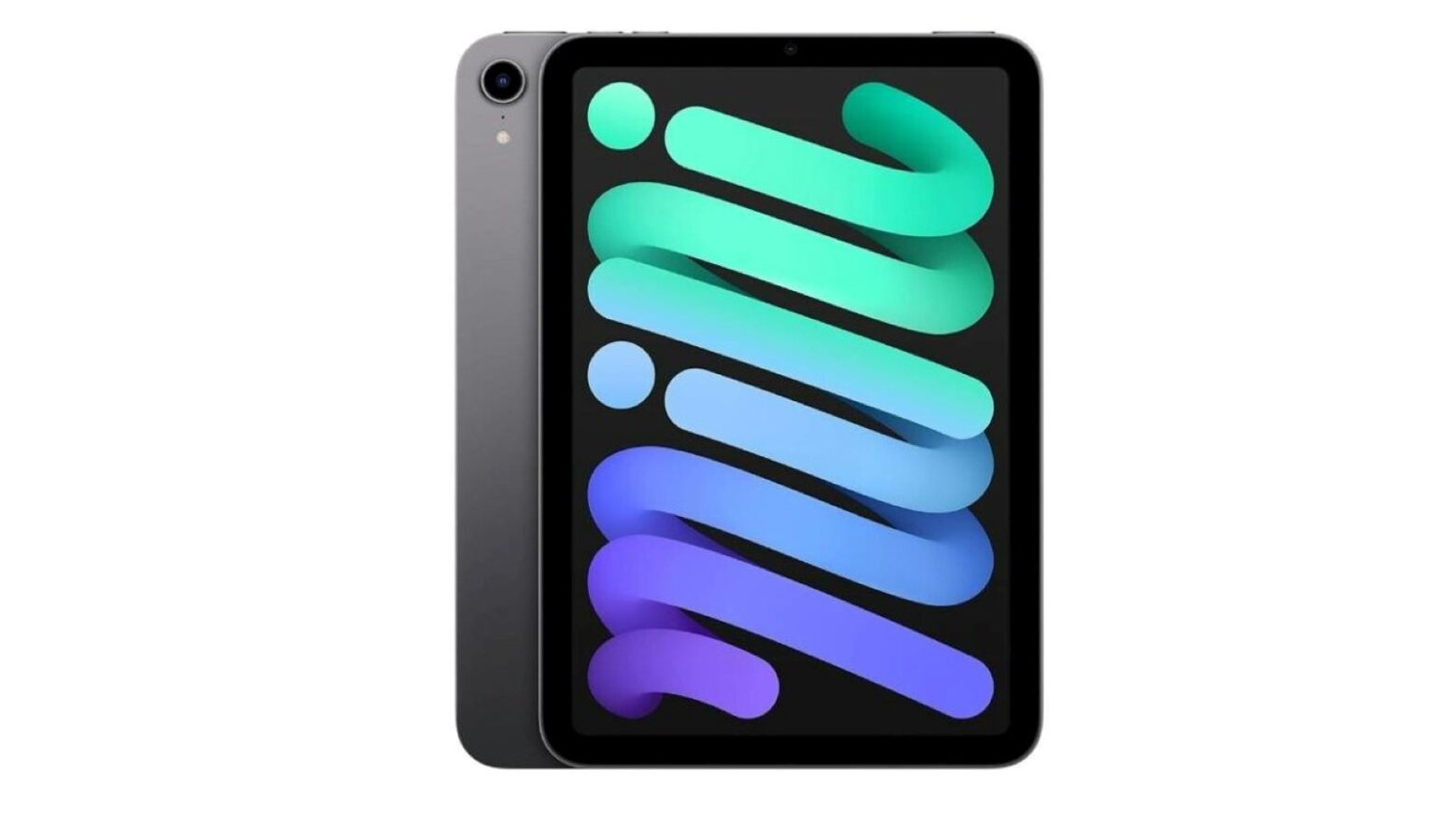
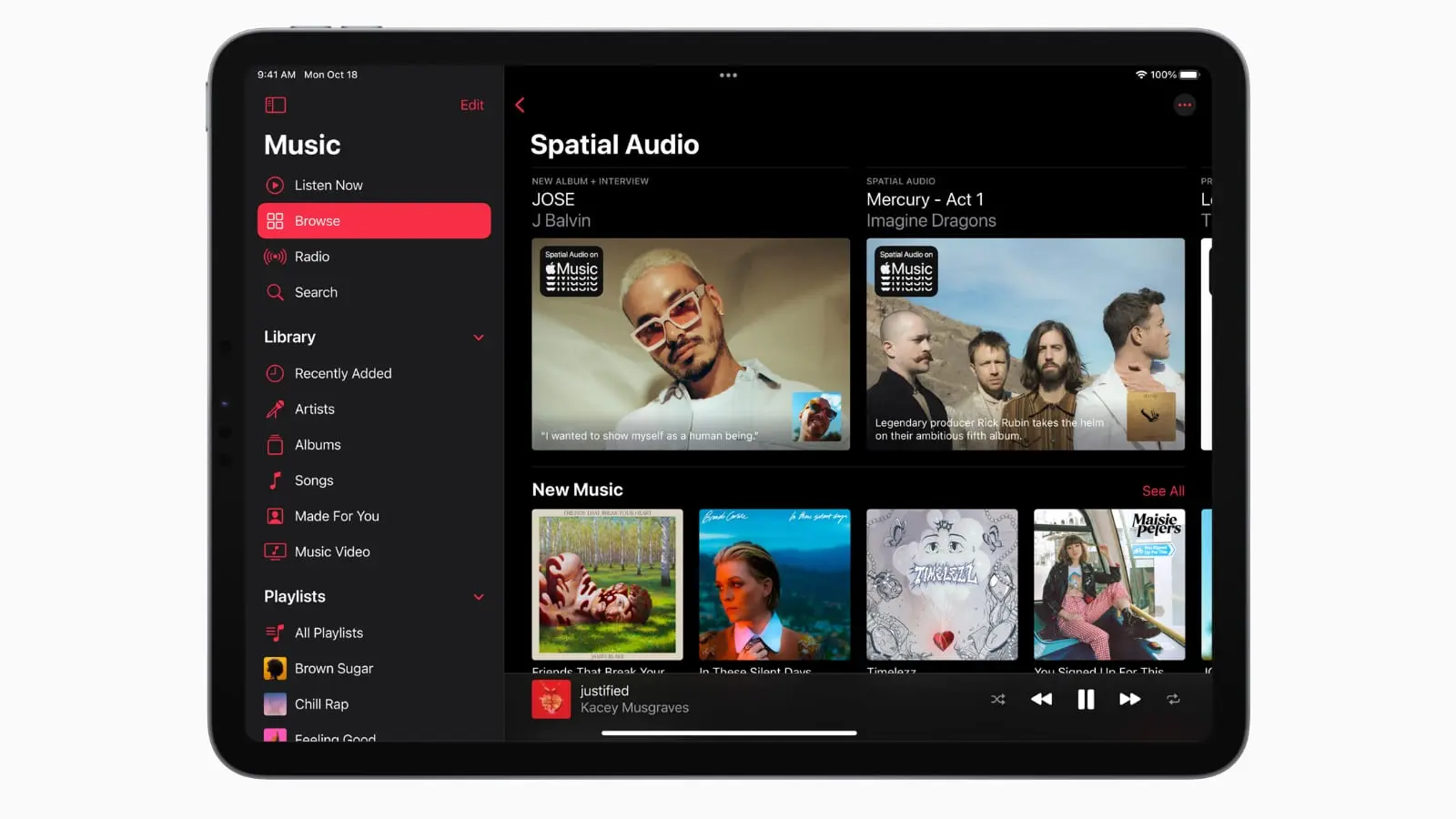
The next year or so is going to be incredibly exciting for iPad fans, because Apple’s updating its entire tablet lineup. (The Apple Pencil is getting a makeover, too.)
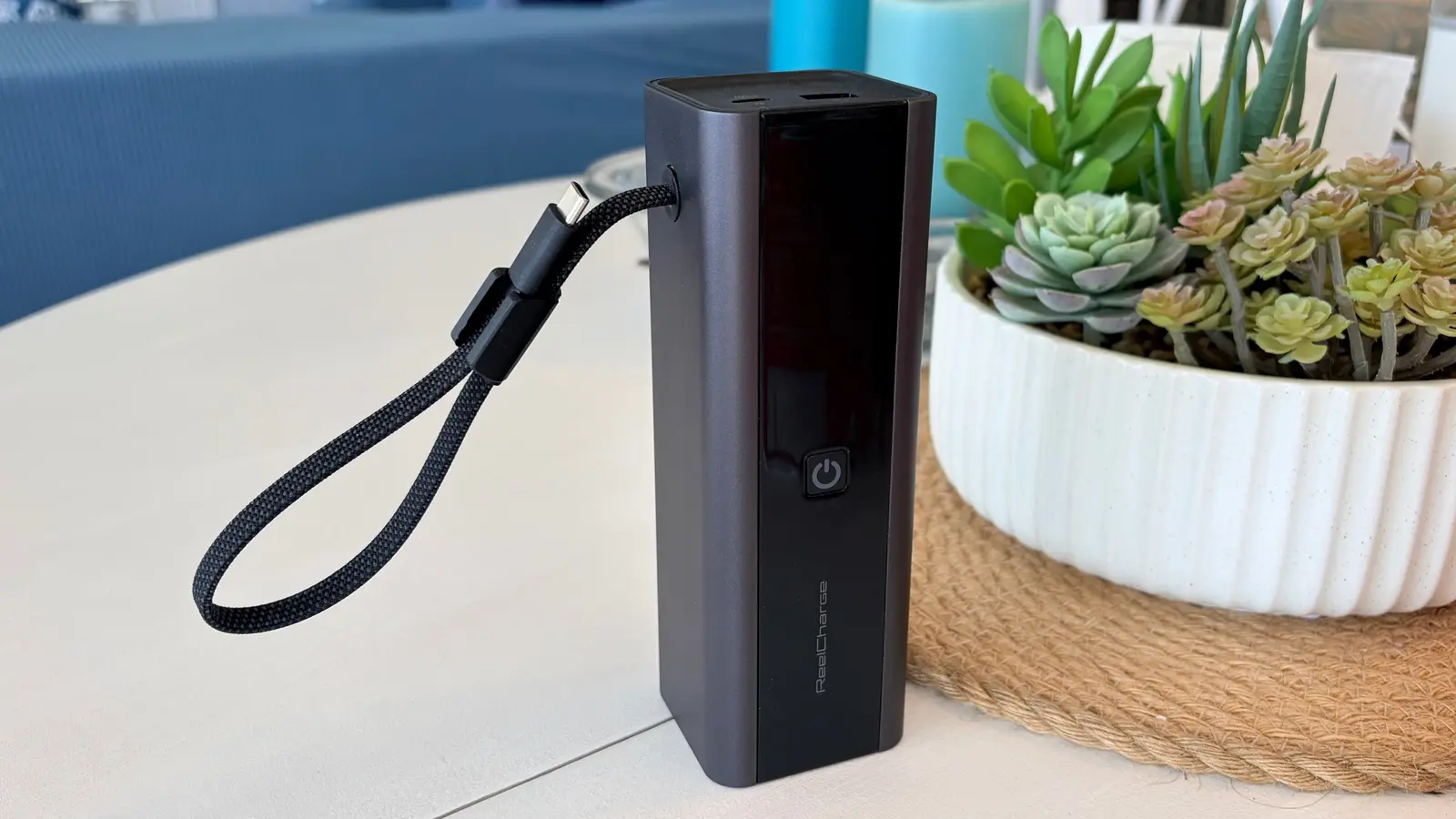
Apple Music and AppleCare+ just got more expensive, but at least Apple’s offering some back-to-school savings.
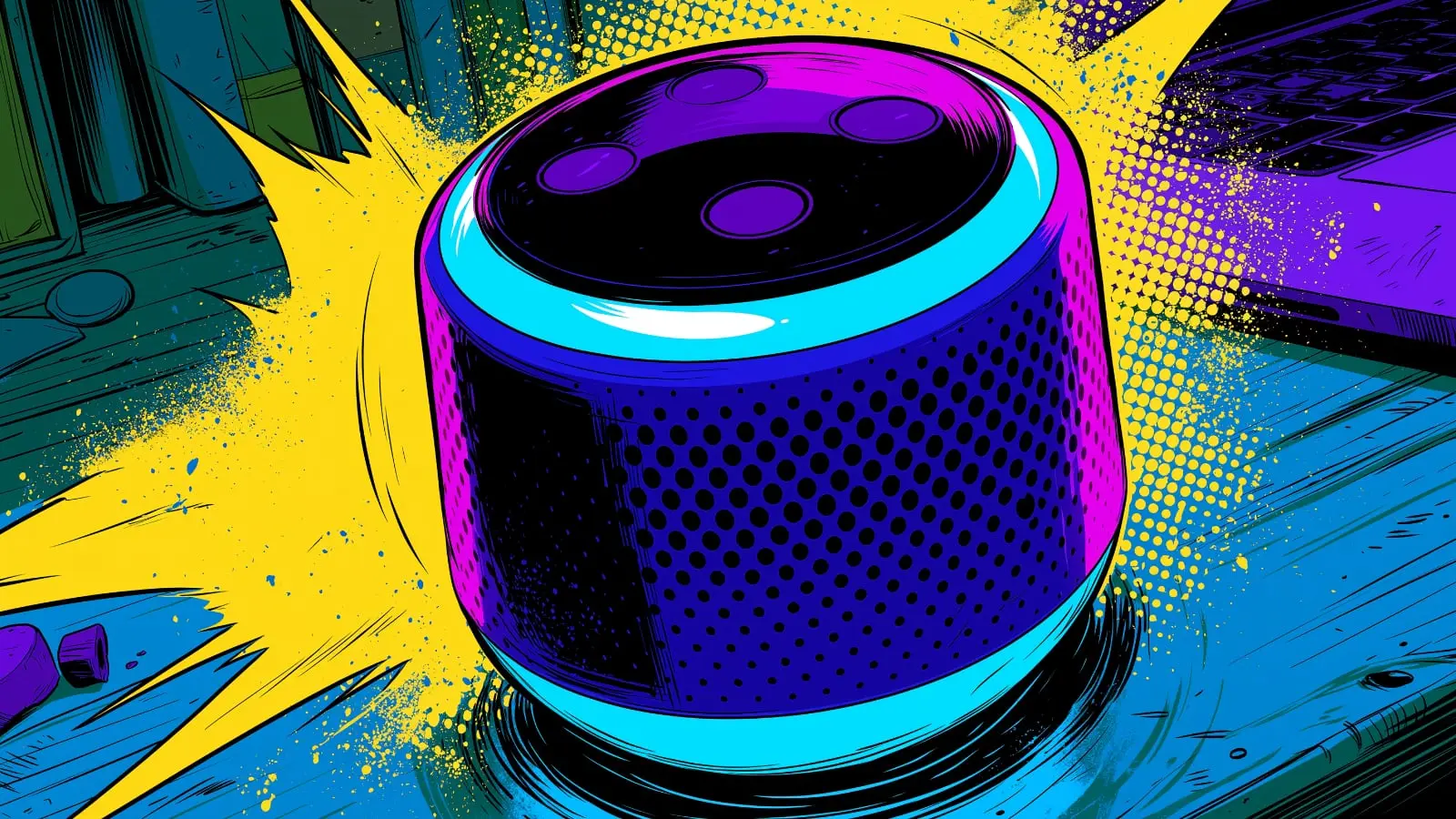
OpenAI’s planned smart speaker, crafted by former Apple design chief Jony Ive, sounds kinda wild. Can’t wait to see it — assuming Apple’s potentially awkward lawsuit doesn’t put the kibosh on OpenAI’s hardware pursuits.
And finally, Cult of Mac Deals launched some great new buys this week, including a deeply discounted bundle of 27 great Mac apps, an AI invoicing tool, a 20TB cloud storage plan with no recurring fees, and some dirt-cheap refurbished iPad minis.
Enjoy your weekend!
— Lewis Wallace, managing editor
A message from Wispr Flow
Talk to your AI tools the way you'd talk to a colleague.

You don't send a colleague a three-word brief. You explain the context, the constraints, what you've already tried. But typing all that into ChatGPT takes forever — so you don't.
Wispr Flow lets you speak your prompts instead. Talk through your thinking naturally and get clean, paste-ready text. No filler words. No cleanup. Just detailed prompts that actually get you useful answers on the first try.
Millions of users worldwide. Works system-wide on Mac, Windows, and iPhone.
Feature story
How-tos
A message from Hubspot
Want to get the most out of ChatGPT?

ChatGPT is a superpower if you know how to use it correctly.
Discover how HubSpot's guide to AI can elevate both your productivity and creativity to get more things done.
Learn to automate tasks, enhance decision-making, and foster innovation with the power of AI.
News


Plus, more Apple rumors:


Deals
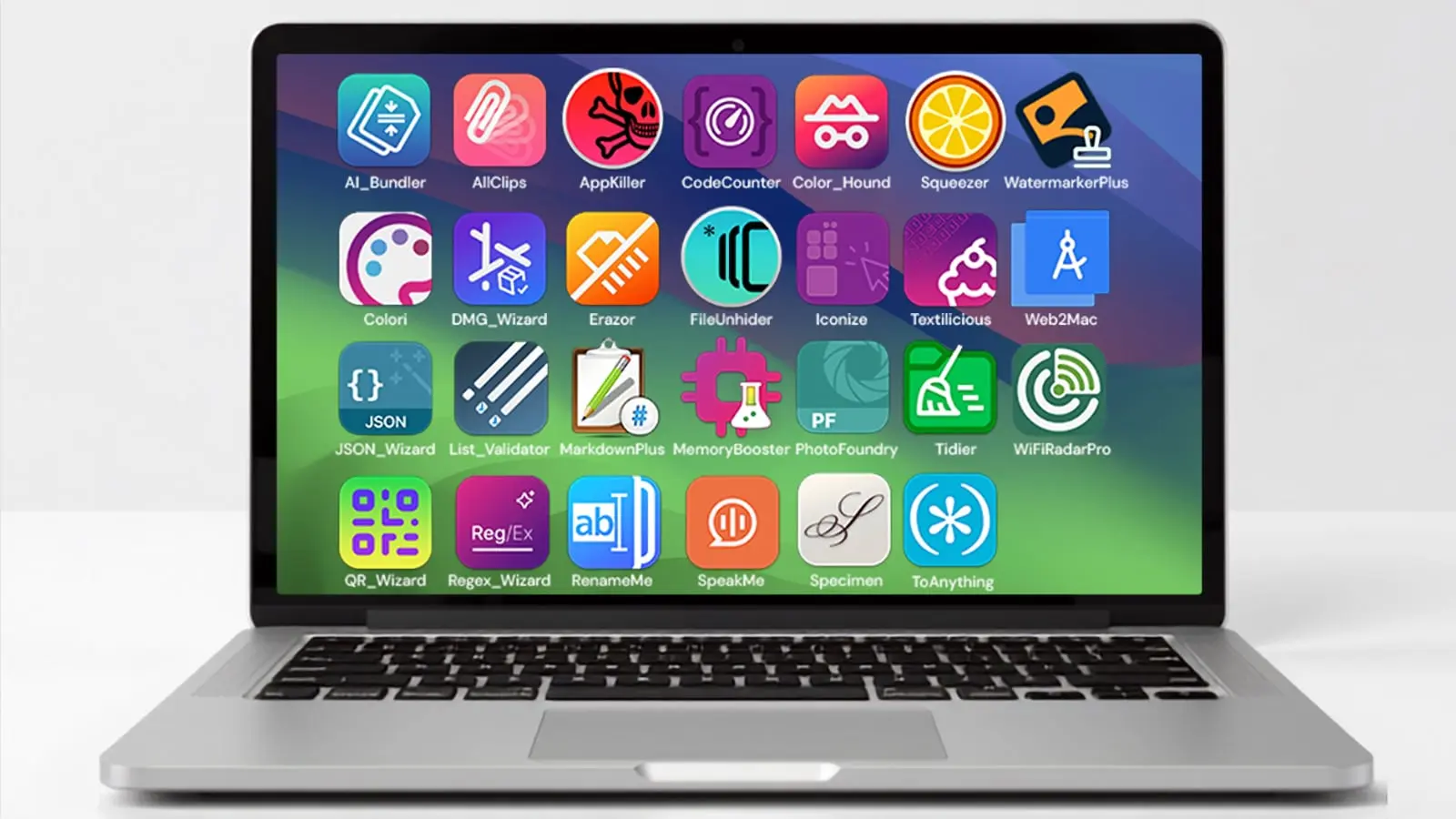
Plus, more software from Cult of Mac Deals: