My older M1 iMac is right on the edge.
The edge of running out of storage space, that is.
For months now, I’ve been battling to clear some empty space.
It’s a constant battle, and it requires that I regularly fire up CleanMyMac and its great cache-cleaning tool, which usually clears enough space for me to keep going.
CleanMyMac also has a built-in disk imaging tool, which shows me where large files are lurking. Just a couple of weeks ago, I nuked 25GB that some app was hogging.
But macOS is getting fatter and fatter, and the biggest space-eater is the mysteriously named System Data.
This bucket of files regularly consumes more than 80GB and can sometimes balloon to 100GB or more. On a 256GB drive, that’s a big chunk.
Part of it is a local AI model used to run Apple Intelligence features like Writing Tools, Genmoji and Siri.
In macOS 27 Golden Gate, AI files consume at least 14GB of storage and sometimes up to 30GB.
Apple added controls for various AI features, which can be toggled on or off, but there’s no way the underlying files can be removed entirely — until now.
A new open-source app called RemoveMacAI allows you to delete your Mac’s AI, and stop it from coming back!
The details are pretty interesting, and a must-read if you have any intention of messing with your Mac’s core system.
Be warned: It erases Image Playground! Oh no! Not Image Playground!!! 🤡
Also in today’s newsletter:
Today is the 15th anniversary of Steve Jobs’ passing. Tim Cook posted a nice tribute. See below.
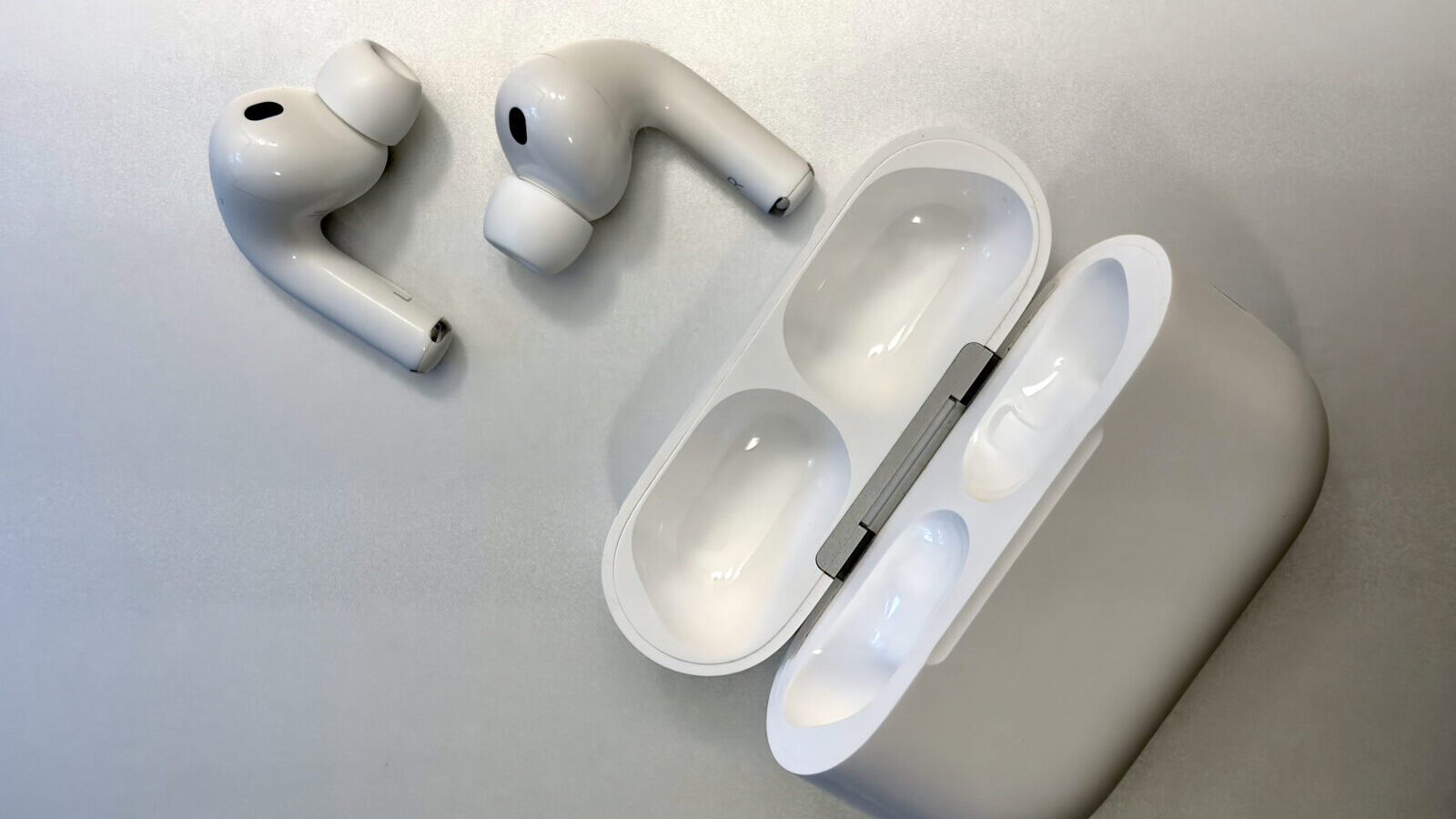
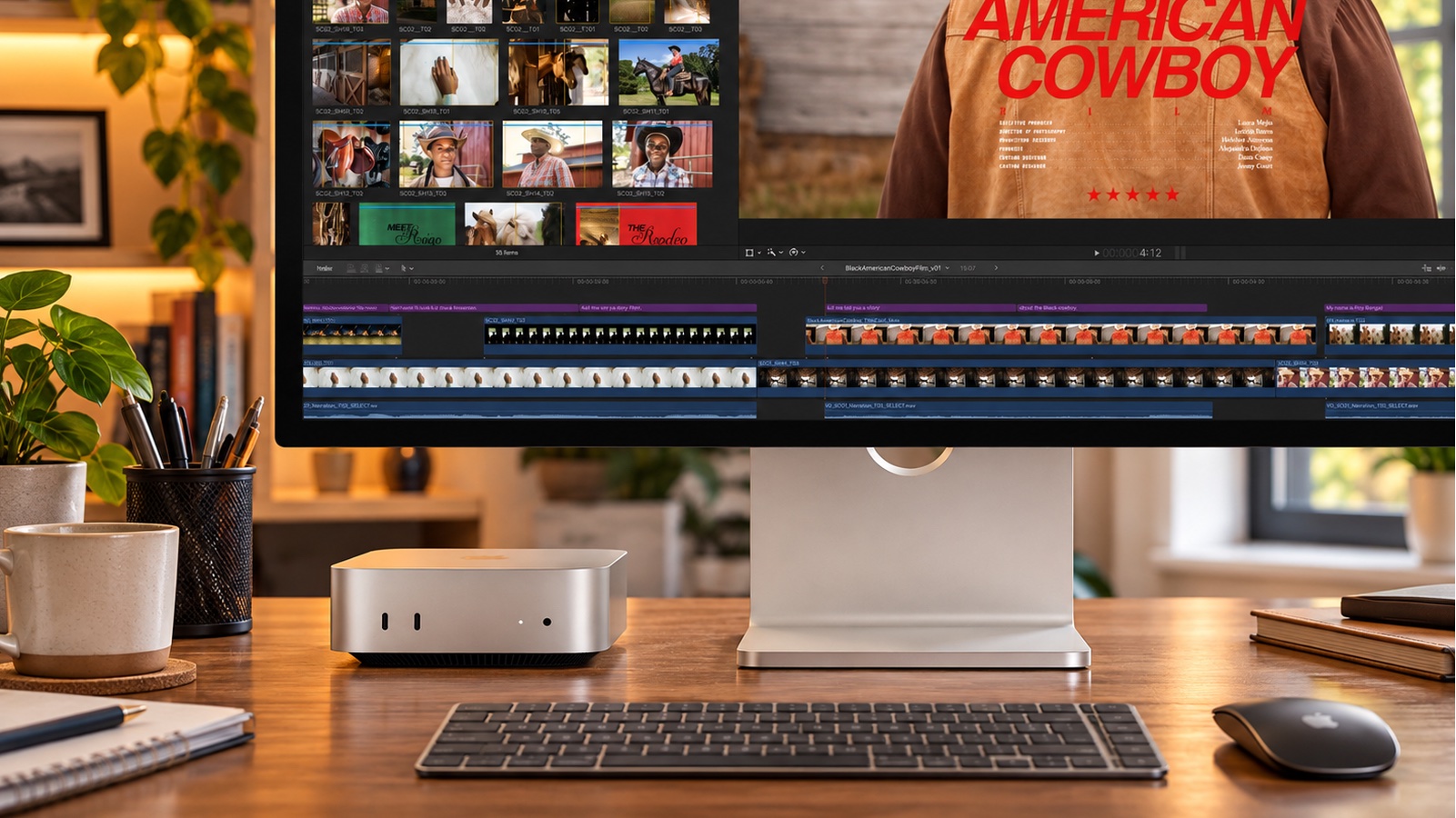
Wow. The latest, greatest AirPods Pro 3 dropped to just $179. If I didn’t just have mine replaced under warranty, I’d pick up a pair. The great new M6 Mac mini is already on sale, too.
Apple announced plans to lock down unfettered Full Disk Access to the latest generation of AI agents. Sounds like a reasonable idea, but the devil might be in the details.
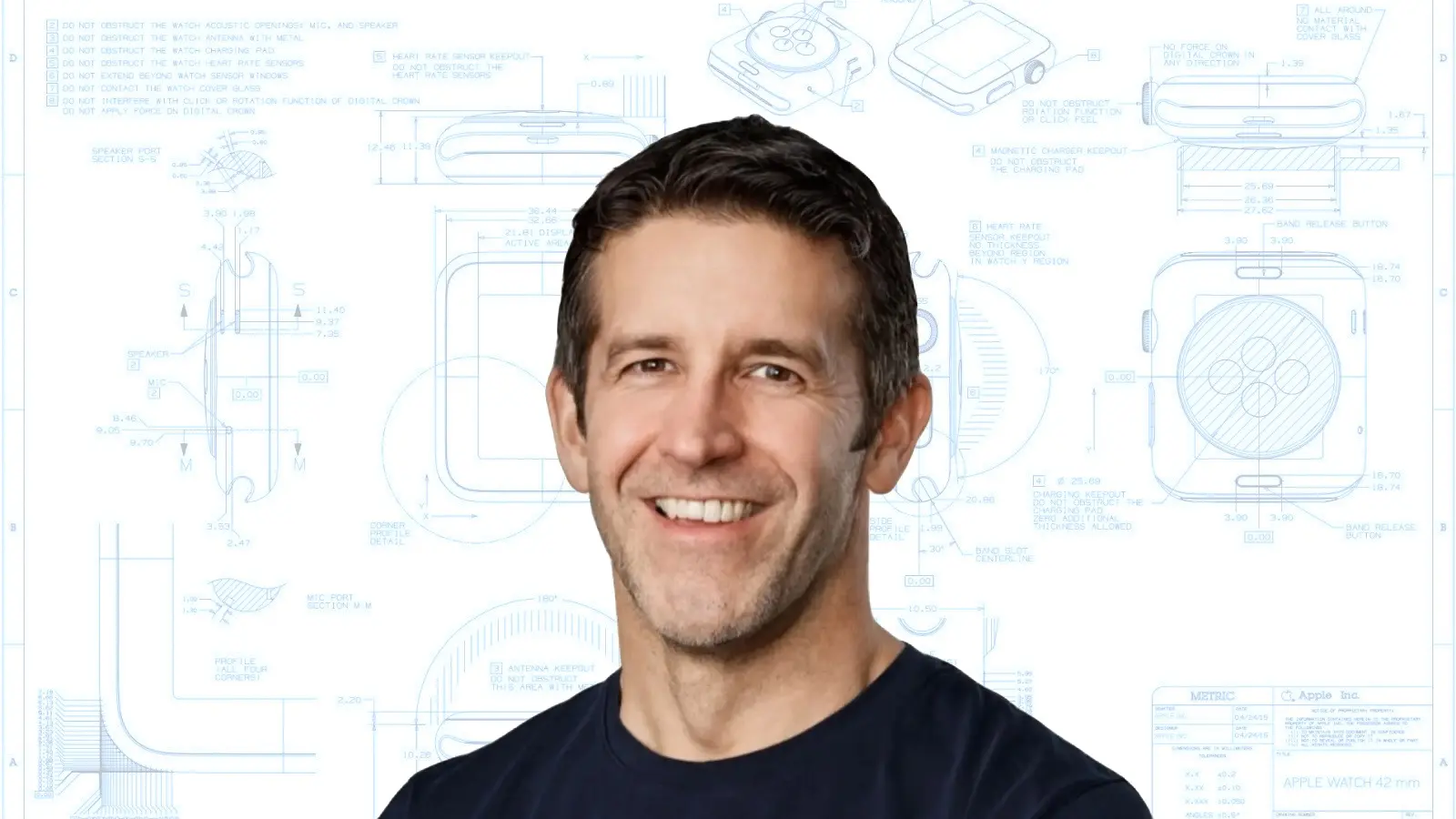
New Apple CEO John Ternus is pulling a Steve Jobs and spending more time at Apple’s Industrial Design lab, the company’s ideas factory. Sounds good to me.
And here maybe is an early indication of a renewed focus on design: much lighter MacBooks.
🔥 DEAL OF THE DAY: This deal pales in comparison to AirPods Pro, but 50% off a Roku streaming stick isn’t too shabby. I love Roku and think it’s the best digital media player. #affiliate
Five minutes ago, I had ZERO interest in watching Matthew McConaughey and Woody Harrelson in their new Apple TV sitcom, Brothers. But after reading our review, maybe I should check it out.
This new Mac keyboard is built around a clever idea: Build a trackpad right into the keys themselves. But does it work? Apparently, yeah, it does. See our hands-on review.
— Leander Kahney, EIC.

A message from the Cult of Mac Deals team


A message from the Cult of Mac Deals team



Ternus is on a tear: Cult of Mac podcast #35

Cult of Mac’s buyback program

A message from The Deep View
Become An AI Expert In Just 5 Minutes

If you’re a decision maker at your company, you need to be on the bleeding edge of, well, everything. But before you go signing up for seminars, conferences, lunch ‘n learns, and all that jazz, just know there’s a far better (and simpler) way: Subscribing to The Deep View.
This daily newsletter condenses everything you need to know about the latest and greatest AI developments into a 5-minute read. Squeeze it into your morning coffee break and before you know it, you’ll be an expert too.
Subscribe right here. It’s totally free, wildly informative, and trusted by 600,000+ readers at Google, Meta, Microsoft, and beyond.
Tweets of the day

Wallpaper of the day
One more thing ...
Remembering that I'll be dead soon is the most important tool I've ever encountered to help me make the big choices in life. Because almost everything — all external expectations, all pride, all fear of embarrassment or failure — these things just fall away in the face of death, leaving only what is truly important. Remembering that you are going to die is the best way I know to avoid the trap of thinking you have something to lose. You are already naked. There is no reason not to follow your heart.
Today’s poll
Any plans to nuke Apple Intelligence on your Mac?
Results from Friday’s poll

Best reader comments


Subscribe to The Weekender — Get the week's best Apple news, reviews and how-tos from Cult of Mac, every Saturday morning. Our readers say: "Thank you guys for always posting cool stuff" -- Vaughn Nevins. "Very informative" -- Kenly Xavier.