I love a good NAS.
Network-attached storage devices are infinitely flexible, and these days, almost an essential part of any household computer setup.
They’re perhaps most useful for plain old storage (like for local backups), the needs of which are always expanding.
But you can also run your own Plex media server or use it to download torrents that are firewalled from your main machine — and myriad other things.
I have an old Synology device, which is incredibly powerful, but I use only a fraction of its features.
It’s mostly just a fancy and OTT backup for our massive photo library, which is our most precious digital asset — and which we have backed up locally and in the cloud.
But I never really liked Synology’s browser-based interface, and tbh, the device’s advanced capabilities are — for me at least — a bug, not a feature. It can be confusing, frankly, and it’s foxed me a couple of times trying to set up relatively simple things.
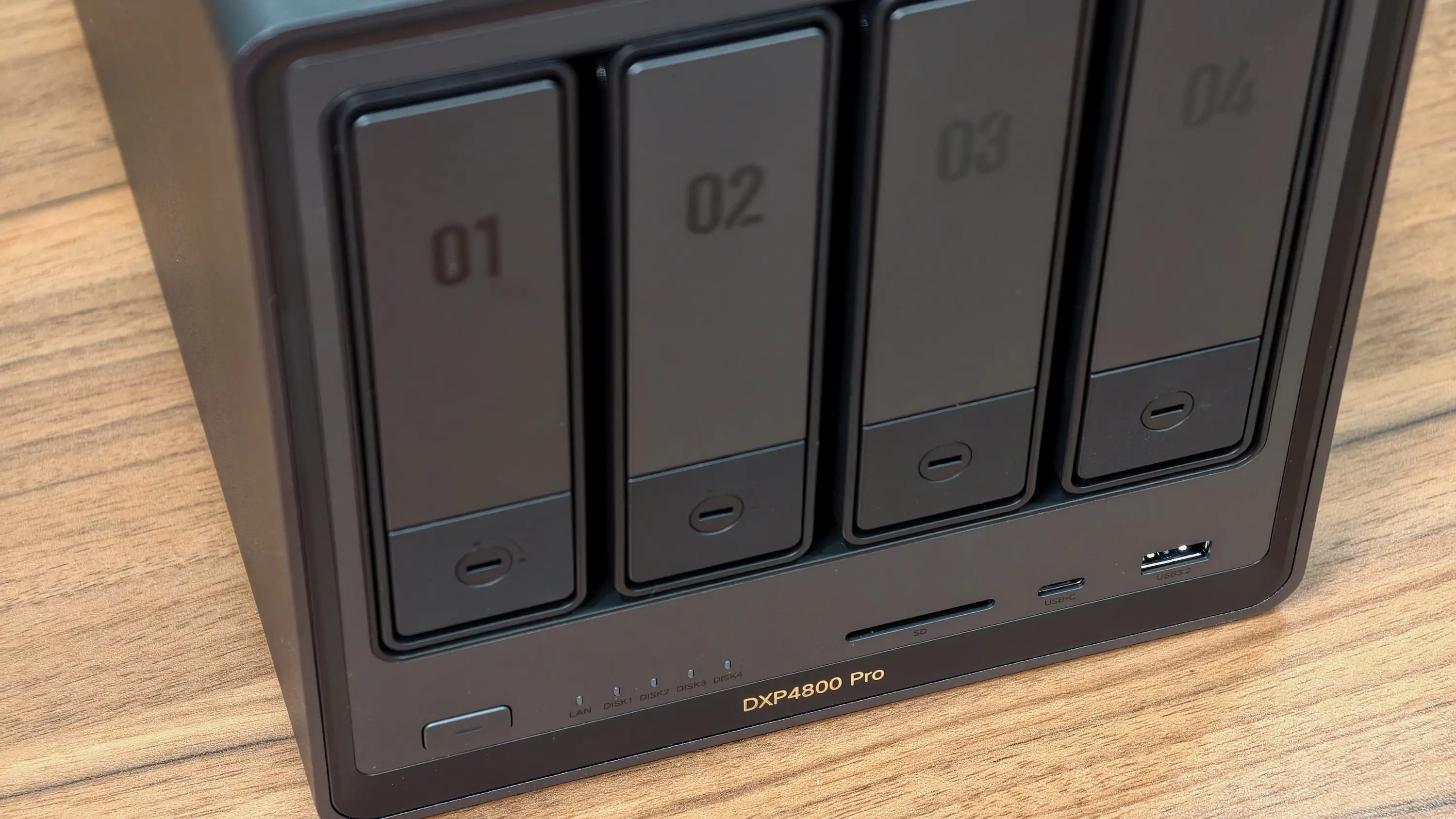
So I read with great interest our hands-on review of a powerful new NAS from newcomer Ugreen, which is taking on Synology in a big way with relatively inexpensive but capable NAS devices. It’s a very worthy contender to Synology’s offerings, with a few important caveats.
Also in today’s newsletter:
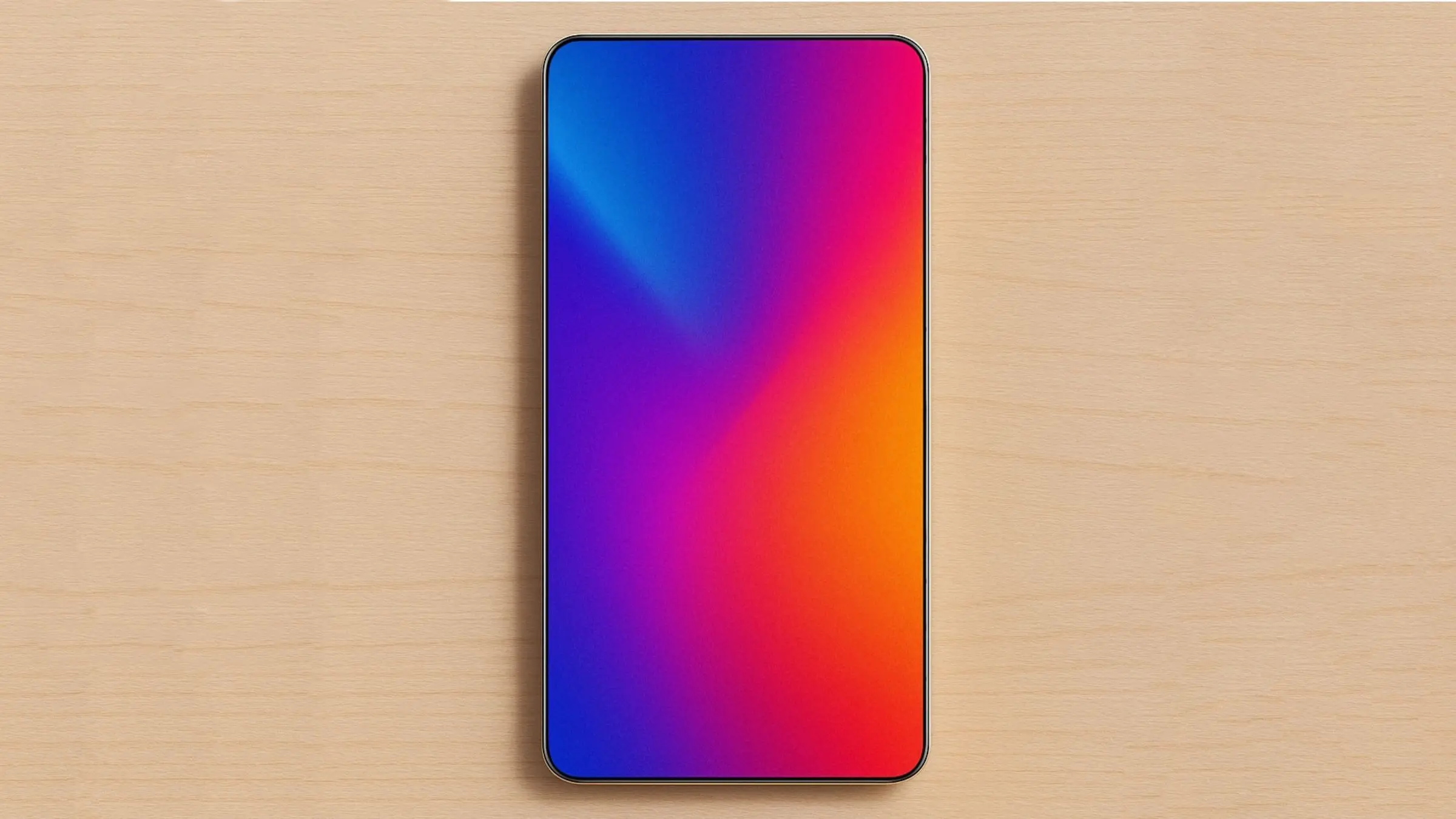
This rumor about a futuristic curving display in the iPhone 19 lineup — not this year’s iPhone 18 models — might make you want to skip upgrading this fall.
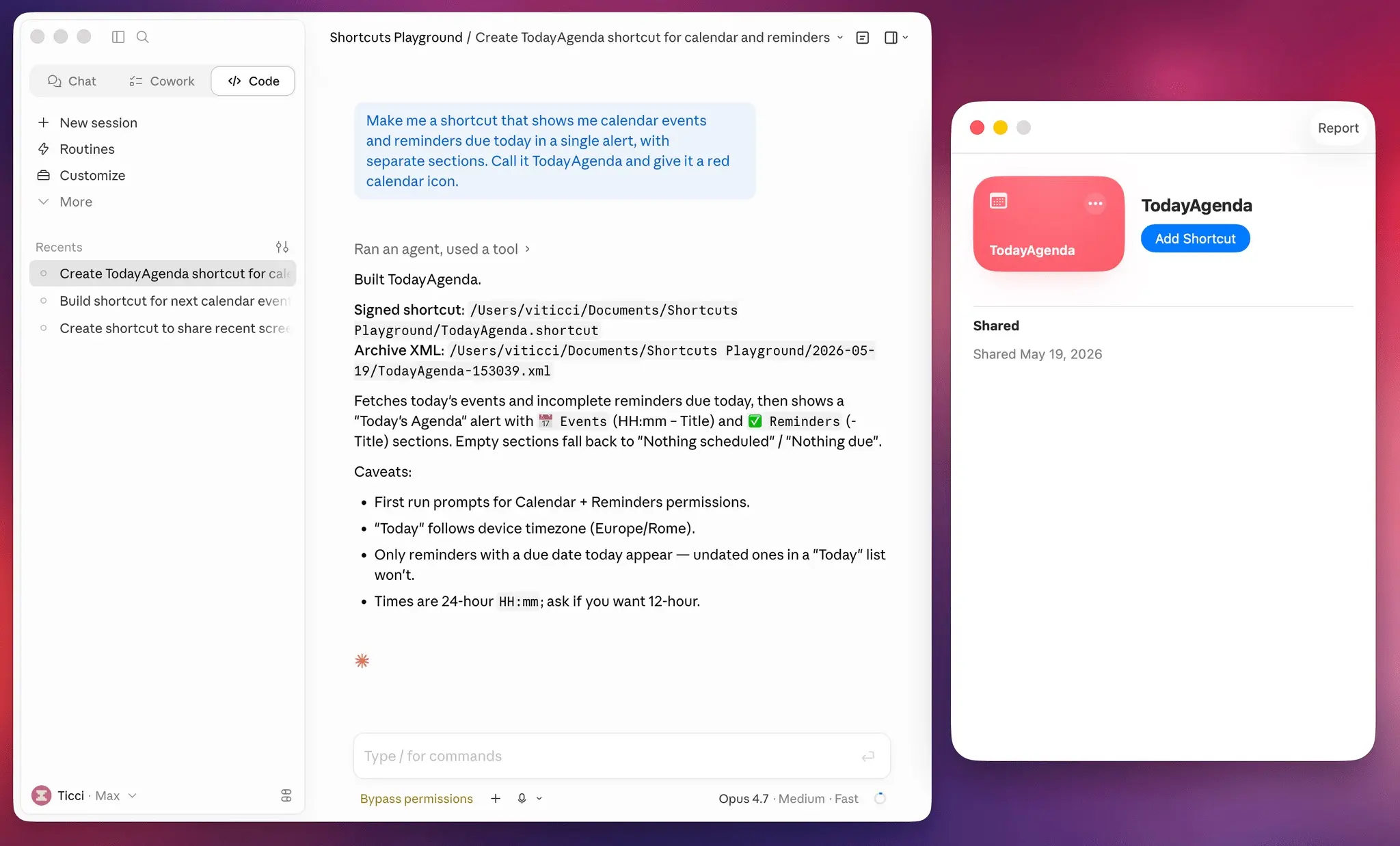
A lot of power users love the Shortcuts app, but I never found good reasons to use most of the preconfigured shortcuts (or to set up my own). On the occasions I have used it, I found it brittle and hard to use. The shortcuts either never worked or broke down, and there was no way I was going to waste hours troubleshooting them. This new AI-powered tool from Federico Viticci lets you make shortcuts with natural language, which sounds great. But like everything associated with the Shortcuts app, it, too, has its hurdles.
🔥 DEAL OF THE DAY: It’s not the biggest savings, but Amazon’s got a modest deal on Ugreen’s desktop NAS, which looks great for NAS newbies.
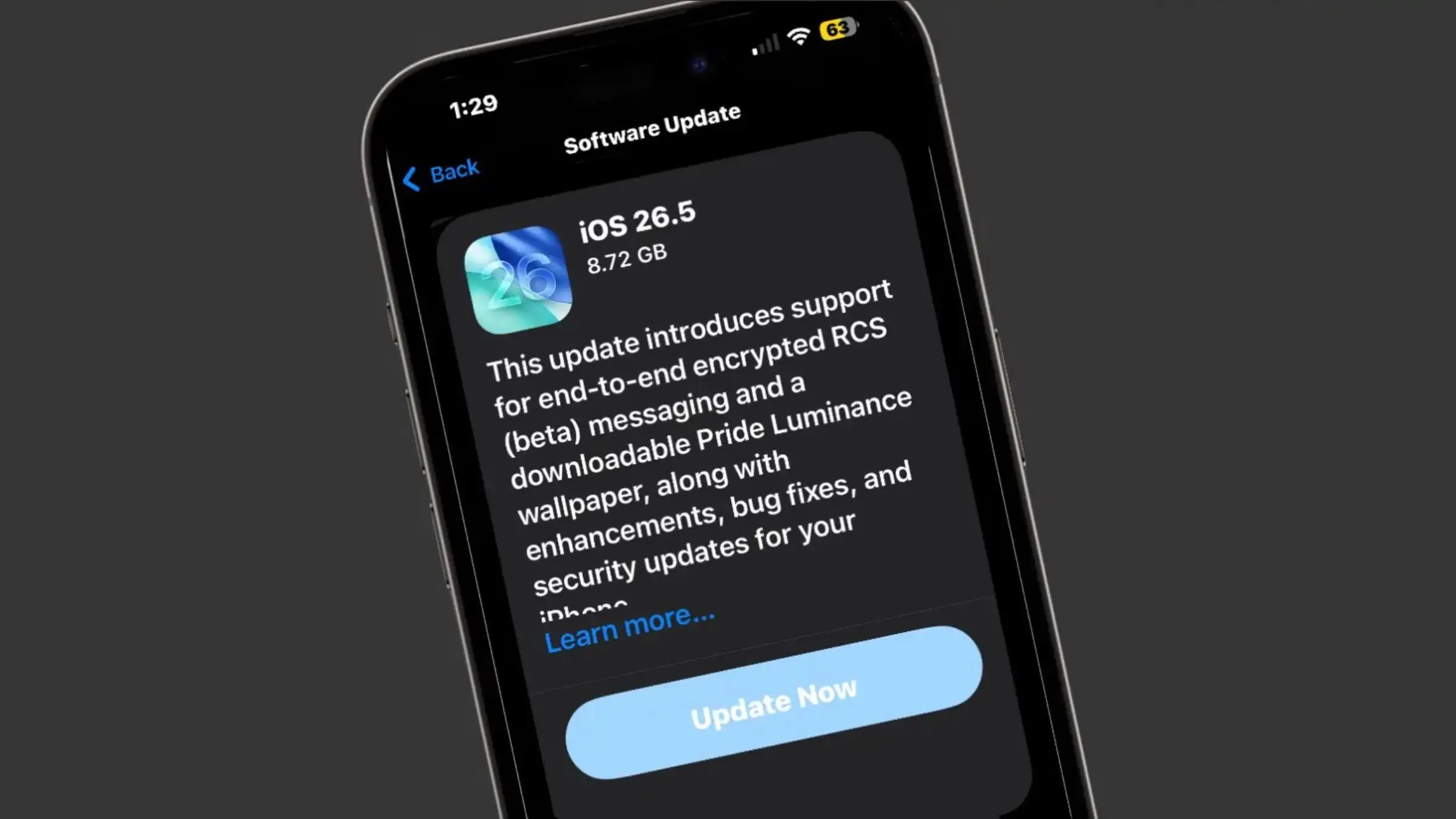
I never knew this: Here’s why Apple won’t let you downgrade your devices after a while.
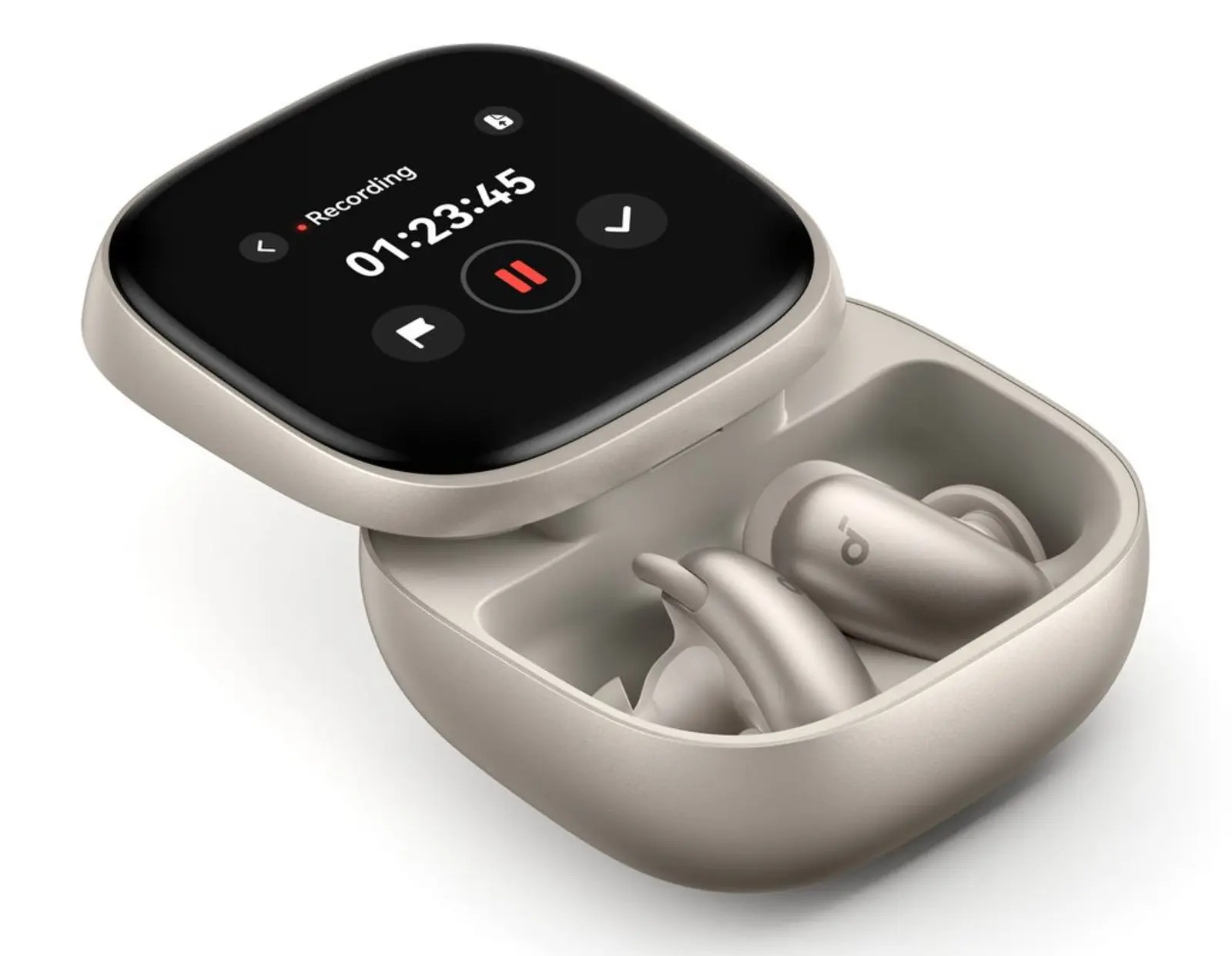
We gotta test these new Soundcore earbuds. They’re based on a new AI chip from the company that we’ve written about before, and they look very promising.
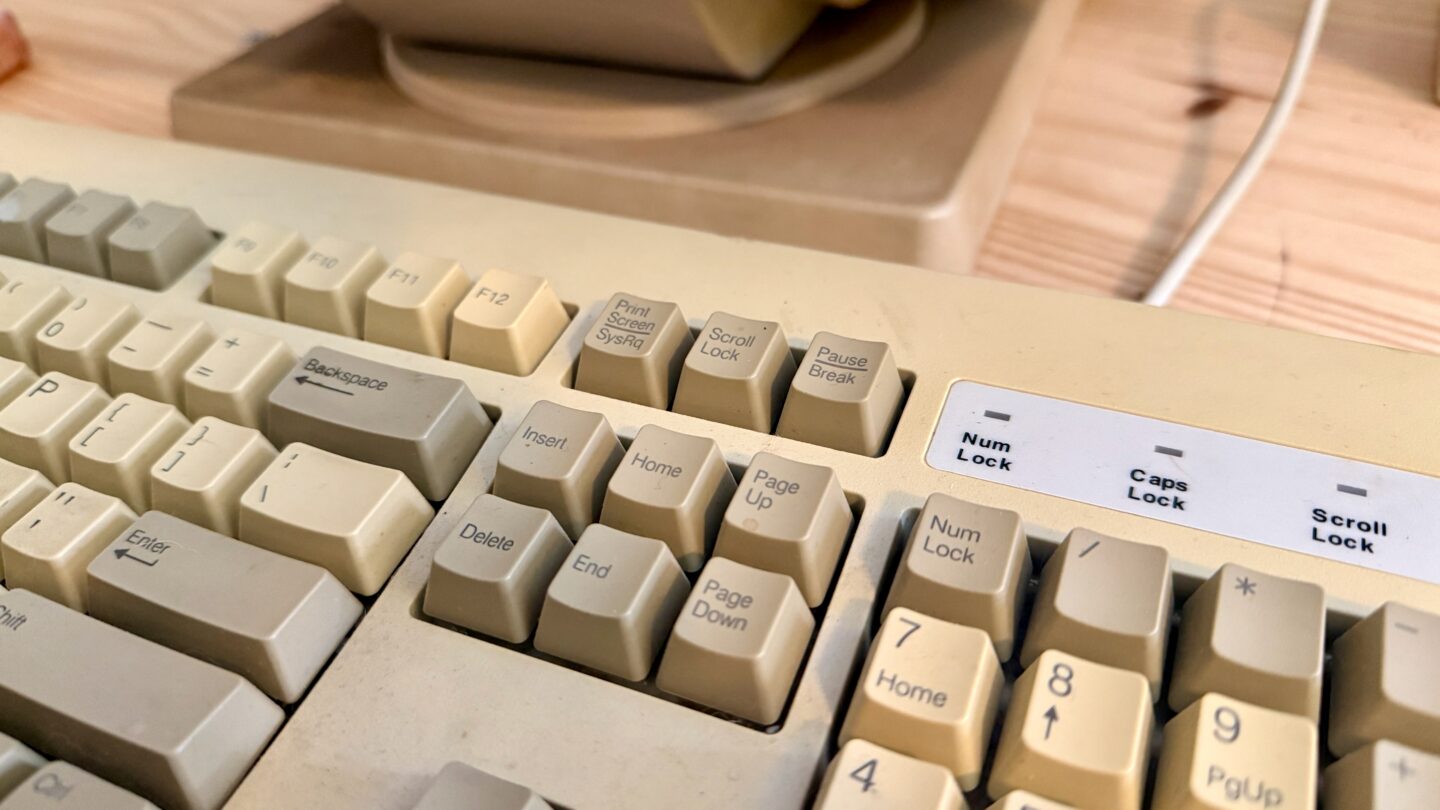
I can barely remember any keyboard shortcuts beyond cut and paste, but if you’re a keyboard jockey, this how-to will supercharge your setup.
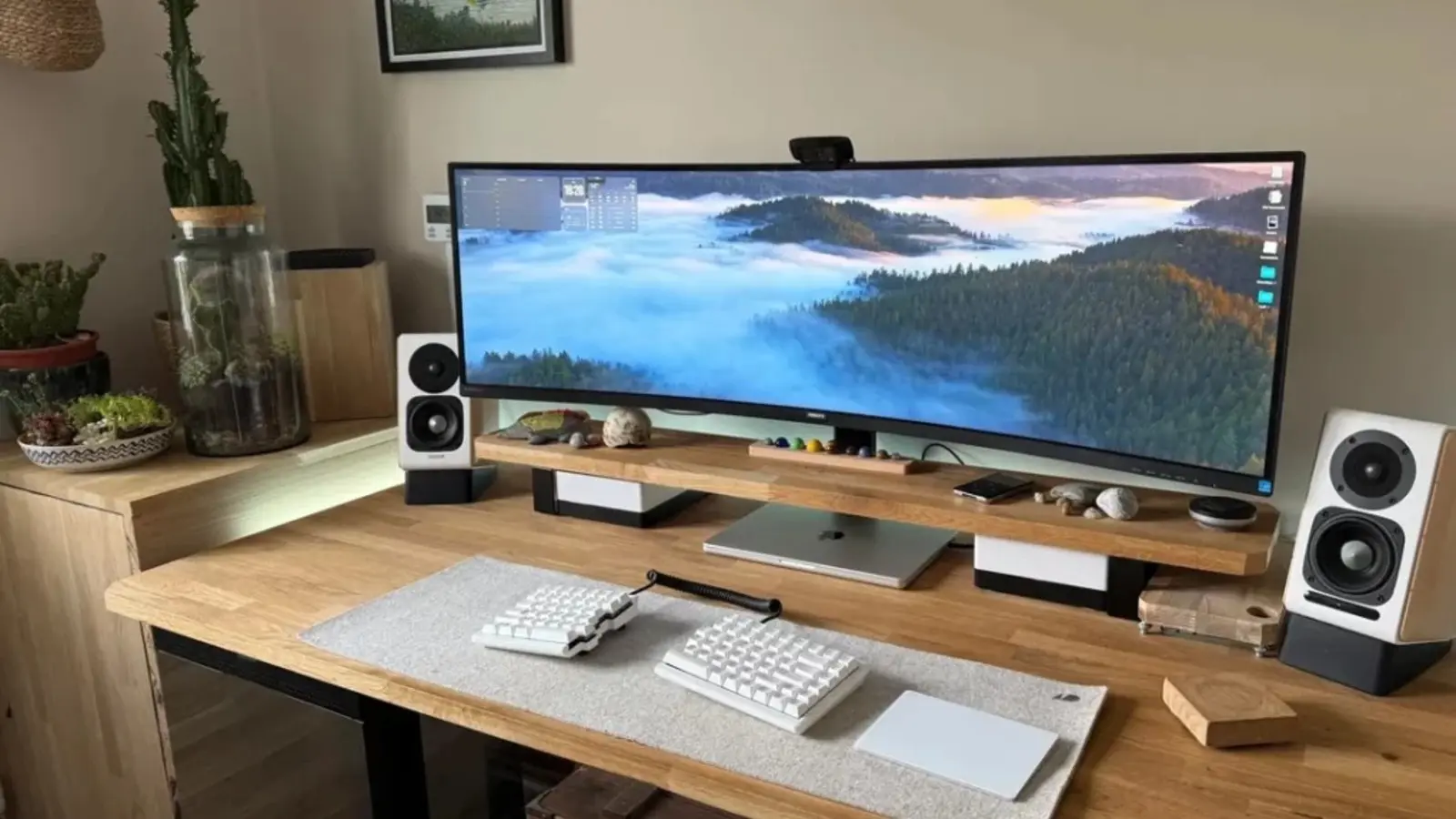
Don’t even look at this roundup of the best Mac setups with massive curved displays unless you really want to feel like you lost in life.
Don’t miss the comments on yesterday’s poll — some of the best ever!
— Leander Kahney, EIC.
A message from the Cult of Mac Deals team

A message from the Cult of Mac Deals team

A message from the Cult of Mac Deals team
Cult of Mac’s buyback program

A message from Lindy
Why 400,000+ professionals switched to Lindy.

Lindy reads your email as it arrives, drafts replies in your voice, and texts you a meeting brief before every call. Works over iMessage. One minute setup. Try it free.
Tweets of the day
Wallpaper of the day
One more thing ...
If [people] are working in an environment where excellence is expected, then they will do excellent work without anything but self-motivation. I'm talking about an environment in which excellence is noticed and respected and is in the culture. If you have that, you don't have to tell people to do excellent work. They understand it from their surroundings.
Today’s poll
If you have a NAS, what do you use it for?
Results from yesterday’s poll:

Best reader comments


Subscribe to The Weekender — Get the week's best Apple news, reviews and how-tos from Cult of Mac, every Saturday morning. Our readers say: "Thank you guys for always posting cool stuff" -- Vaughn Nevins. "Very informative" -- Kenly Xavier.