
Brought to you by Incogni, the easiest way to scrub your data from the internet.
When the Mac mini first launched way back in 2005, it was a low-cost way to attract Windows “switchers.”
New users coming from the PC world could dip their toes in the warm Apple waters without shelling out for a much pricier Mac laptop, iMac or Power Mac tower.
Plus, switchers saved considerable expense by reusing their current monitor, keyboard, mouse and other peripherals.
Of course, the mini was never the fastest Mac, nor the most connected, and definitely not the most upgradeable. But what users sacrificed in performance they made up in value.
In the decades since, the Mac mini has maintained this proposition — it’s still arguably the best value in all computing — but the machine has matured into quite a capable desktop.
These days, it appeals not just to switchers and budget buyers, but everyone who wants a great desktop Mac but doesn’t need an all-in-one like the iMac, or the raw power of a much pricier Mac Studio.
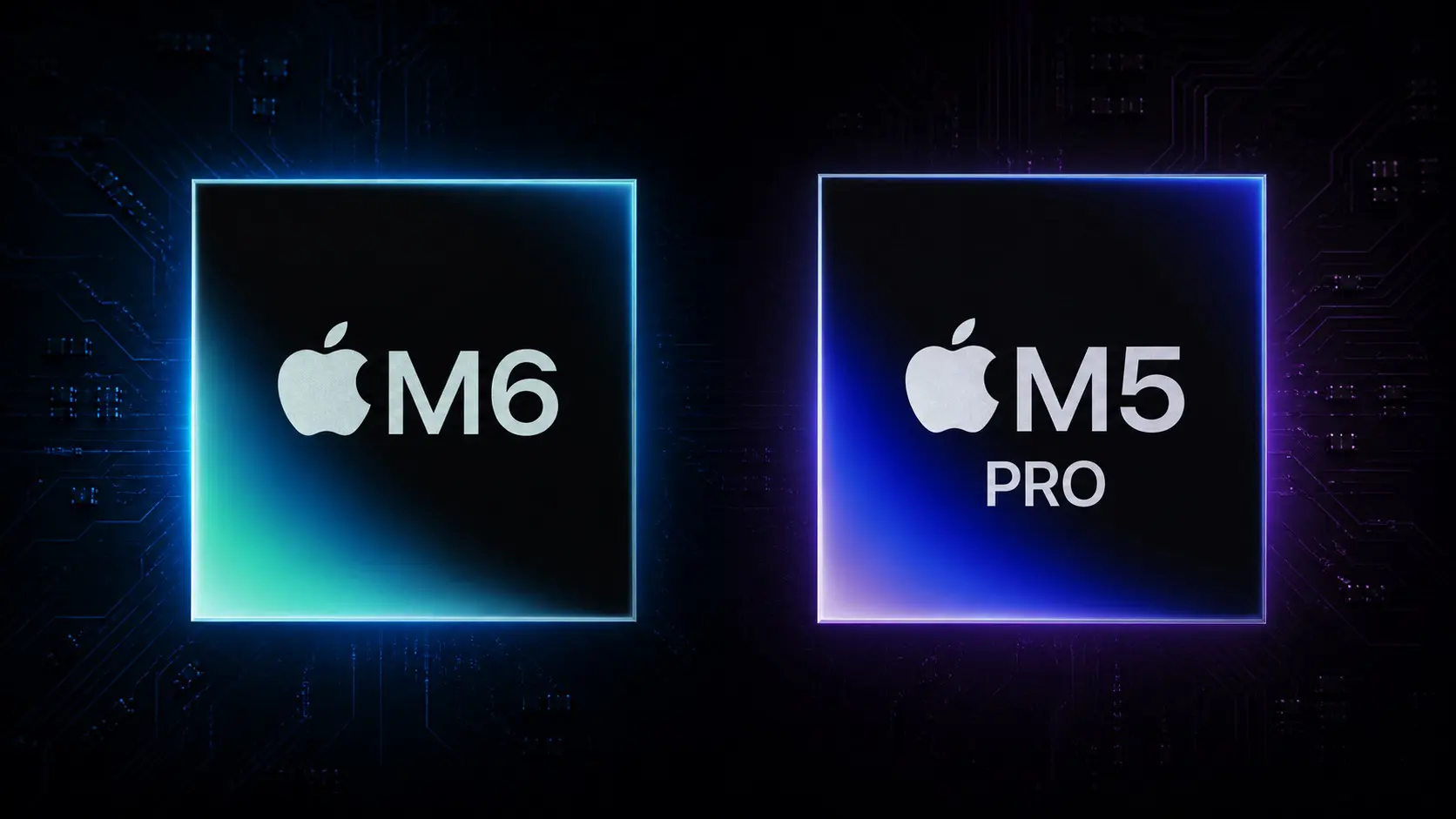
This is reflected in the configuration choices of the new Mac mini models, which come in two flavors: a basic, entry-level version powered by the brand-new M6 chip; and a more powerful variant that runs on the older M5 Pro.
It may seem counterintuitive, but the M5 Pro offers several advantages over the new M6, which we break down in our top post today. If you’re eyeing one of these new Mac minis, check it out to see which chip will suit you better.
Also in today’s newsletter:
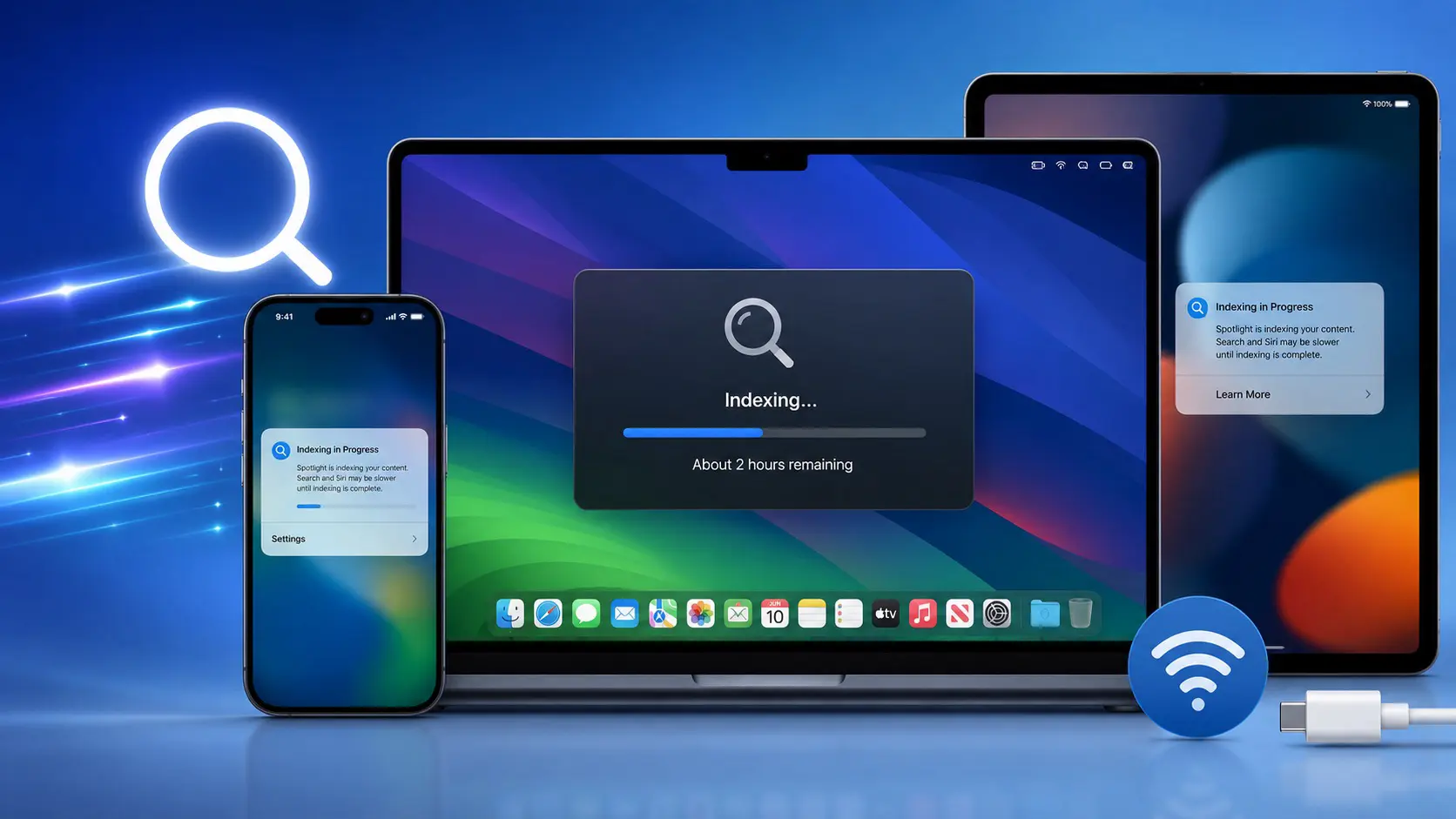
I upgraded my work iMac to the macOS Golden Gate beta, and for days it was nigh-unusable as everything got indexed, especially for the new Siri AI. I made a half-hearted attempt to check its progress, without much luck. So I’m delighted to see Apple just published guidelines about speeding up the process.
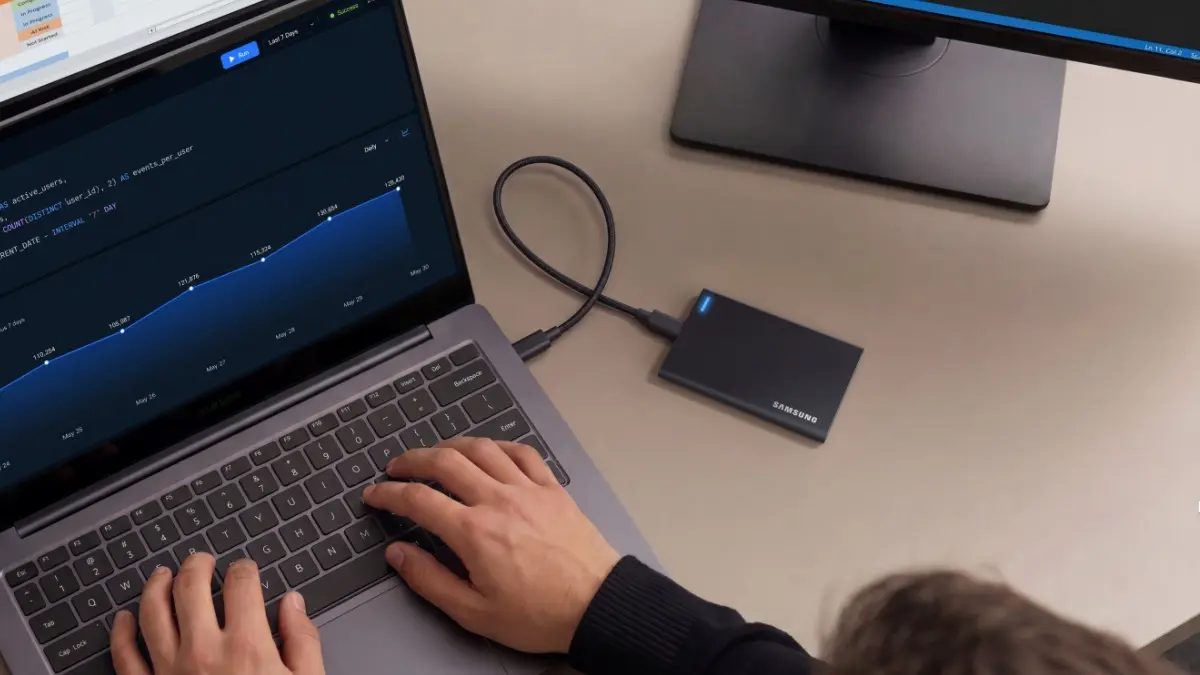
One interesting development with modern Macs is the move away from internal upgrades in favor of fast and voluminous external peripherals, like these latest portable drives from Samsung. The new SSDs really crank up the capacities and connection speeds.
We have a great, exclusive 55% discount on Incogni, the easiest way to scrub your personal info. Use coupon code CULTOFMAC.
Apple’s built-in translation tool is pretty good, but can’t match Google’s offering in terms of the number of languages covered. Here’s how to switch the default.
🔥 DEAL OF THE DAY: This is the deal every Apple fan has been waiting for. #affiliate
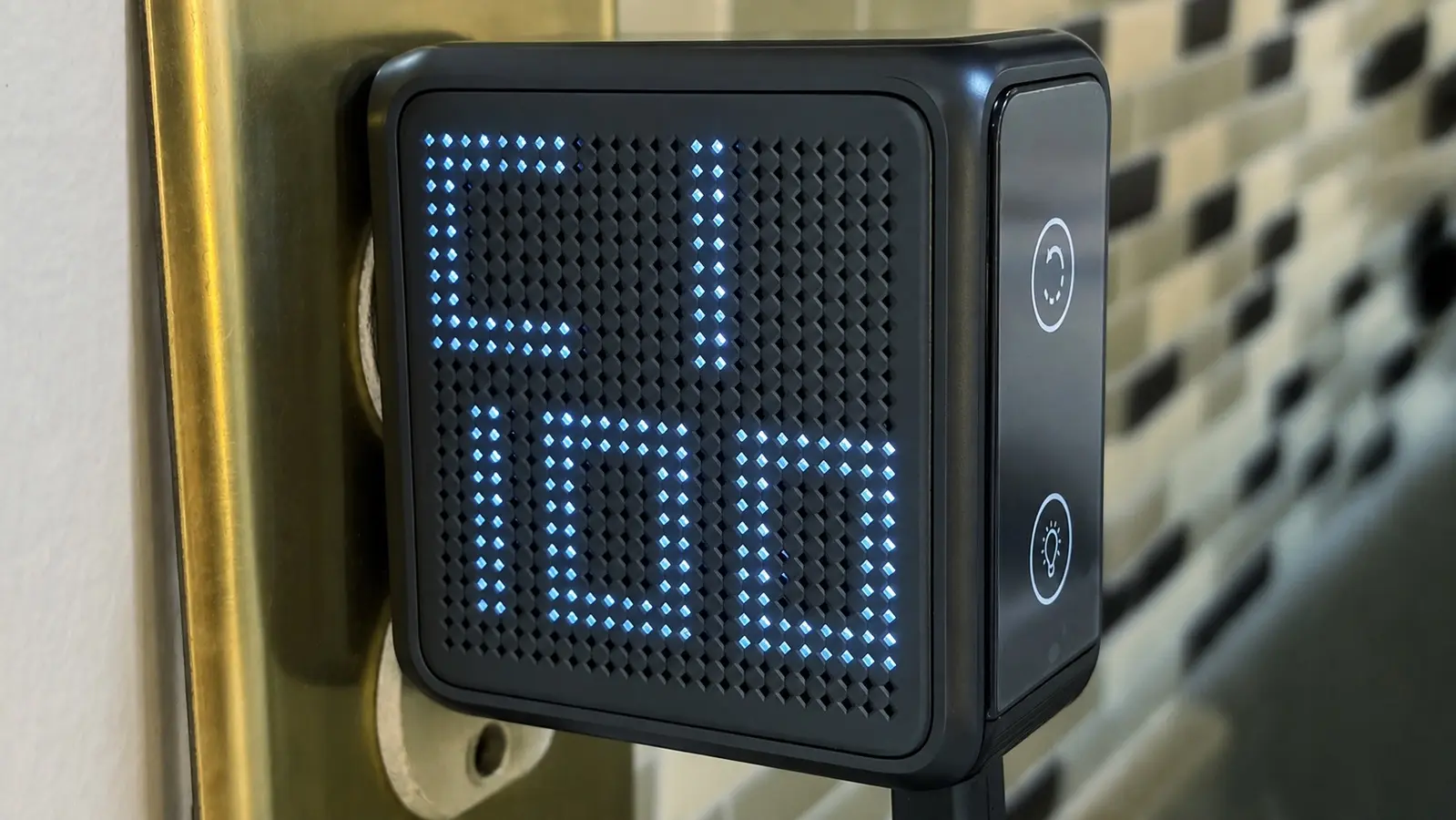
This new charger can juice a MacBook but is way smaller than Apple’s standard charger, has more ports, and boasts a super-cool display to boot. Check out our hands-on review.
— Leander Kahney, EIC.
A message from Incogni

Lock down your data with Incogni.
Identity thieves don’t need much to get started. An attempted identity theft occurs every 22 seconds—and your birthday, phone number, and home address may already be circulating online.
Add a few more details, such as your Social Security number, and scammers can apply for credit cards, create accounts, and impersonate you.
Take your data back
With the Incogni Unlimited plan, you can submit virtually any URL exposing your personal information—from people-search and background-check sites to obscure forums and e-commerce platforms that aren’t included in automatic removals. Incogni handles the removal requests for you.
Think of it as a clean-up crew for your digital footprint.
Get 55% off Incogni Unlimited with code CULTOFMAC—and try it risk-free for 30 days.
A message from the Cult of Mac Deals team

A message from the Cult of Mac Deals team


Cult of Mac’s buyback program

A message from Angelino’s Coffee
Your K-Cups Sat in a Warehouse for Months

Grocery store pods spend months going factory → warehouse → truck → shelf, losing the flavor oils that make coffee taste like coffee. Angelino's roasts, packs, and ships within days — 50+ flavors, compatible with Keurig®, from 39¢ a cup. New customers save 15%, no code needed.
Tweets of the day
Wallpaper of the day
One more thing ...
One way to remember who you are is to remember who your heroes are.
Today’s poll
Who's picking up the new, lower-cost Apple polishing cloth?
Results from yesterday’s poll

Best reader comments


Subscribe to The Weekender — Get the week's best Apple news, reviews and how-tos from Cult of Mac, every Saturday morning. Our readers say: "Thank you guys for always posting cool stuff" -- Vaughn Nevins. "Very informative" -- Kenly Xavier.