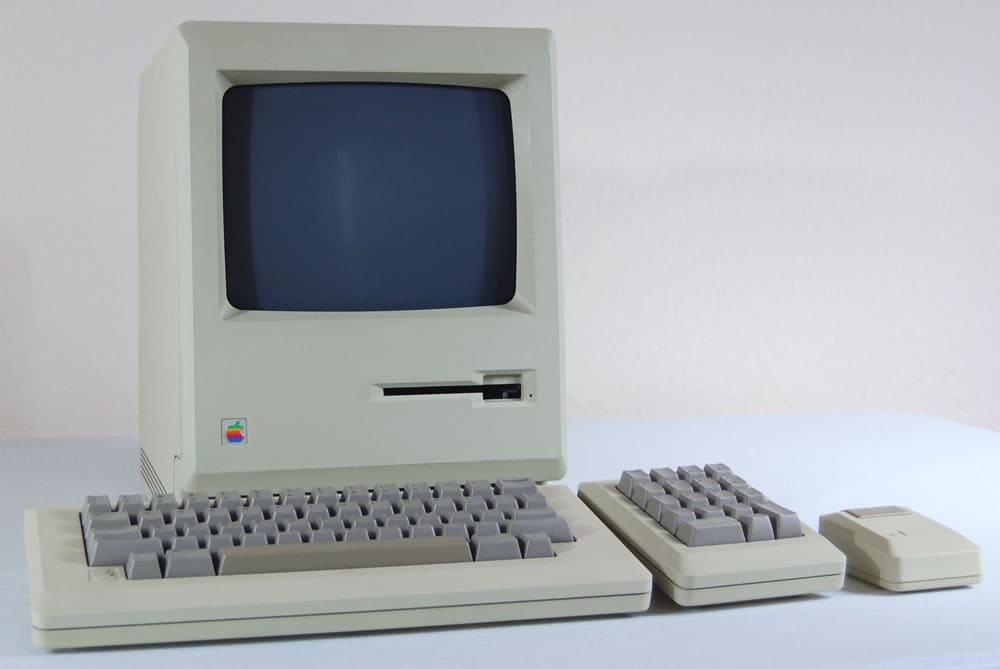
Back in the ’80s, I remember my dad waxing lyrical about Apple’s famous Human Interface Guidelines.
The HIG was the bible of the Mac’s then-new graphical user interface. It was designed primarily for developers, who’d never before written software for the Macintosh interface. The HIG helped them keep things consistent.
My dad was in love with the Mac and its GUI, and he felt the HIG was super-important for the spread of graphical user interfaces. It was, to him, an indispensable guide. Lots of other people felt the same way, too.
A key section concerned the icons in the Mac’s drop-down menus. It encouraged developers to utilize clear, familiar icons to help users instantly recognize key functions — like saving a file or printing a document.
The HIG strongly recommended against using too many menu icons. It cautioned against excessive, cluttered or purely ornamental icons that could confuse users.
For inexplicable reasons, Apple recently threw its own sage advice out the window!
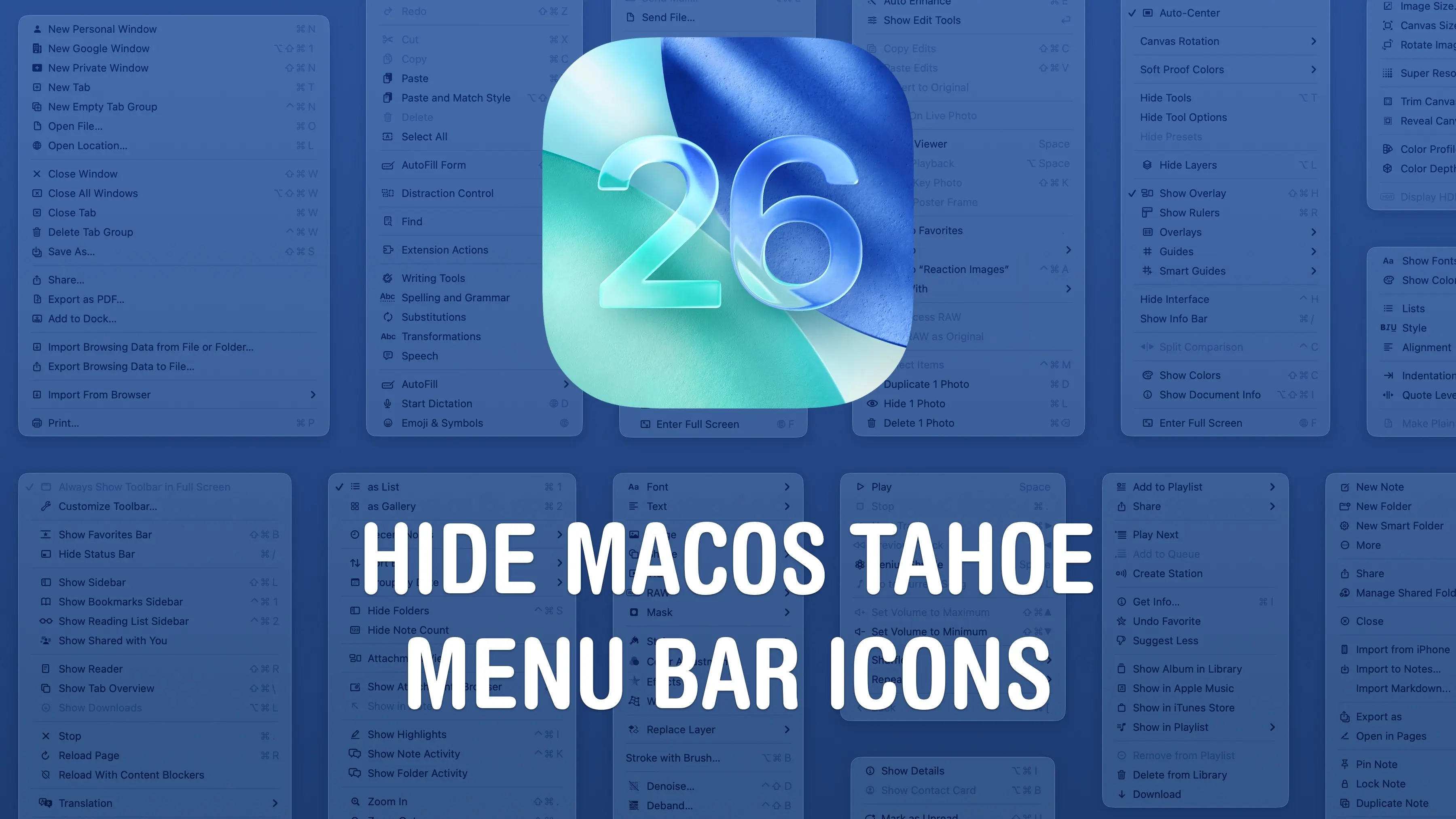
The menus in macOS Tahoe have more icons than ever, and some, like the “Edit” menu, are positively lousy with them.
Personally, I can kinda see the logic of it. Many of the new icons are familiar from iOS, and, to me at least, fulfill the HIG’s advice of using easily recognizable symbols. The cut and paste icons, for example, are pretty easy to understand.
But others disagree and see the new icons as purely decorative — and confusing. It’s driving a lot of people nuts.
If you’re in that camp, the good news is there’s a very easy fix. Here’s how to banish (most of) the hated new macOS icons.
Also in today’s newsletter:
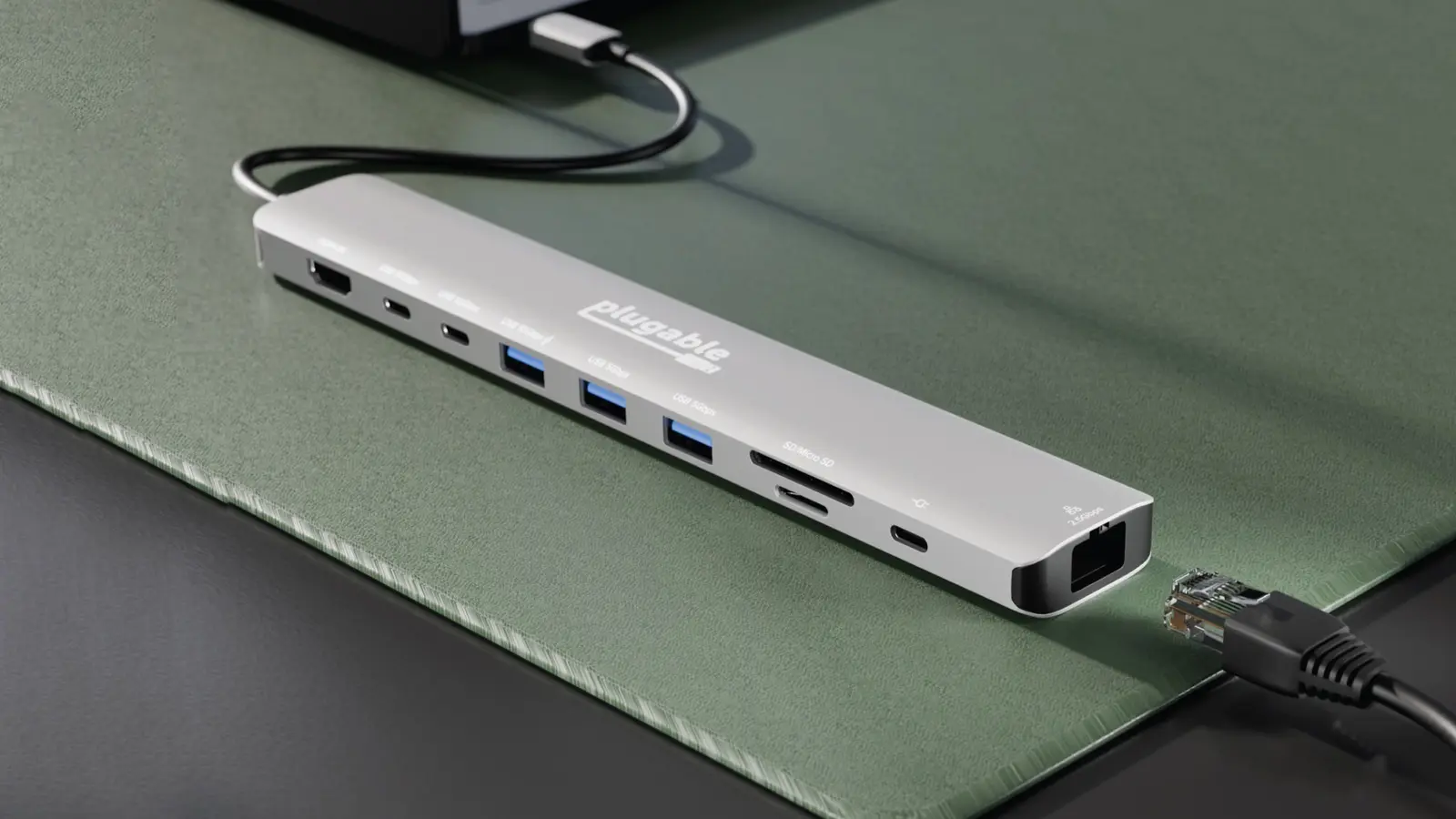
Plugable’s slender new 10-port hub makes all the right moves and comes with a tiny price tag.
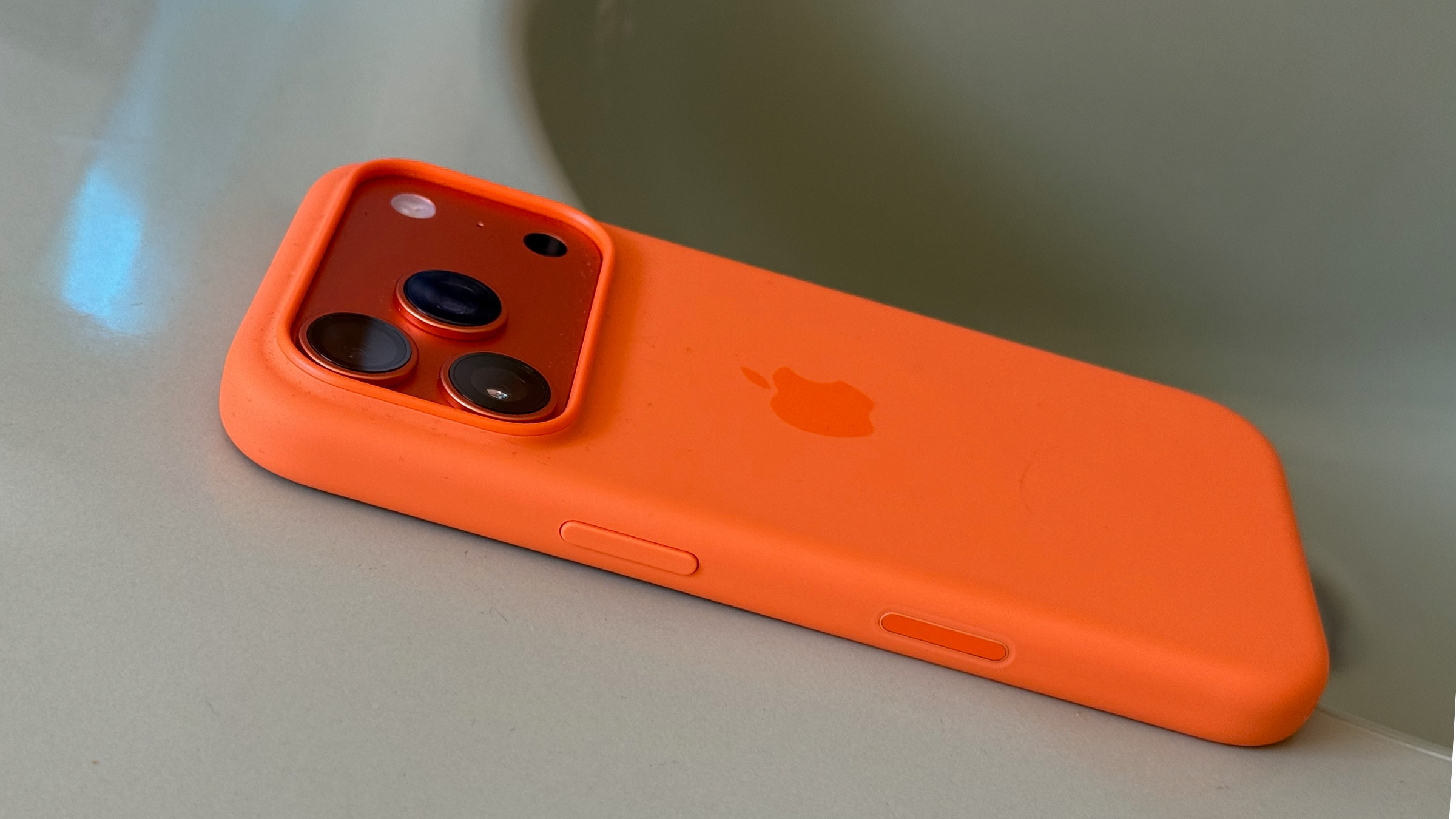
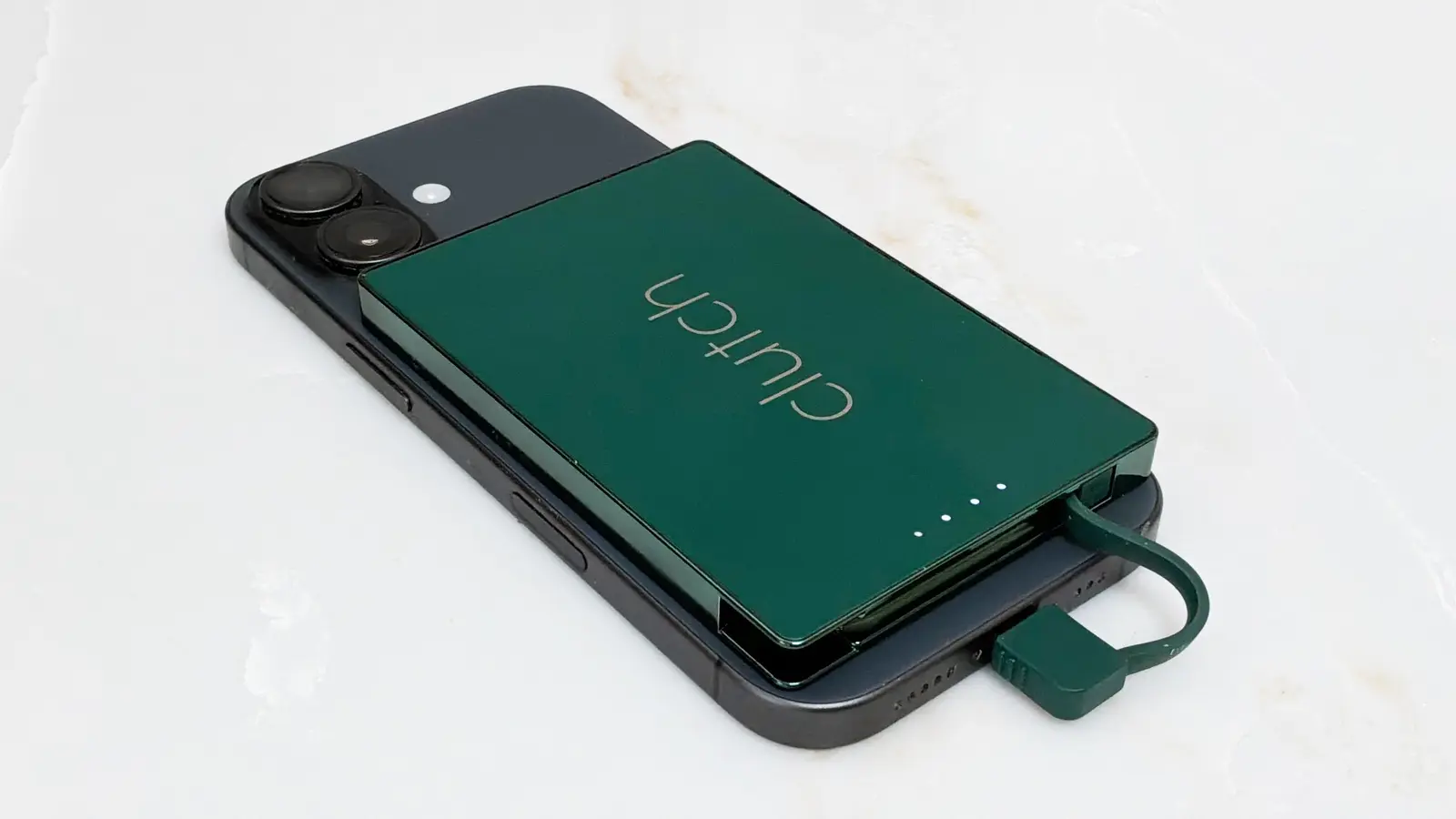
This new MagSafe battery pack is one of the weirdest we've seen. It's magnetic, but doesn't offer wireless charging. Say what??? Nonetheless, Cult of Mac writer Ed Hardy still likes it. Here's why.
🔥 DEAL OF THE DAY: Continuity Camera lets you use your iPhone as a high-quality webcam for your Mac, and this magnetic mount makes it easy to perch your handset atop a monitor. It’s on sale for just $11.39, a 53% discount.
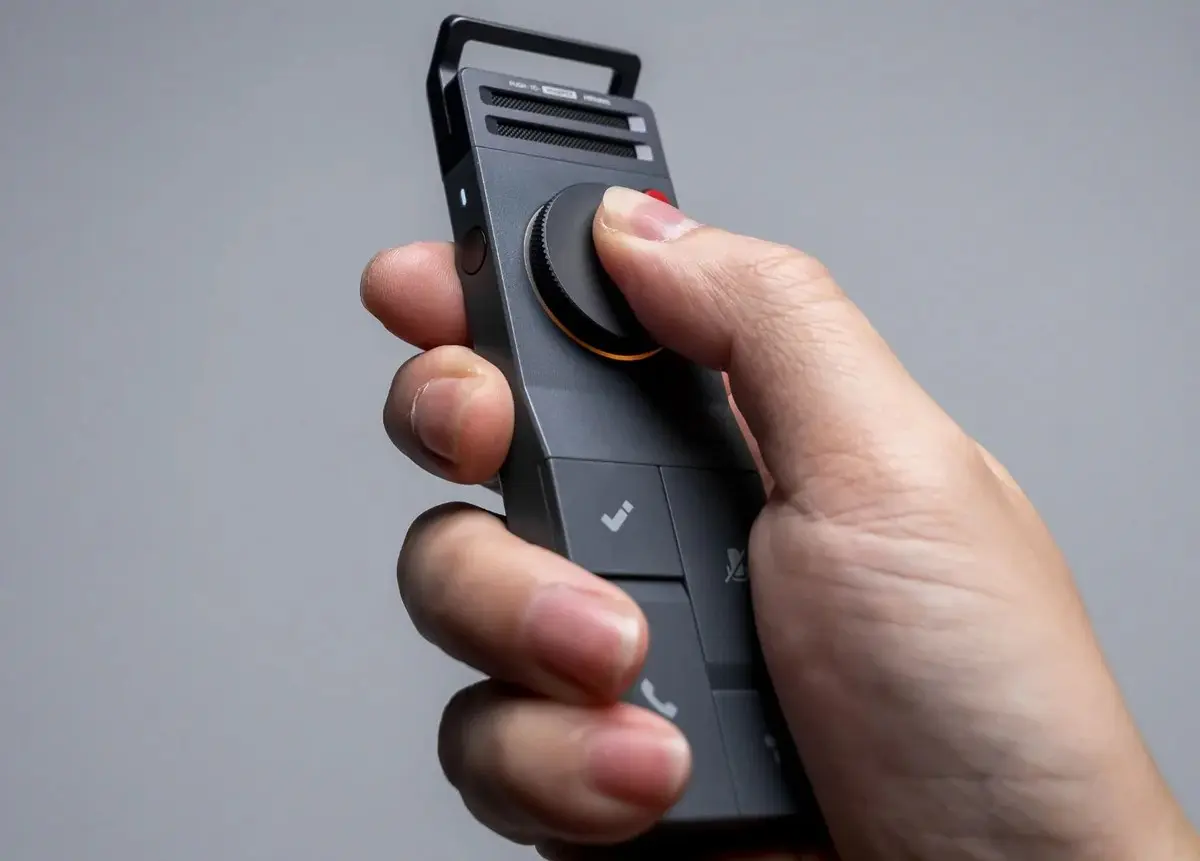
As a reporter, I’ve used a bunch of portable tape recorders for recording interviews. Here’s the modern, AI-driven version. It looks great, tbh.
— Leander Kahney, EIC.
A message from iPhone Life

Discover your iPhone’s hidden features
To get the most out of your iPhone and other Apple devices, just sign up for this free Tip of the Day Newsletter by iPhone Life. Each tip is full of expert advice, how-tos, and easy-to-follow screenshots. It’s like a daily cheat sheet for mastering your iPhone.
iPhone Life’s Tip of the Day is completely free, and it takes about one minute to read. You can subscribe now and finally unlock the full potential of your iPhone, Apple Watch and more.
Join 700,000 happy subscribers today. Sign up for free.

A message from the Cult of Mac Deals team
A message from the Cult of Mac Deals team

Cult of Mac’s buyback program

Tweets of the day
Wallpaper of the day
One more thing ...
[After dropping acid in a wheat field] I had been listening to a lot of Bach. All of a sudden, the wheat field was playing Bach. It was the most wonderful feeling of my life up to that point. I felt like the conductor of this symphony with Bach coming through the wheat.
Today’s poll
Do the menu bar icons in macOS Tahoe drive you bonkers?
Results from yesterday’s poll: Are you interested in smart glasses?

Best reader comments


Subscribe to The Weekender — Get the week's best Apple news, reviews and how-tos from Cult of Mac, every Saturday morning. Our readers say: "Thank you guys for always posting cool stuff" -- Vaughn Nevins. "Very informative" -- Kenly Xavier.