In partnership with

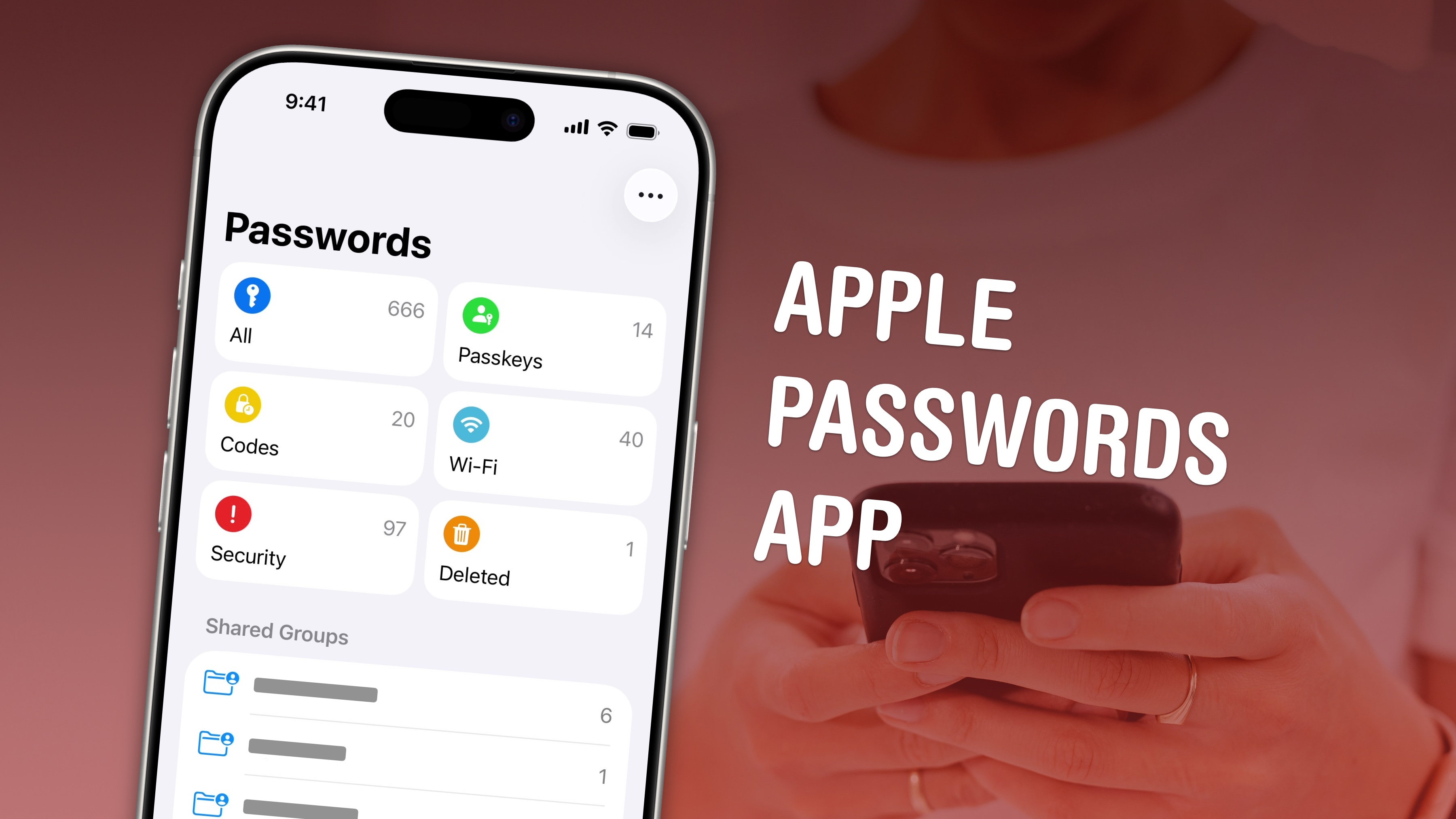
If you haven’t tried Apple’s Passwords app lately, you don’t know what you’re missing. The free app started out kind of bare-bones, but Apple keeps making it better.
It’s a legitimately great way to keep track of the secure, unique passwords you should be using for every website. Plus, it can alert you to weak or compromised passwords and even let you share passwords with friends or family members.
This week’s top how-to reveals all the things Apple’s Passwords app can do.
Also in this edition of The Weekender:
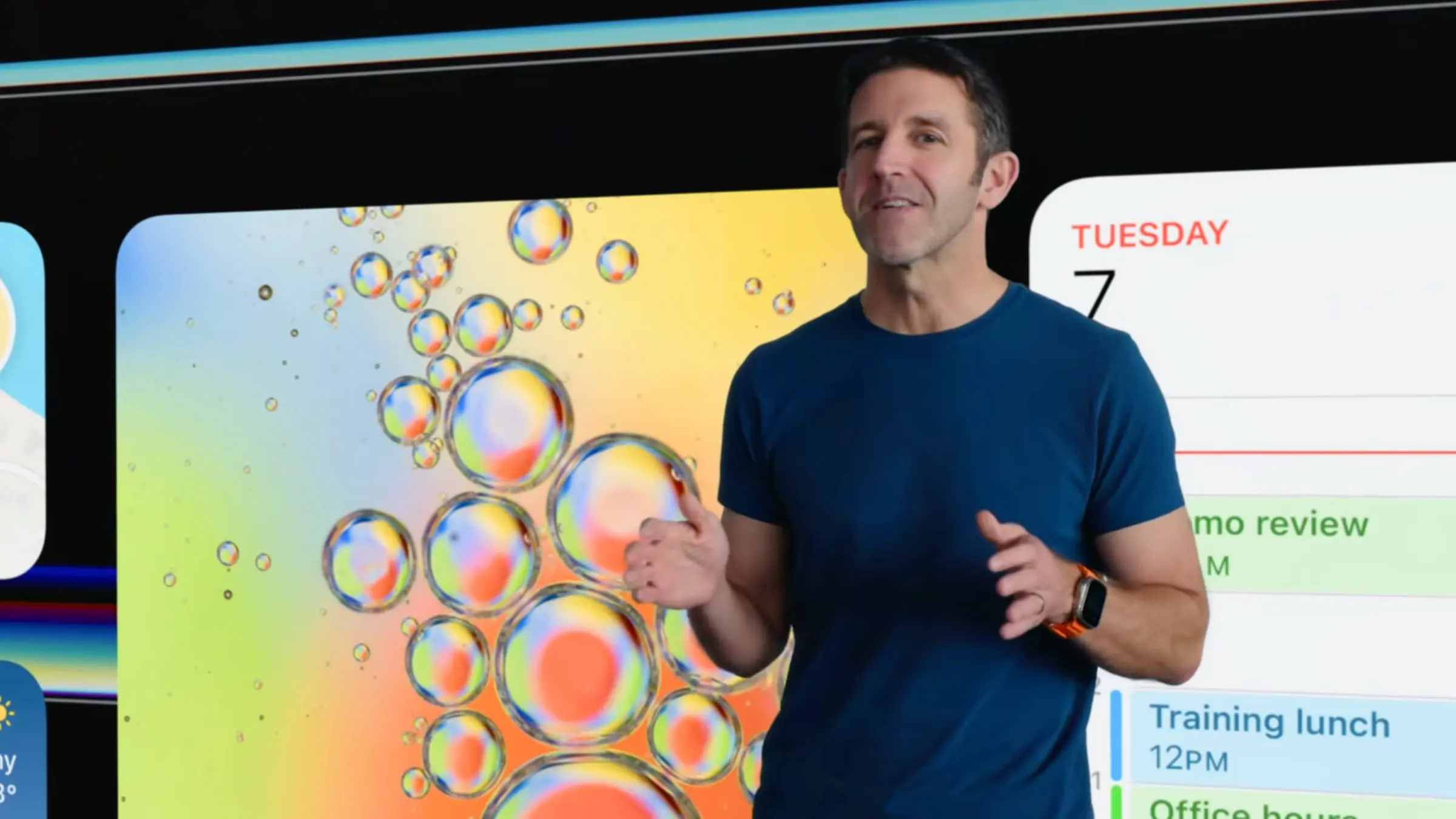
Apple set more records last quarter, raking in an astonishing $111.2 billion in revenue. Macs are selling like hotcakes, the iPhone is more popular than ever and — according to incoming Apple CEO John Ternus — the best is yet to come!
With Tim Cook stepping aside later this year, we took a look back at his time as Apple CEO. He ushered in some truly remarkable products! Here are the five best.
The outstanding maximalist Mac setups in this week’s roundup aren’t so much about the usual decluttering as they are about controlled chaos.
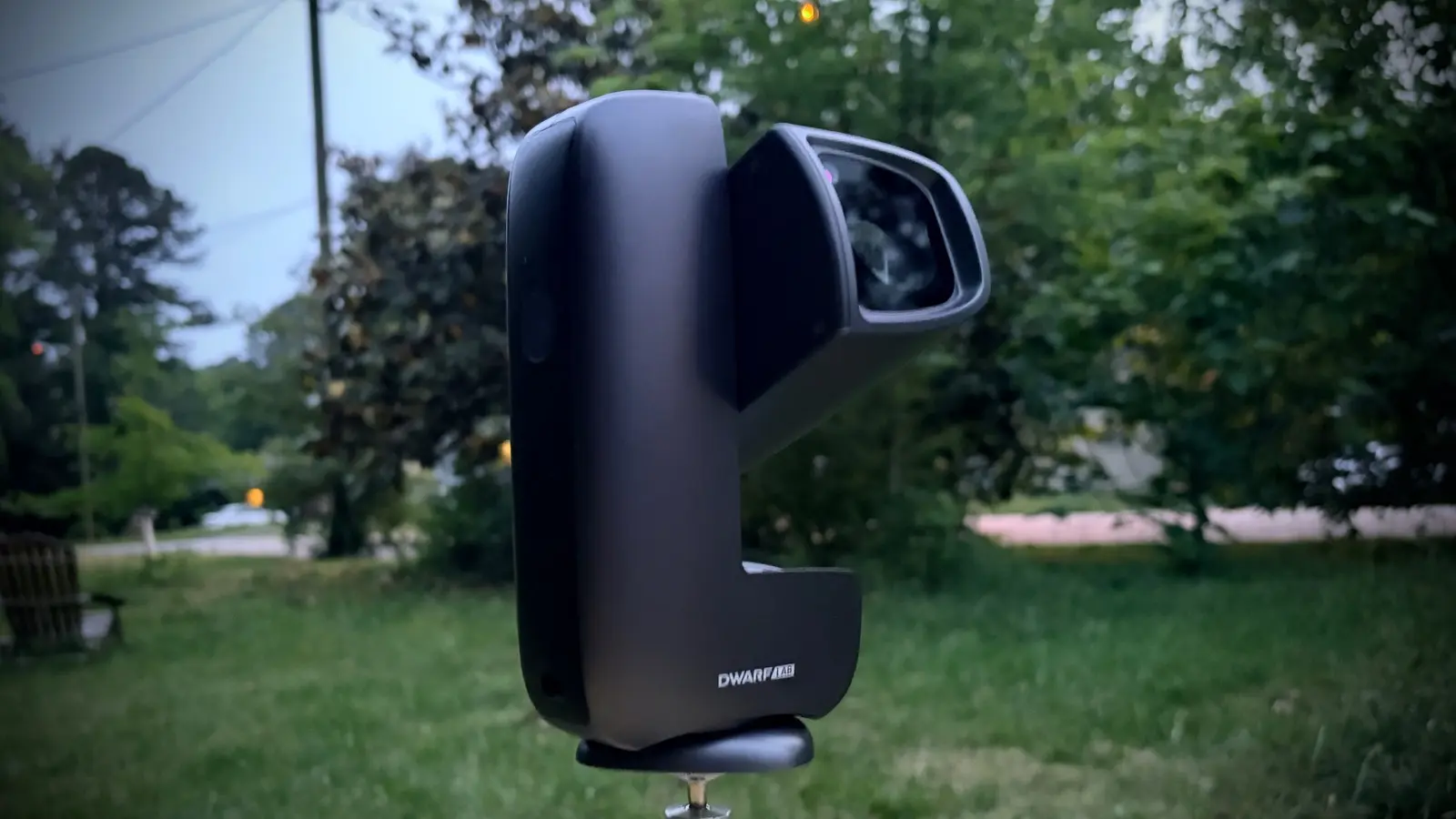
Speaking of cool gear, Cult of Mac reviewers put some amazing products through their paces this week, including a Thunderbolt 5 dock with an astonishing 26 ports and a smart telescope that works with your iPhone and lets you take gorgeous photos of distant galaxies.
And finally, don’t miss this week’s new deals on the latest MacBook Pros, a lifetime license to Microsoft Office 2024 for Mac or PC, and an affordable touchscreen deadbolt.
Enjoy your weekend!
— Lewis Wallace, managing editor
How-tos
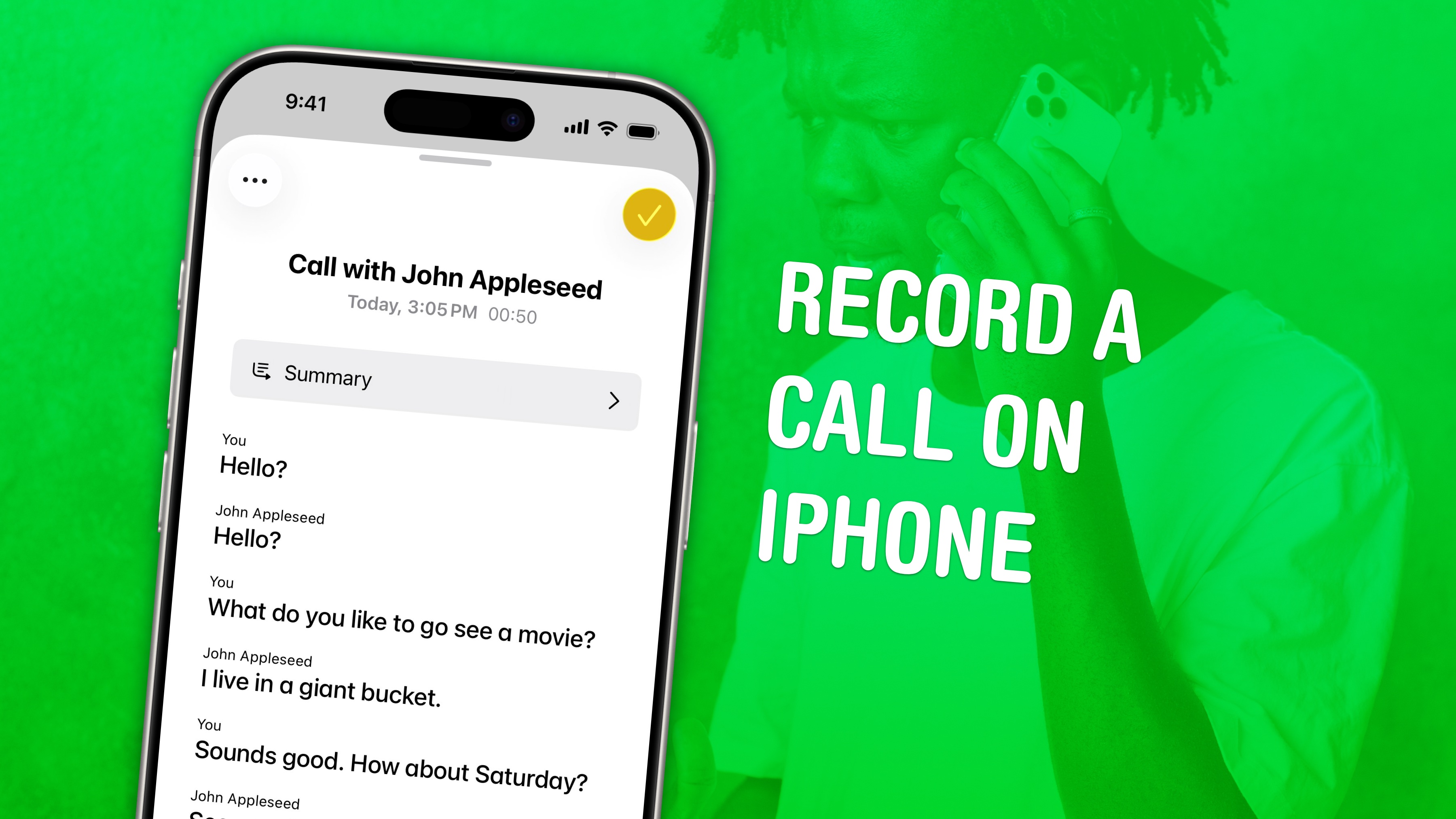

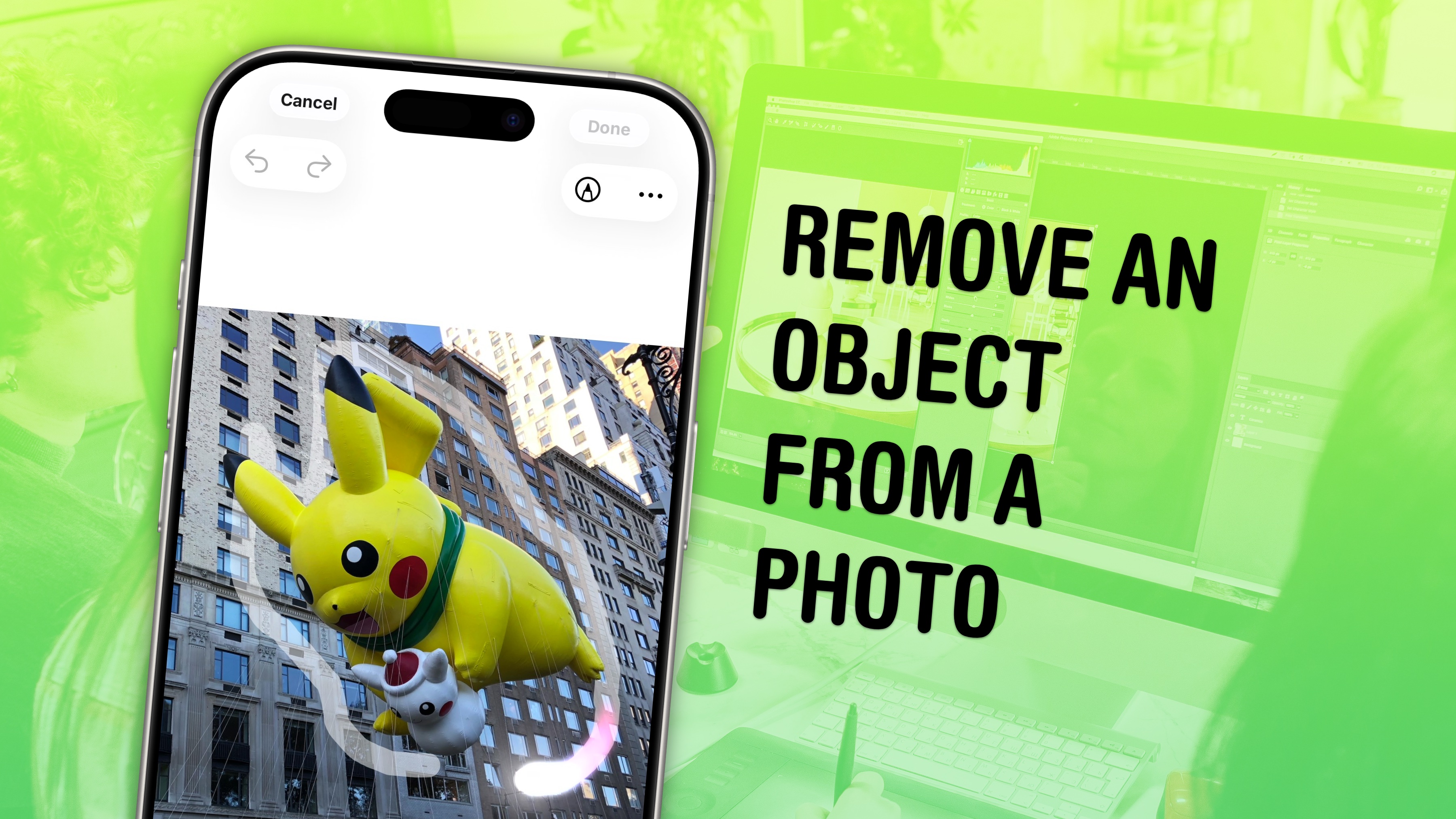
A message from Wispr Flow
Talk to your AI tools the way you'd talk to a colleague.

You don't send a colleague a three-word brief. You explain the context, the constraints, what you've already tried. But typing all that into ChatGPT takes forever — so you don't.
Wispr Flow lets you speak your prompts instead. Talk through your thinking naturally and get clean, paste-ready text. No filler words. No cleanup. Just detailed prompts that actually get you useful answers on the first try.
Millions of users worldwide. Works system-wide on Mac, Windows, and iPhone.
News

Plus, more on Apple earnings:

Plus, more Apple rumors:

Deals
Plus, more Apple deals:

Plus, more software from Cult of Mac Deals: