I accidentally updated to macOS 26 Tahoe overnight. I thought my MacBook Air was updating to the latest version of macOS Sequoia, but apparently, I clicked the wrong button.
That was quite the Saturday surprise. Previously, I avoided macOS 26 Tahoe like the plague. I’ve heard too many horror stories about bugs and bad user interface decisions, and I use my Mac every day, all day. I don’t need that kind of disruption.
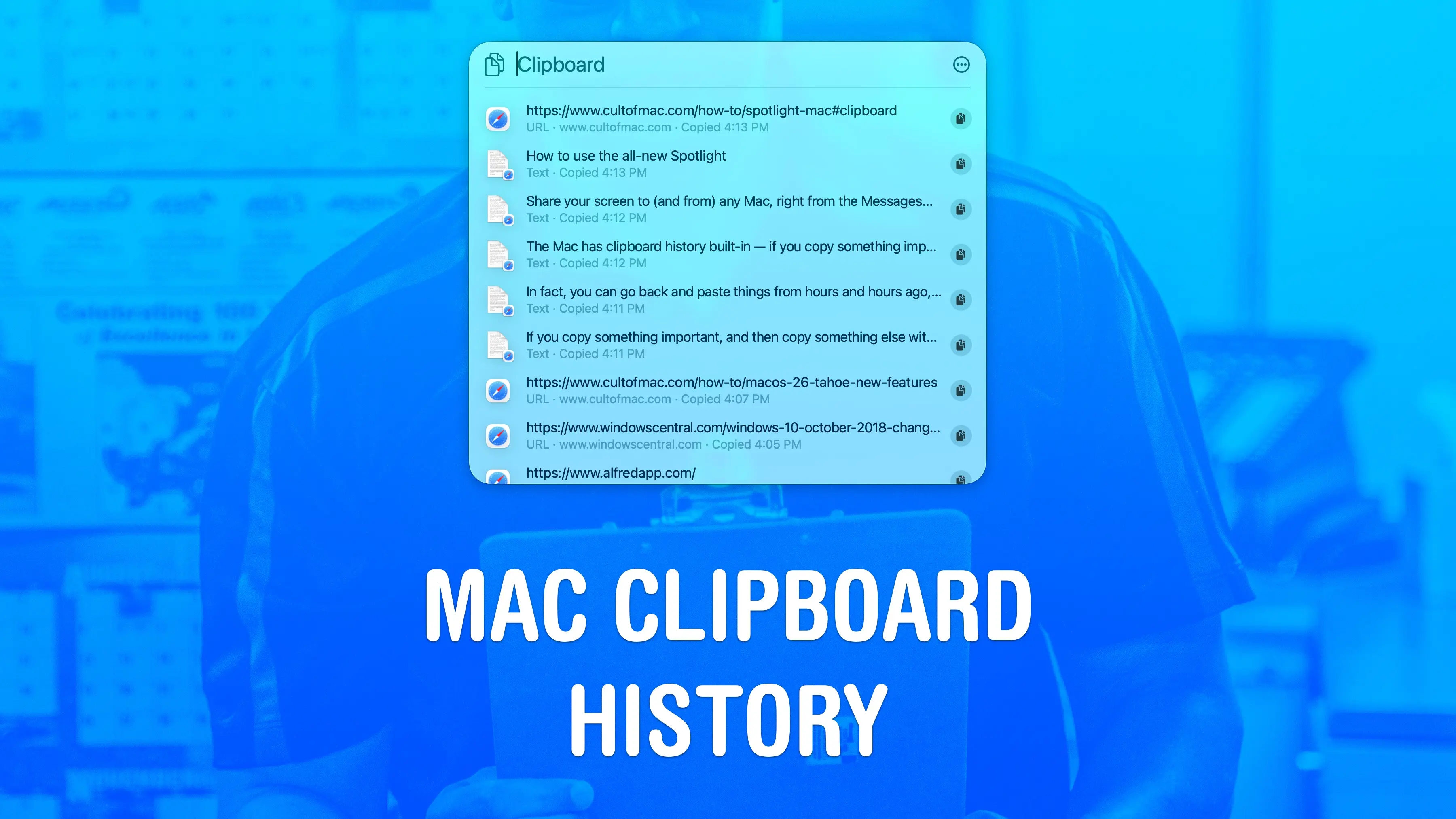
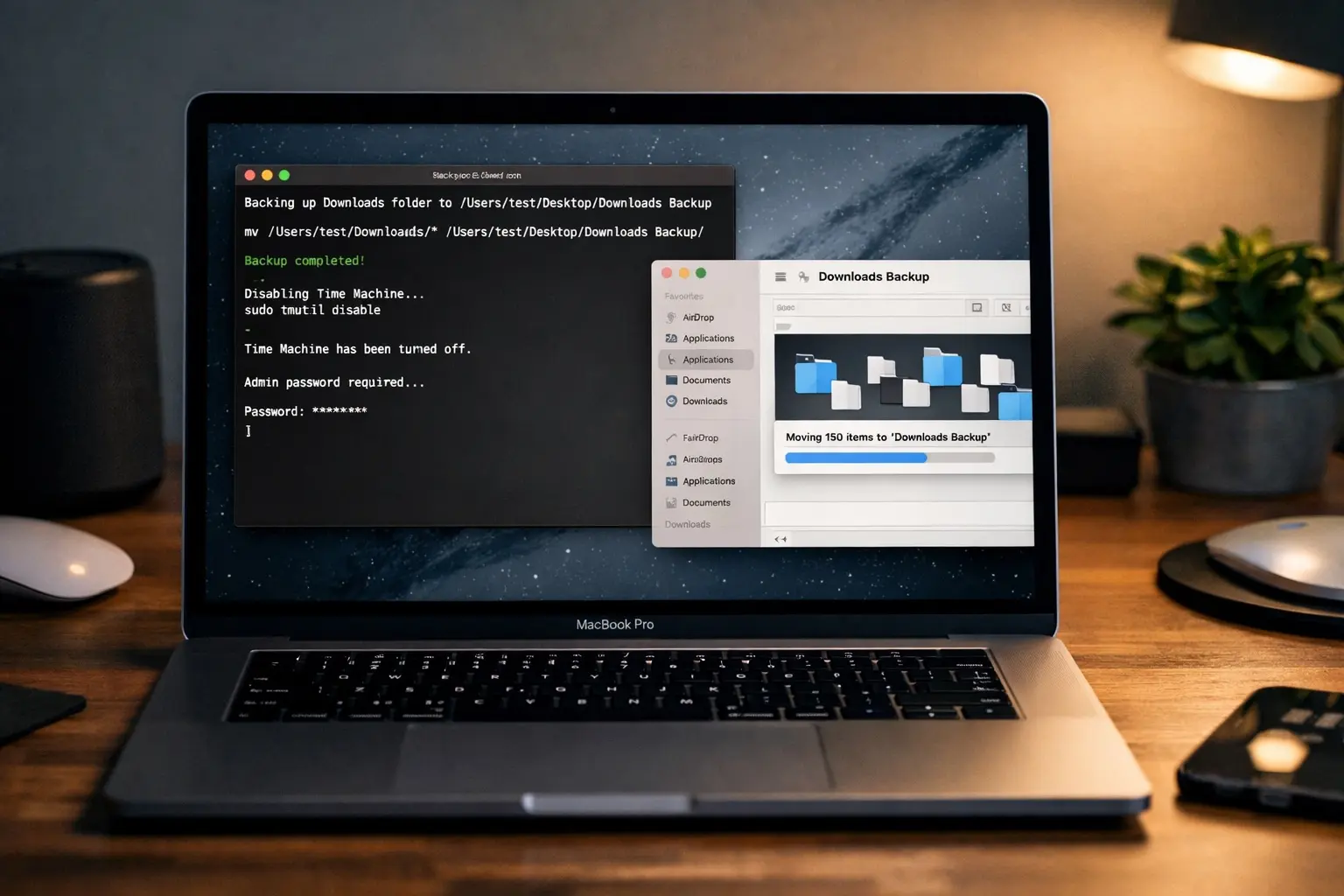
Oh well. Now that the deed is done, there’s one feature in particular that I’m excited about using. Apple finally built a clipboard manager into the Mac’s operating system. It’s a long-overdue addition. Here’s how it works.
Bonus link: If you, like me, are new to macOS 26 Tahoe, this post from the Cult of Mac vault might come in handy »»» Everything new in macOS 26 Tahoe: Supercharged Spotlight and 40+ other features.
Also in this edition of The Weekender:
Speaking of things you should try, don’t miss our roundups of great new features in Messages and Apple News+.
Everybody’s talking about OpenClaw, the hot new agentic AI that can do practically anything. Cult of Mac writer Rajesh Pandey installed it on his Mac and says it feels like the future. His post explains why it’s great (and how to set it up on your own machine).
Do you miss the glowing Apple logo on MacBooks of old? We do.
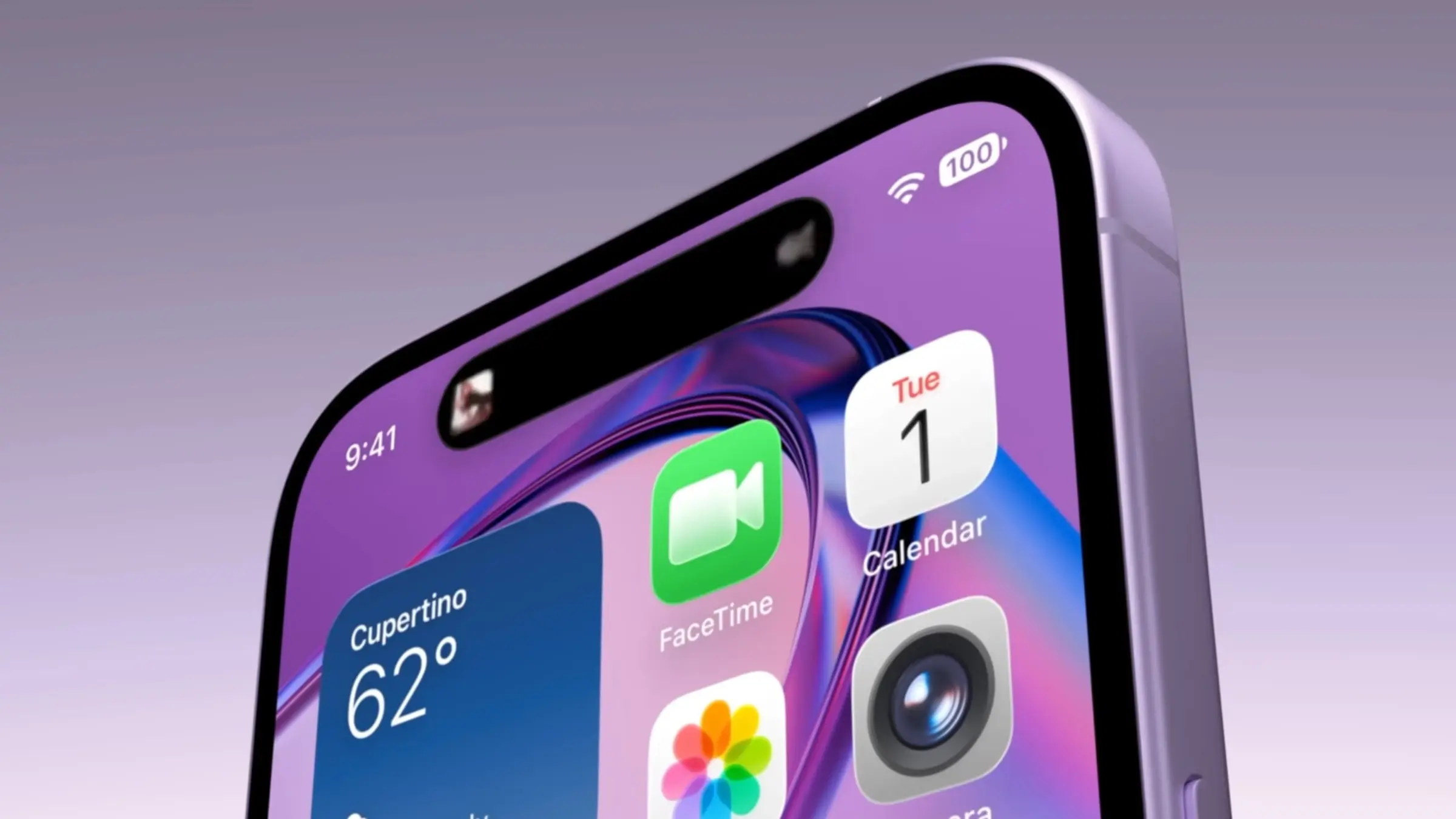
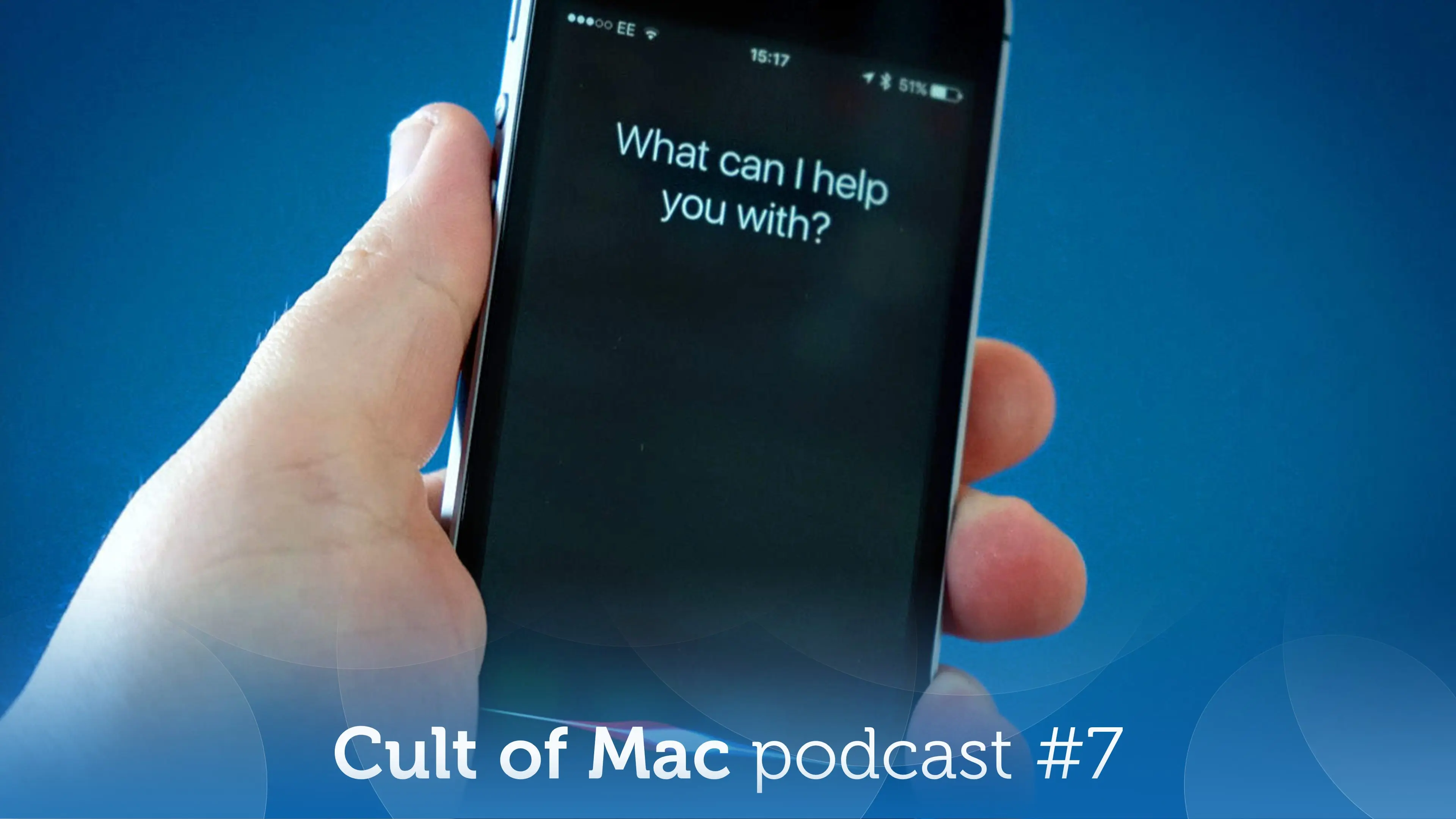
Rumors shed new light on the iPhone 17e (coming soon) and the long-promised smarter Siri (not coming soon). We discussed both of them on this week’s episode of the Cult of Mac podcast.
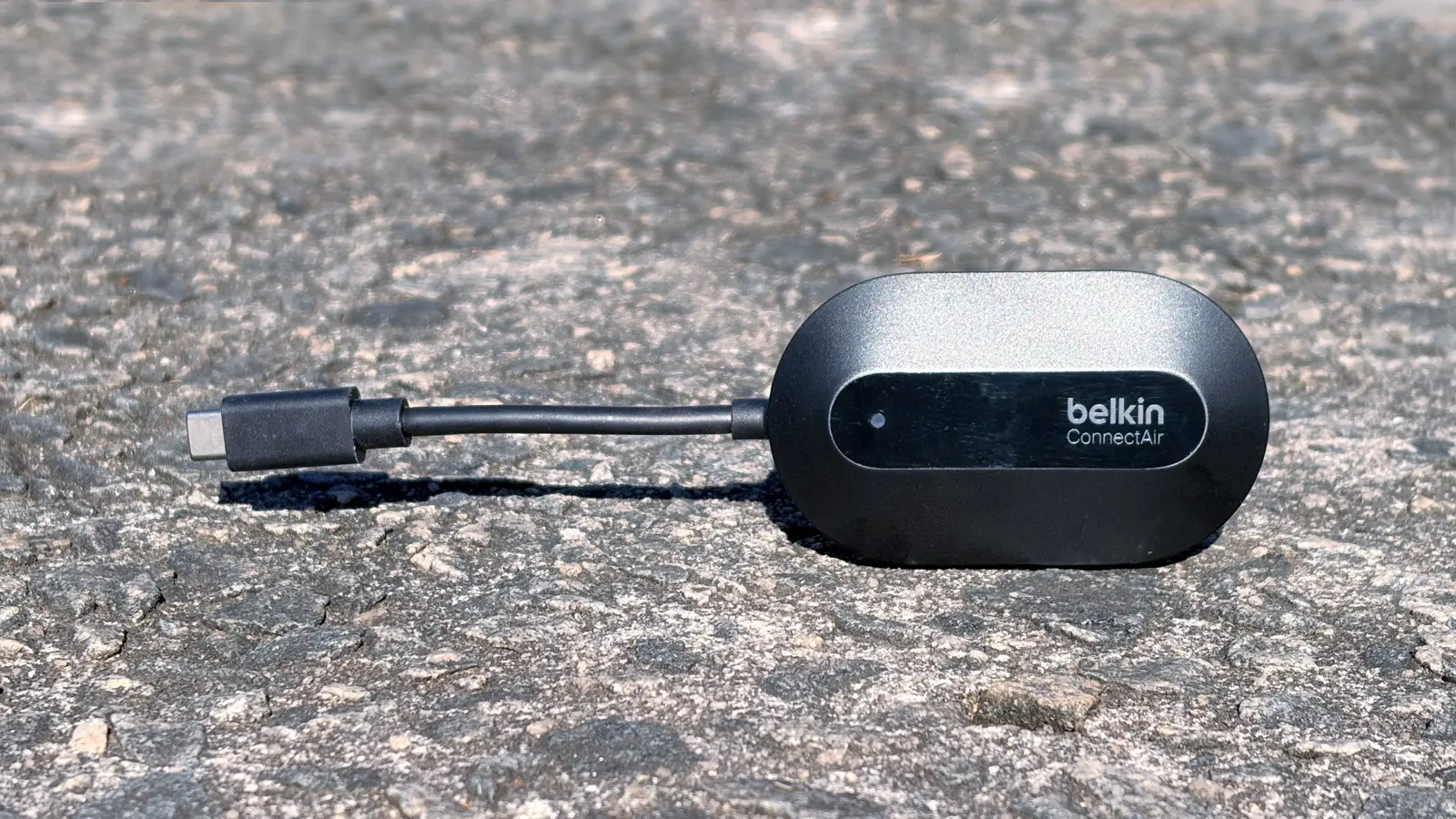
We reviewed a couple of fantastic new products this week: an innovative iPhone game controller and a wireless HDMI adapter.
And finally, Cult of Mac Deals uncorked new sales on a great mechanical keyboard, fun online guitar lessons and an AI Chrome extension that puts ChatGPT, Claude and Gemini right in your browser.
Enjoy your weekend!
— Lewis Wallace, managing editor
A message from HubSpot

Want to get the most out of ChatGPT?
ChatGPT is a superpower if you know how to use it correctly.
Discover how HubSpot's guide to AI can elevate both your productivity and creativity to get more things done.
Learn to automate tasks, enhance decision-making, and foster innovation with the power of AI.
Feature story
How-tos



News

Plus, more Apple software news:

Plus, more Apple rumors:


Plus, more Apple entertainment news:
Deals


Plus, more AI from Cult of Mac Deals: