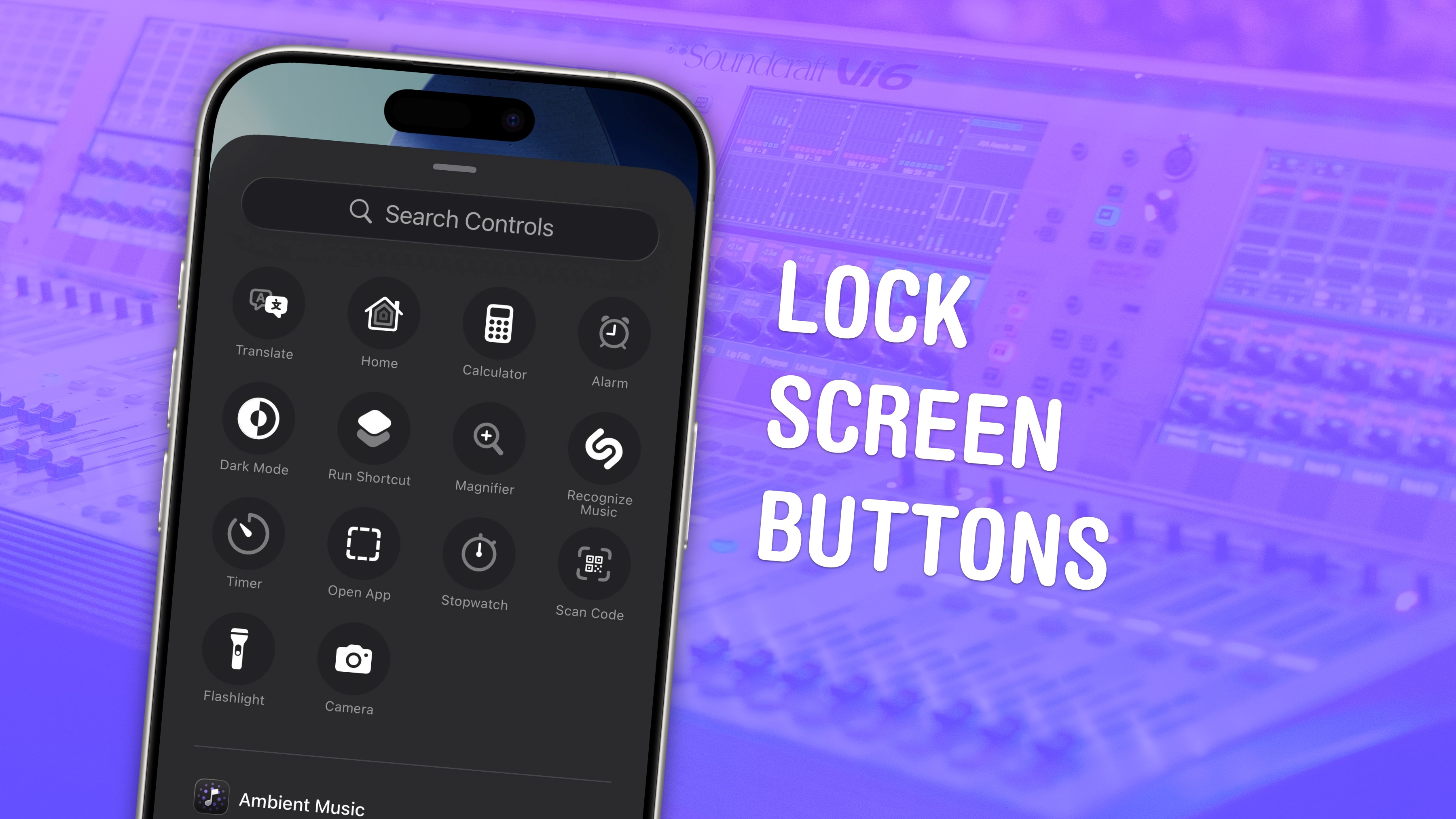
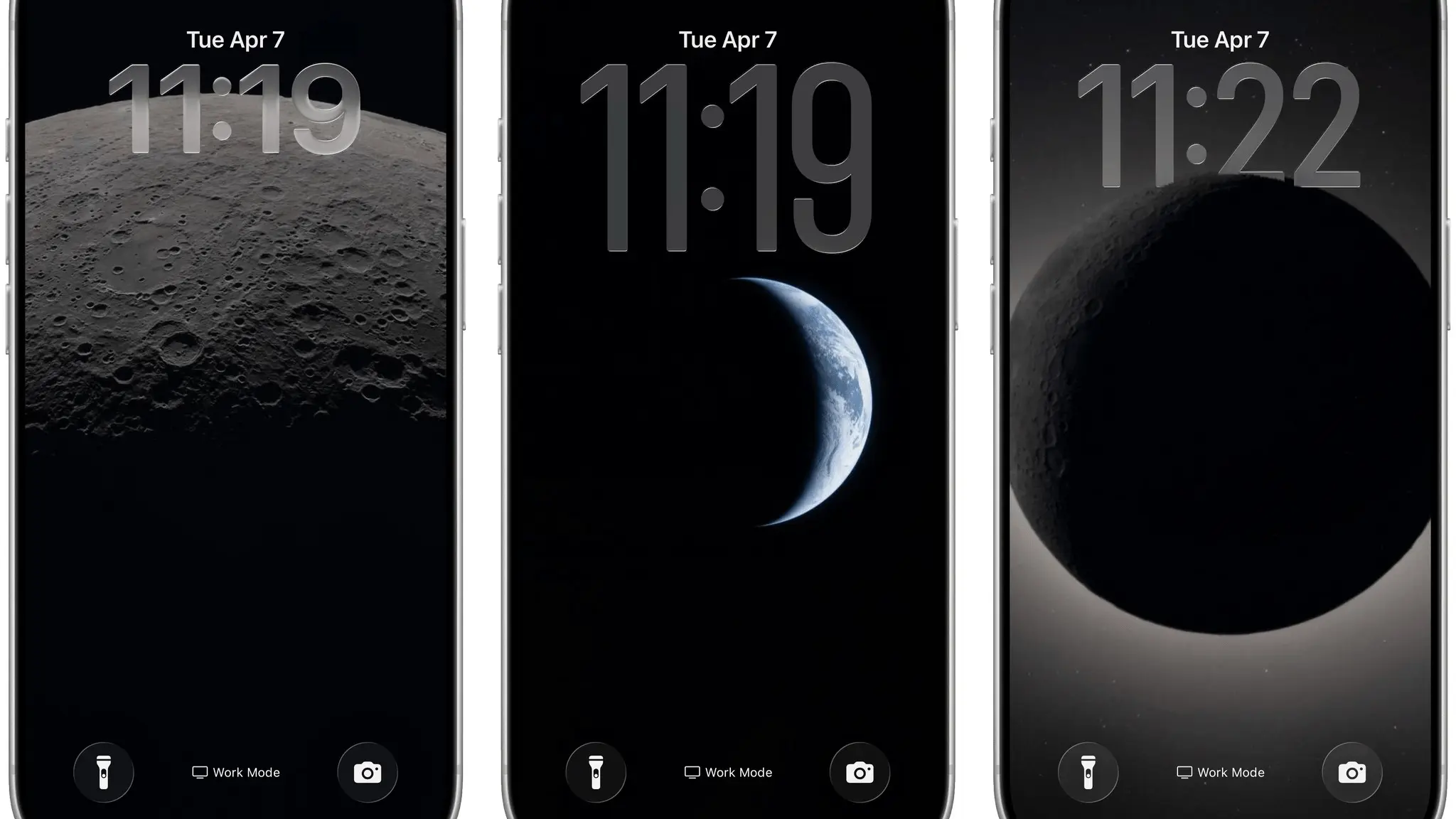
You know those two little buttons taking up prime real estate on your iPhone’s Lock Screen? They don’t have to open the flashlight and camera like they have for so many years.
You can customize the buttons to put just about anything front and center on your iPhone. And if you want to be really clever, you can set different Lock Screen buttons for different Focus modes, so you always have the most important and relevant tools at your disposal.
Our feature story this weekend explains how to make it happen — it just takes a minute!
Also in this edition of The Weekender:
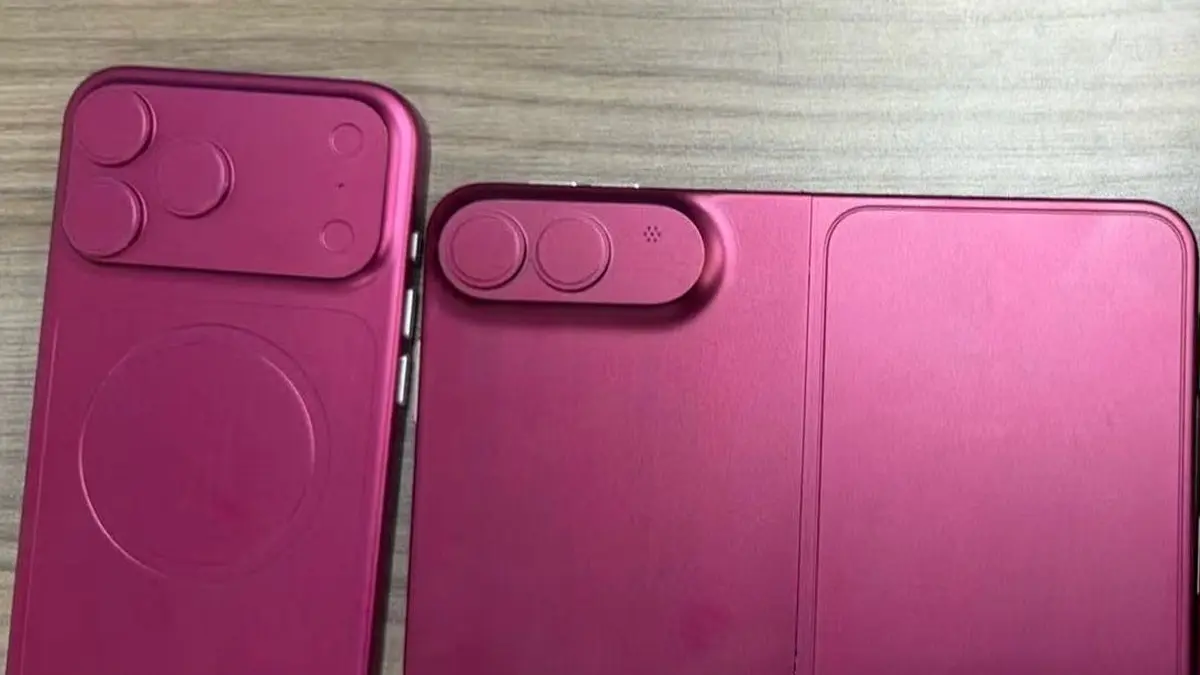
New dummy units and gorgeous renders of the first folding iPhone give us tantalizing glimpses of what the rumored device will look like. (We also heard talk of what Apple might call its first foldable this week.)
Images of the moon and Earth captured by the Artemis II crew look truly astounding. And they make amazing wallpaper for your iPhone, iPad or Mac.
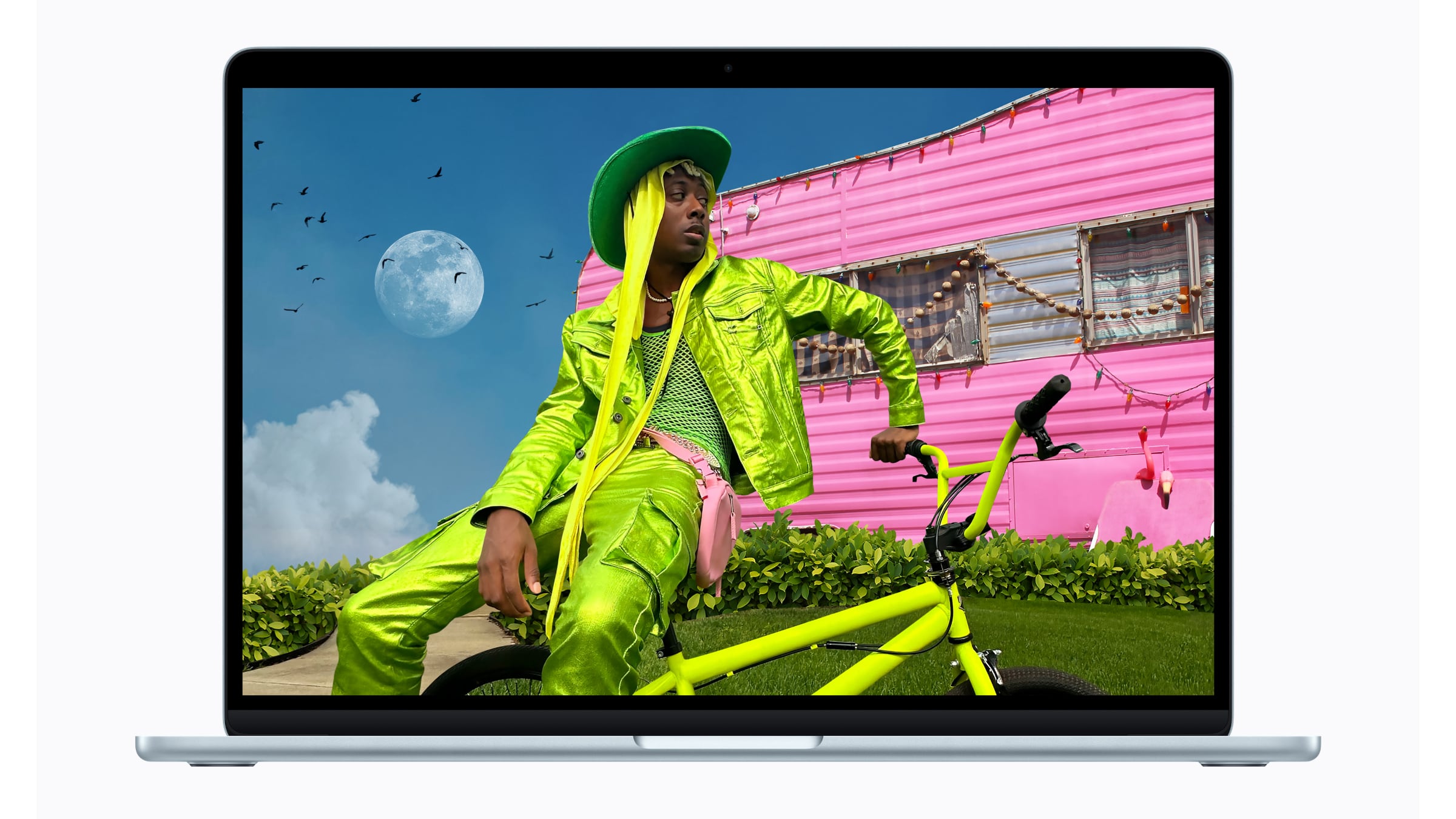
Don’t miss big sales that knock $100-plus off two popular Apple products: the M5 MacBook Air and the Apple Watch Ultra 3.
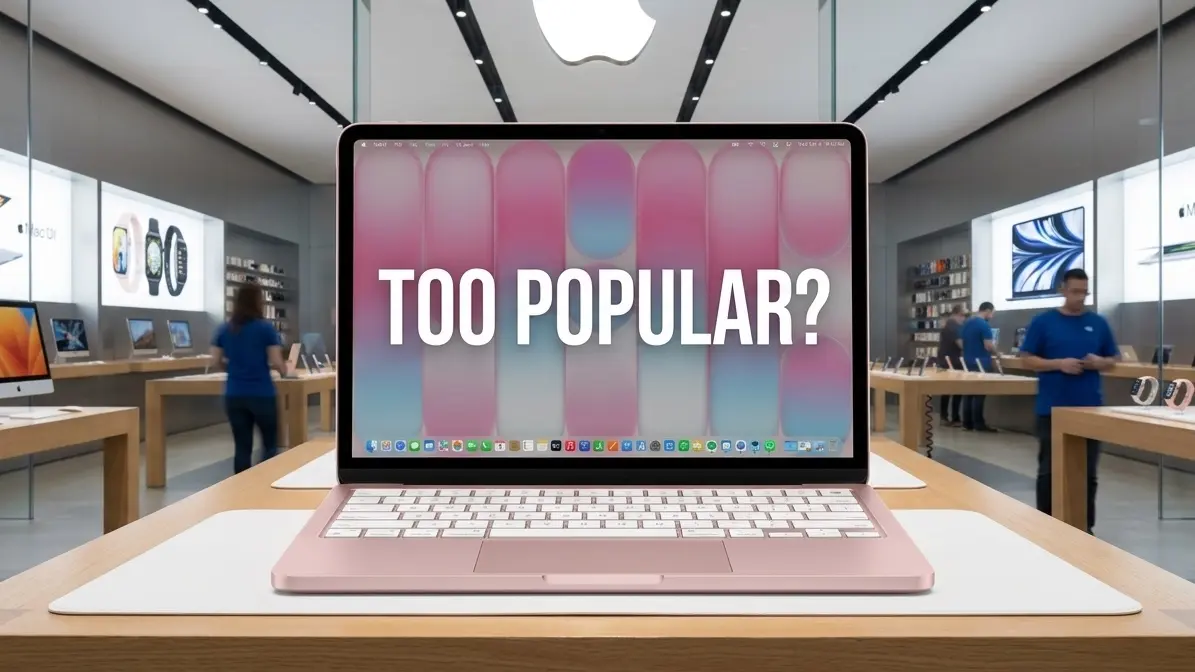
Leander, Griffin and I talked a lot about the MacBook Neo’s raging success and the pros and cons of a folding iPhone on this week’s episode of the Cult of Mac podcast. Watch or listen!
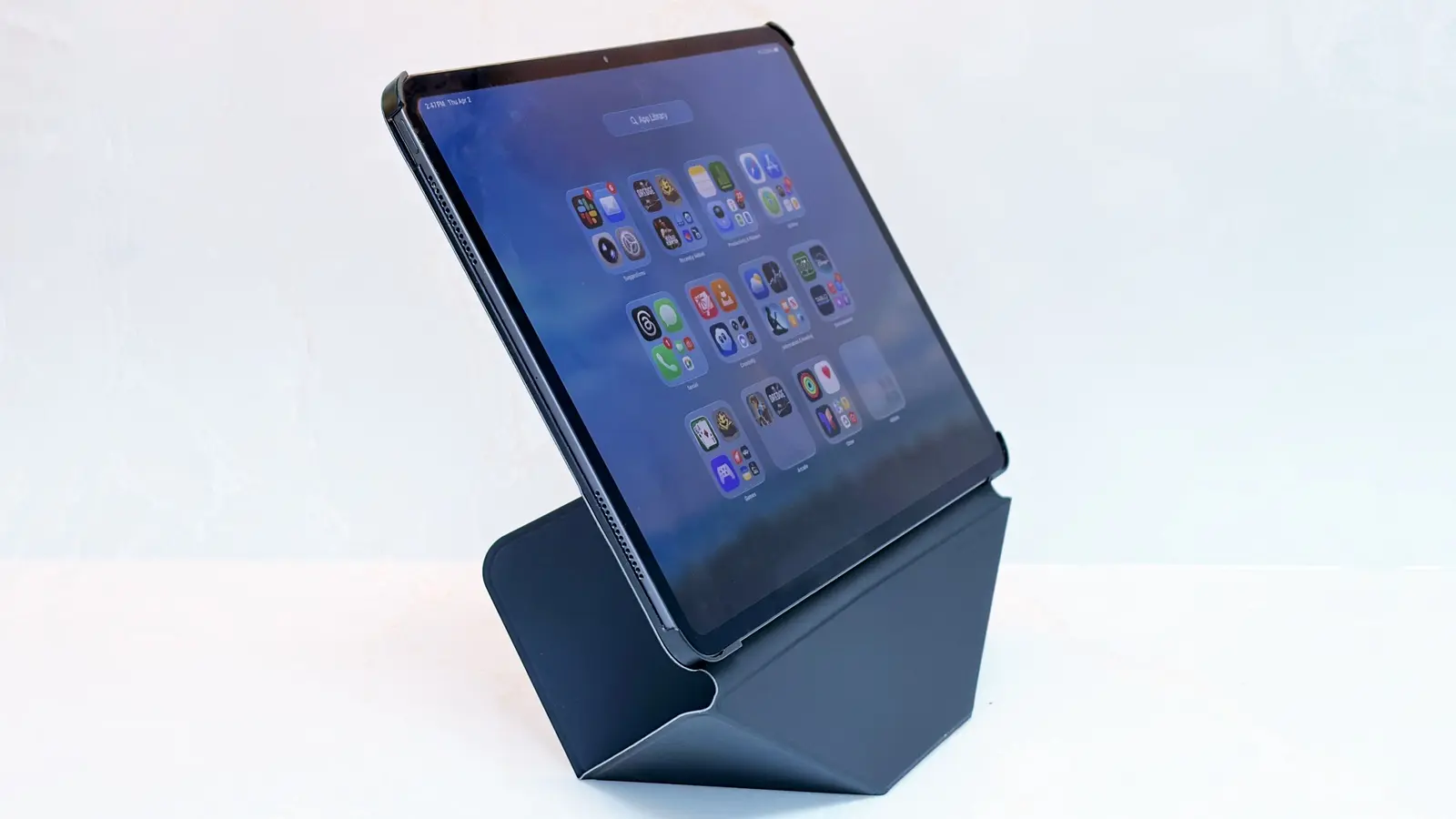
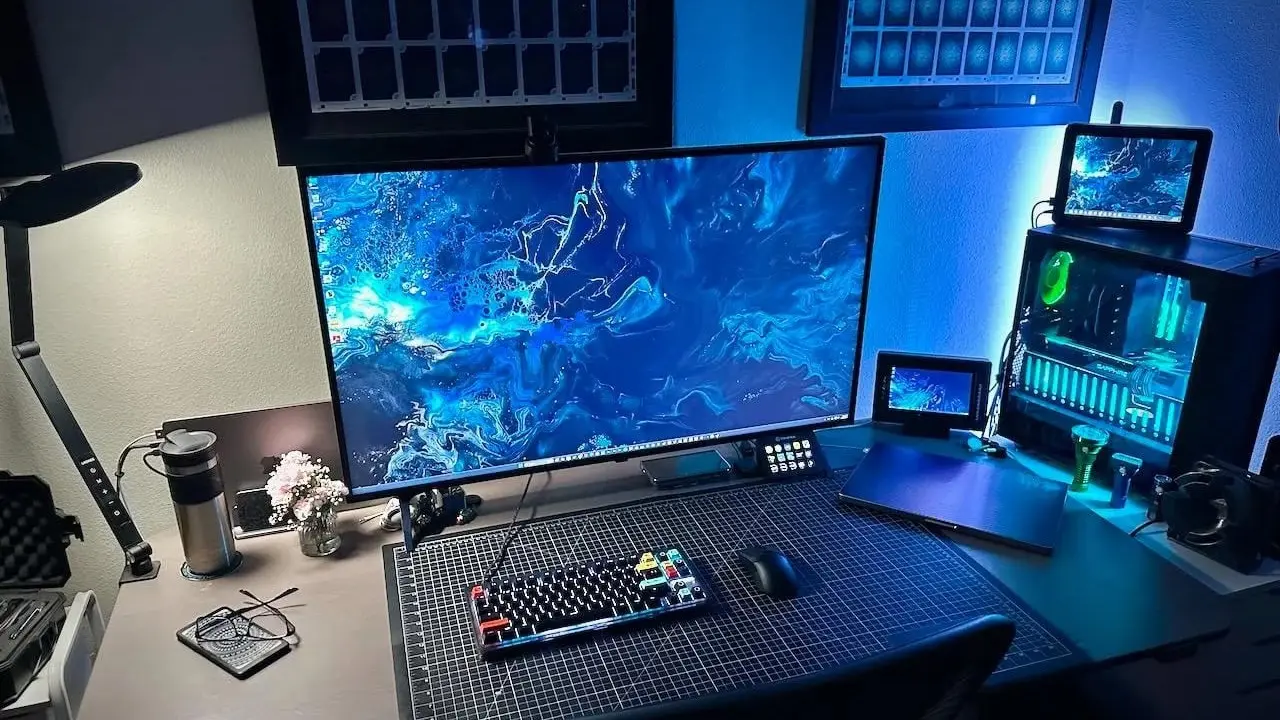
And finally, these stunning setups feature an unlikely pairing: a Mac and a PC.
Enjoy your weekend!
— Lewis Wallace, managing editor
Feature story
A message from Proton
Take control of your chaotic inbox

Stop drowning in spam. Proton Mail keeps your inbox clean, private, and focused—without ads or filters.
How-tos
A message from Fisher Investments
Are You Ready to Actually Retire?

Knowing when to retire means knowing what it costs, how long your money needs to last, and where the income comes from. When to Retire: A Quick and Easy Planning Guide helps investors with $1,000,000 or more work through all of it.
News
Plus, folding iPhone rumors:
Deals

Plus, more software from Cult of Mac Deals:
Plus, more Microsoft software from Cult of Mac Deals:

Plus, more AI from Cult of Mac Deals: