In partnership with

It’s been hard to wrap my head around the idea that touch on the new MacBook Pros is a minor feature.
It’s there if you want it, Apple is saying. And if you don’t, nothing much has changed.
I thought it’d be a much bigger deal, and I was disappointed by the utterly underwhelming use cases from yesterday’s unveiling. Playing virtual piano on a wobbly screen? In a forest???
The one exception is mobile app development: Clearly, it’s super-handy to see how your iPhone app behaves in Xcode by testing it on the MacBook’s touchscreen.
And as my colleague Lewis Wallace pointed out while we were recording this week’s podcast, several things in pro workflows might be easier and better with multitouch.
Manipulating long and complex timelines in Logic or Final Cut Pro, for example, can be fiddly and frustrating with a trackpad or mouse — but easy-peasy with a finger.
I’m also persuaded by the argument that we expect all screens to be interactive these days, and it sounds like Apple was able to add multitouch without much extra cost, weight or bulk.
It’s silly to judge from just a press release and some influencer videos. The real test will be going hands-on (boom boom!).
Multitouch’s utility will be seen in coming weeks and months as users and app developers learn how to put it to proper use.
Meantime, the new machines are a major redesign that will form the basis of MacBooks for several years to come. There are a lot of other changes — internal and external — that make them very lustworthy machines.
Also in today’s newsletter:
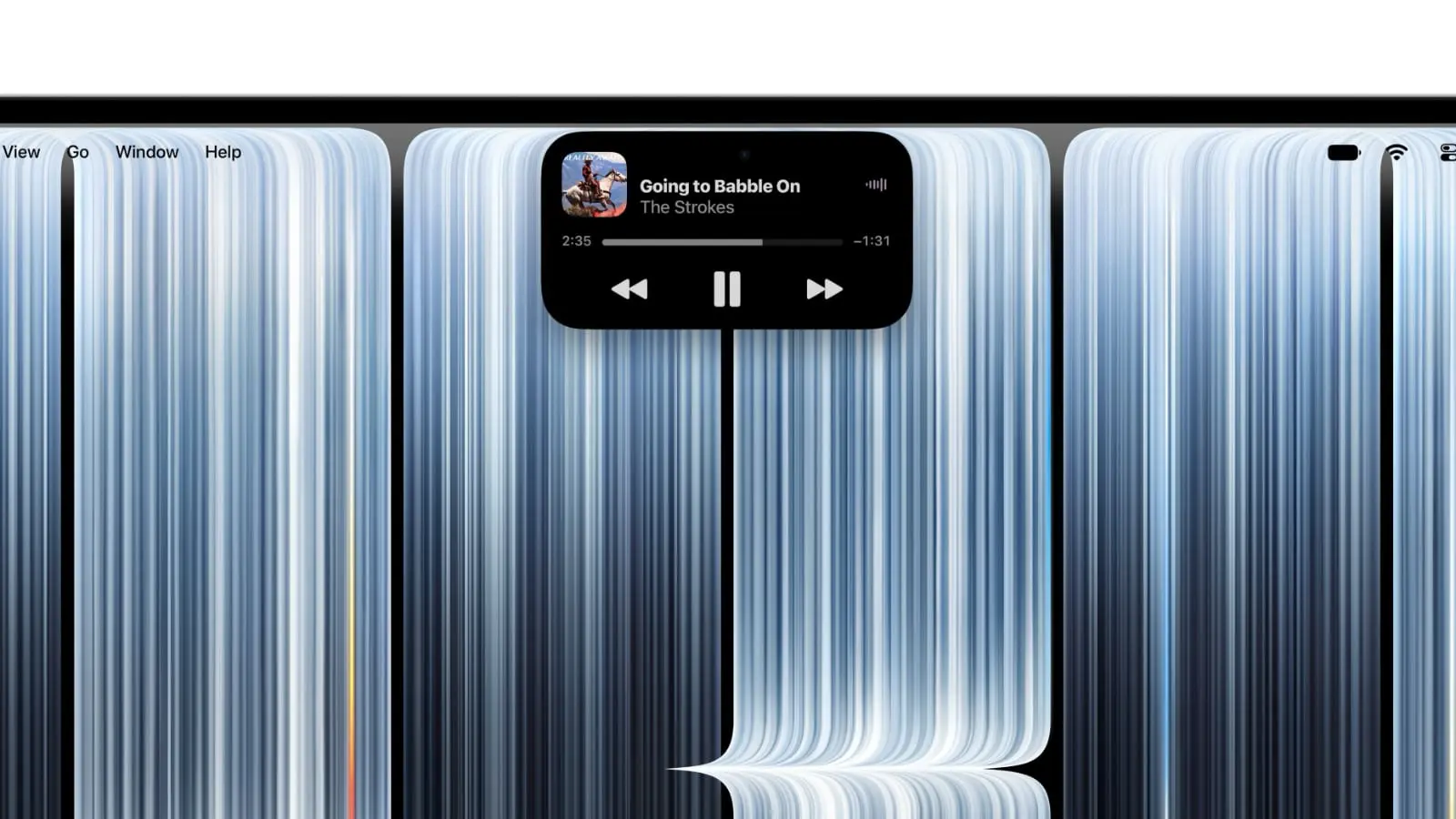
Some of the new MacBook Pro’s design choices are real headscratchers, though. Why add the Dynamic Island (yay!!!) but not include Face ID? Lots of fans are pissed.
Here’s exactly how to use your updated HomePod as your Mac’s default speaker.
🔥 DEAL OF THE DAY: Here’s a great way to get 25W fast iPhone charging on the cheap. Ugreen’s nice-looking 2-in-1 wireless charging station offers Qi2.2 and costs only $20 after clipping the on-page coupon (discount applied at checkout). No Apple Watch support, though. #affiliate
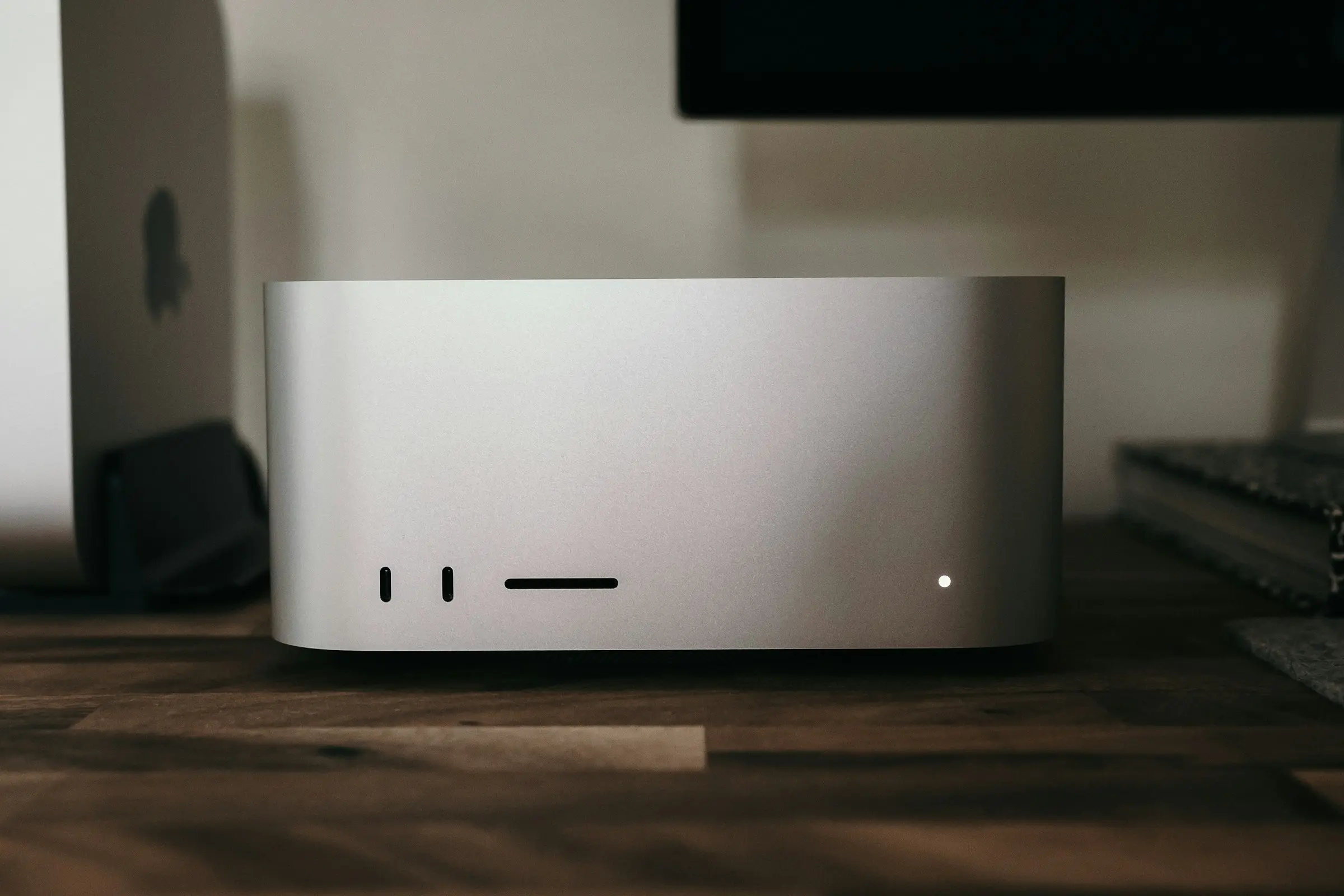
Here’s a fascinating dilemma. Drop $22,000 on the new Mac Studio with 512GB of RAM? Or buy two 256GB machines for less?
— Leander Kahney, EIC.

A message from the Cult of Mac Deals team


A message from the Cult of Mac Deals team

Cult of Mac’s buyback program

A message from Wispr Flow
Your meetings, inside Claude and ChatGPT

Last week's customer call has the details your proposal needs. Right now they're buried in notes nobody can find.
Wispr Flow Notetaker captures your meetings with names, numbers, and product terms spelled right, then brings them into Claude or ChatGPT through a built-in connector. Ask Claude to draft the proposal from your last three calls with a prospect, or pull together what the deal team said about pricing this quarter.
Need something from a call in March? Ask one question across every meeting you've had and get the answer with citations. Get Wispr Flow Notetaker, free to try on Mac and Windows.
Tweets of the day
Wallpaper of the day
One more thing ...
We figure out what we want. And I think we're pretty good at having the right discipline to think through whether a lot of other people are going to want it, too. That's what we get paid to do.
Today’s poll
When out and about, where do you work remotely?
Results from yesterday’s poll:

Best reader comments


Subscribe to The Weekender — Get the week's best Apple news, reviews and how-tos from Cult of Mac, every Saturday morning. Our readers say: "Thank you guys for always posting cool stuff" -- Vaughn Nevins. "Very informative" -- Kenly Xavier.
